Locating a Defective RAM
On earlier model
PETs.
the RAM failure rate was high. This prompted the
manufacturer
ta
recommend a procedure
for
owners of the first
PETs
ta check for
a defective RAM themselves.
We
reproduce this procedure below; vou may
want
ta learn this procedure if vou have an aider
PET
and are experiencing frequent
RAM failures.
It
applies only ta
PETs
with
compact keyboards.
If
vou
do
not get the standard number of bytes free
at
power-up (Iess
than
7167
for
an
8K
PET
or
3071
for a
4K
PET)
or
if the RETURN key
is
not
working properly, the problem
is
probably a defective memory device,
or
RAM.
The
following
procedure describes how ta locate a faulty RAM yourself, sa
that
Vou
do
not
have ta ship the
PET
ta
the factory ta have this done.
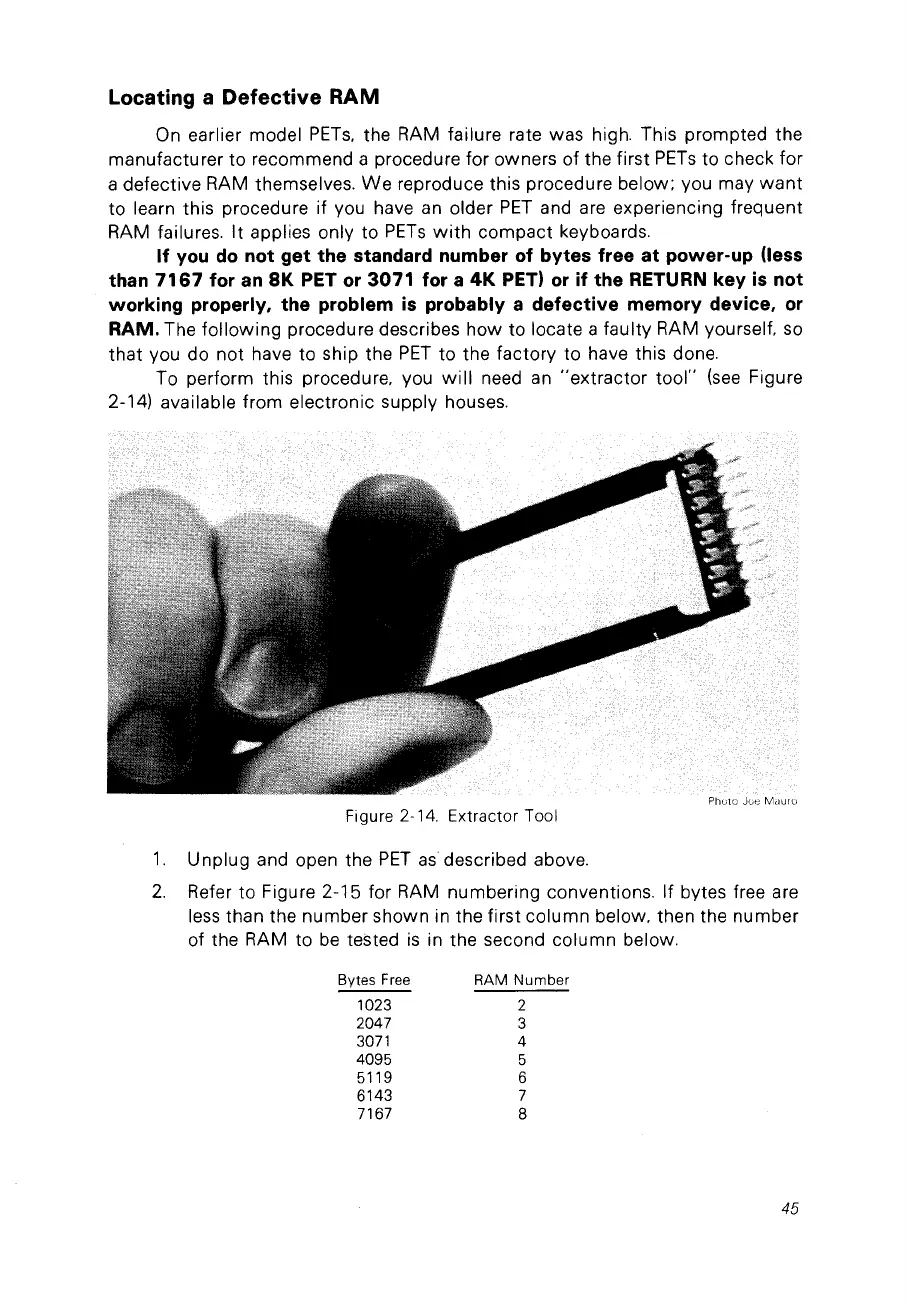
Ta perform this procedure, vou
will
need
an
"extractor
tool"
(see
Figure
2-14) available fram electranic supply houses.
Photo
Figure 2-14.
Extractor
Tooi
1.
Unplug and open the
PET
as
described above.
2.
Refer
ta
Figure 2-15 for RAM numbering conventions. If bytes free are
less than the number shawn in the first column below. then the number
of the RAM ta
be
tested
is
in the second column below.
Bytes
Free
1023
2047
3071
4095
5119
6143
7167
RAM Number
2
3
4
5
6
7
8
45



 To Next Page