VERIFY "PETPRO"
DEVELOPING A PROGRAM
Verify the tape copy of the program named
PETPRO
by comparing
it
with
the program in
memory.
When
the
PET
is
powered up
it
is
in immediate. or calculator mode. Entering
program mode
is
simple:
just
begin entering statements
that
are preceded by line
numbers. Remember
that
programs are executed in the ascending arder of the
line numbers.
which
can range from a
ta
63999.
Vou
will
find when developing a program
that
vou
will
have ta change. or
edit. your program at least a little. and probably a lot. before vou get it running.
Because of this.
it
is
helpful
ta
select line numbers that increment by
5,10,
or
even
100,
rather than incrementing by
1.
If vou have
ta
insert.
say,
three state-
ments between
two
existing lines of a program, vou can do sa
without
having
ta
renumber any of the existing lines. Do not renumber existing lines in a program
unless
Vou
absolutely have ta: it
is
easy ta cause errors
in
loops and
GOTO
state-
ments by not changing the line number everywhere it
is
referenced.
Vou
will
normally key in statements, from
your
handwritten notes, in the
arder in
which
they are ta
be
executed. However,
PET
BASIC does not require
statements
ta
be
entered in arder. Vou could key in statement 10. then statement
100. then statement 20. The
PET
sequences the statements by line number before
listing or executing the program.
We
return
now
ta
the
"mini-program"
presented at the beginning of this
chapter.
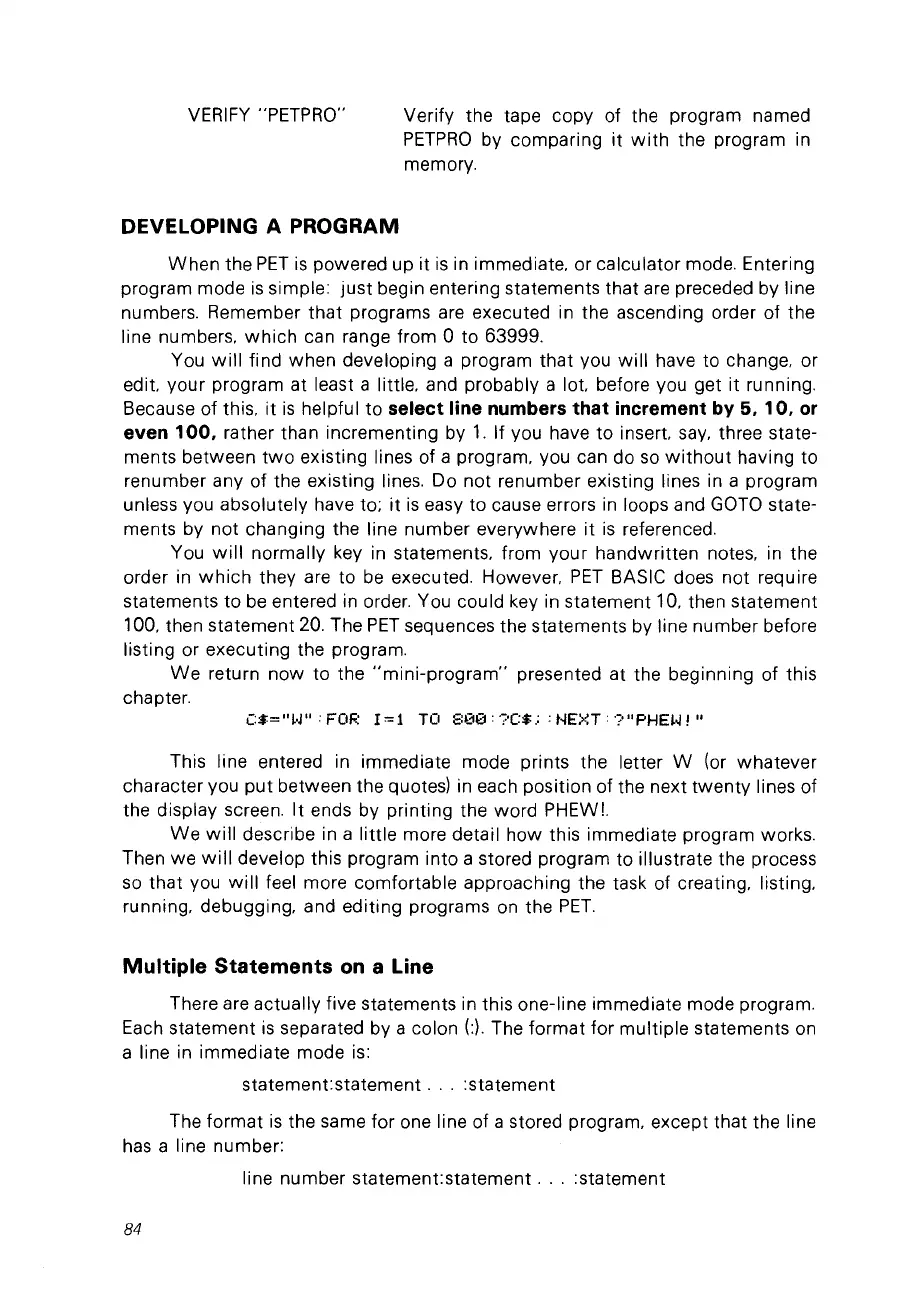
C:$="W' : FOR
1=1
TO
;::00:
?(:$.:
: t-IEXT:
?"PHEW!
"
This line entered in immediate mode prints the letter W (or whatever
character vou
put
between the quotes) in each position of the next
twenty
lines of
the display screen.
It
ends by printing the
ward
PHEWL
We
will
describe in a little more detail how this immediate program works.
Then
we
will
develop this program into a stored program ta illustrate the process
sa
that vou
will
feel more comfortable approaching the task of creating, listing,
running, debugging, and editing programs on the
PET.
Multiple Statements
on
a Line
There are actually five statements in this one-line immediate mode program.
Each statement
is
separated by a colon
(:).
The
format
for
multiple
statements on
a line in immediate mode
is:
statement:statement
...
:statement
The format
is
the same
for
one line of a stored program, except that the line
has
a line number:
line number statement:statement
...
:statement
84



 To Next Page