Spaces Are
Not
Needed
Are vou struggling
with
the question of where
to
put
spaces in the line and
where not to?
Don't
worry.
PET
BASIC interprets a line by the elements in it.
Spaces. or blanks. are irrelevant
to
the PETs decoding of a line. For example. the
line:
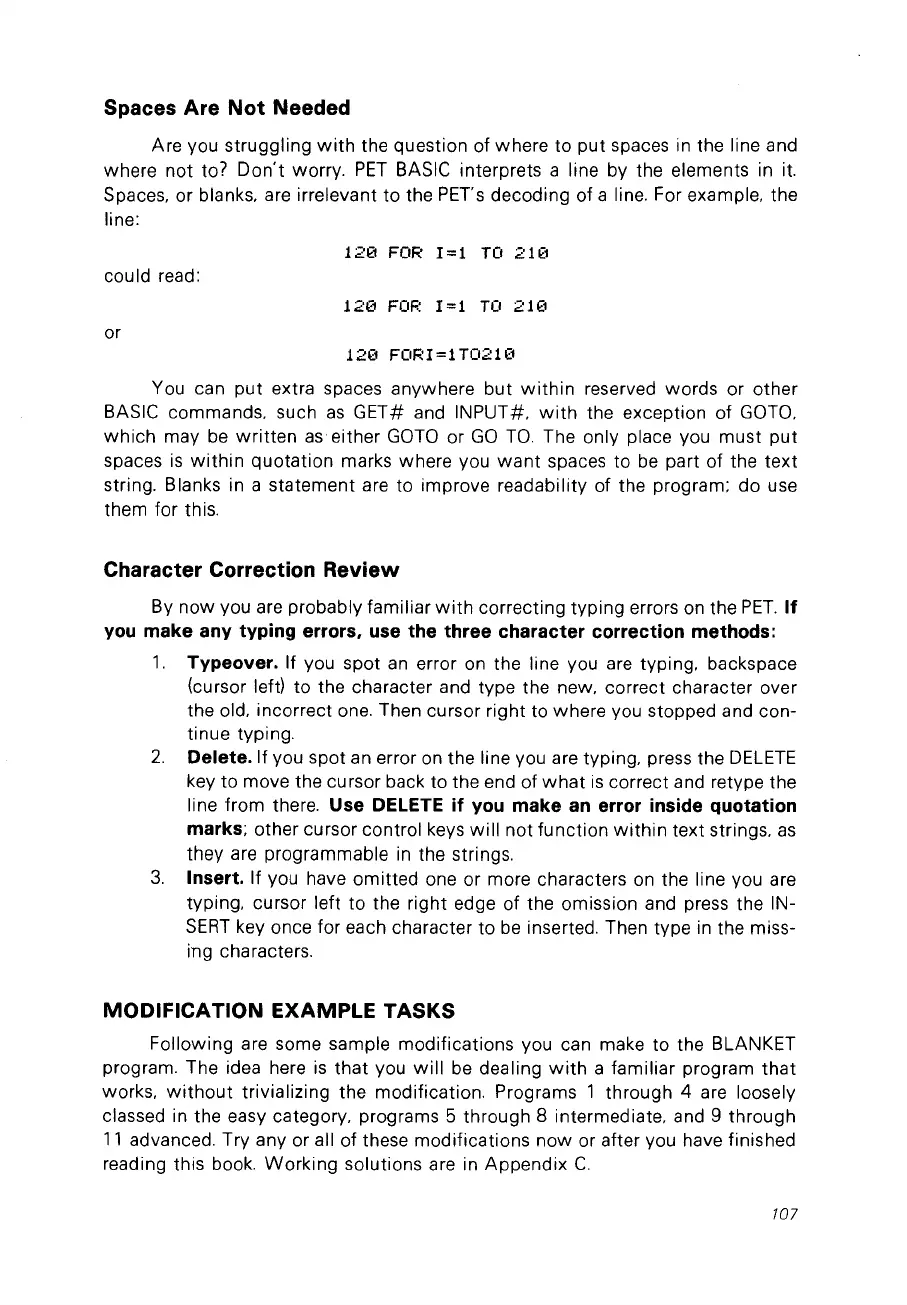
1213
FOR
1=1
TO
211<:1
could
read:
1213
FOF.:
1=1
TO
211<:1
or
1213
FOR1=lT021e
You can
put
extra spaces anywhere
but
within
reserved words or other
BASIC commands. such
as
GET# and INPUT#.
with
the exception of
GOTO.
which
may
be
written
as
either
GOTO
or
GO
Ta. The only place vou must
put
spaces
is
within
quotation
marks where you
want
spaces to
be
part of the
text
string. Blanks in a statement are to improve readability of the program; do use
them for this.
Character Correction
Review
By
now
you are probably familiar
with
correcting typing errors on the
PET.
If
you
make any typing errors. use the three character correction methods:
1.
Typeover. If you spot
an
error on the line you are typing. backspace
(cursor left)
to
the character and type the new. correct character over
the old. incorrect one. Then cursor right to where you stopped and con-
tinue typing.
2.
Delete. If you spot an error on the line you are typing. press the
DELETE
key
to
move the cursor back to the end of
what
is
correct and retype the
line from there.
Use DELETE
if
you make
an
error inside quotation
marks;
other cursor control keys
will
not
function
within
text strings.
as
they are programmable
in
the strings.
3.
Insert. If you have omitted one or more characters on the line you are
typing. cursor left to the right edge of the omission and press the IN-
SERT
key once for each character
to
be
inserted. Then type in the miss-
ing characters.
MODIFICATION EXAMPLE TASKS
Following are some sample modifications you can make to the BLANKET
program. The idea here
is
that
you
will
be
dealing
with
a familiar program
that
works.
without
trivializing the modification. Programs 1 through 4 are loosely
classed in the easy category. programs 5 through 8 intermediate. and 9 through
11
advanced. Try any or ail of these modifications
now
or after you have finished
reading this book.
Working
solutions are in Appendix
C.
107



 To Next Page