ANIMATION
Animation
on
the PET
is
done
in
program mode. Any graph, number,
design, word,
or
pieture may be programmed to move sideways, up, down,
or
diagonally, flash
on
and off, print faster
or
slower,
in
almost any eombination.
Animation
is
a capability
that
distinguishes the
PET
from many other computers.
and
it
will
probably
be
the most fun aspect for vou.
To demonstrate animation.
we
will
begin by animating the sketching of the
small square programmed in the previous section
(see
page 5-95 for final listing).
Instead of seeing the square appear instantaneously
on
the sereen, animation
will
allow the
viewer
to
wateh
eaeh element of the square slowly appear
on
the sereen.
The program to animate the square looks very different from the previous
program because the line segments are programmed in BASIC code and
not
as
picture segments. There
is
no large square
within
quotation
marks. The square
is
broken
down
into
individual graphie characters.
TIME DELAY
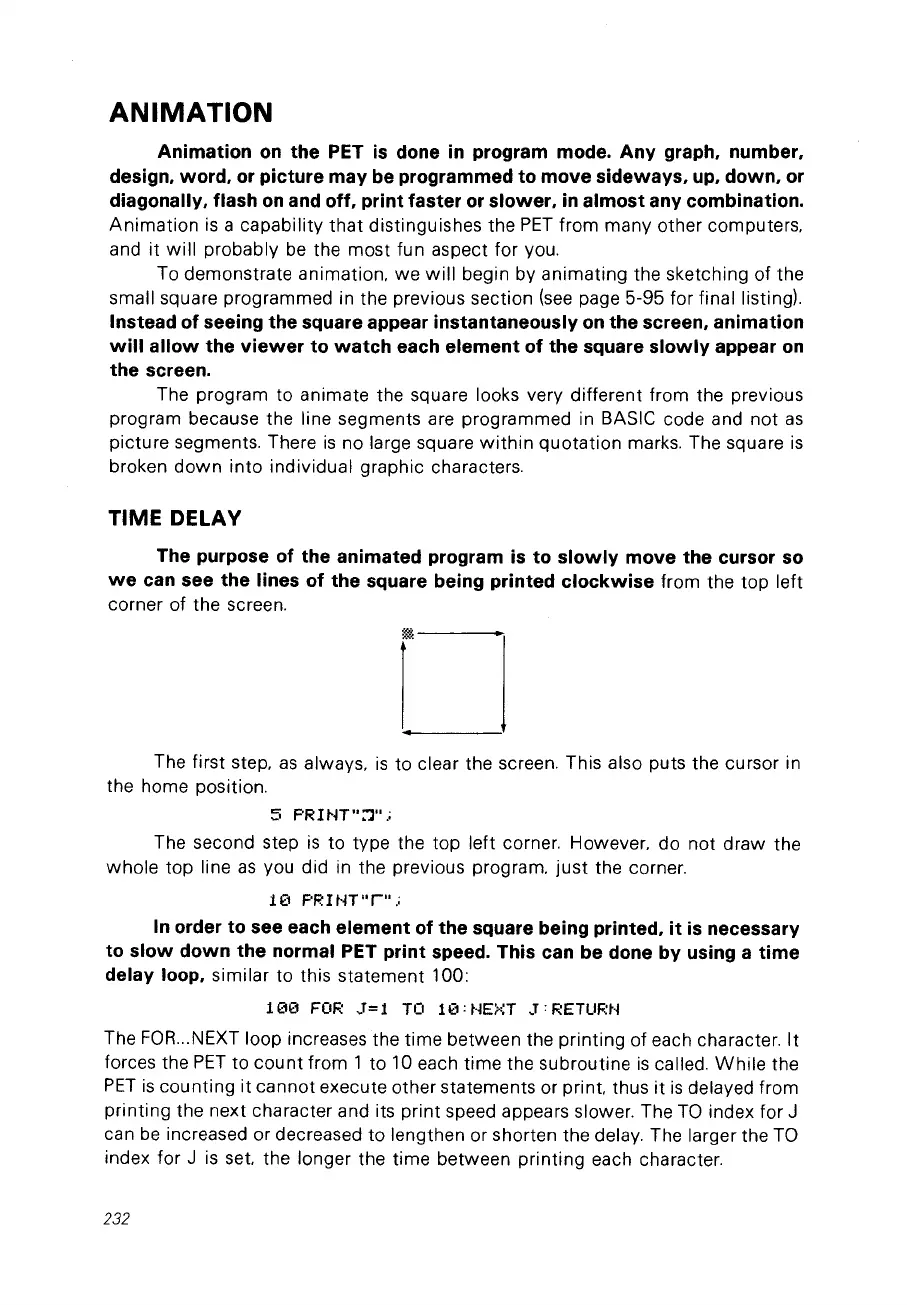
The purpose of the animated program
is
to slowly move the eursor
50
we
ean see the lines of the square being printed eloekwise from the top left
corner of the screen.
The first step.
as
always,
is
to clear the screen. This also puts the cursor in
the home position.
5
F'RH~T":"l".;
The second step
is
to type the top left corner. However, do not
draw
the
whole
top line
as
vou did in the previous program.
just
the corner.
1(1 F'RI tiT
"r"
.;
ln
order to see eaeh element of the square being printed,
it
is
neeessary
to slow down the normal PET print speed. This ean be done by using a time
delay loop,
similar to this statement 100:
100
FOR
3=1
TO
10'NEXT
3:RETURN
The
FOR
...
NEXT loop increases the time between the printing of each character.
It
forces the
PET
to
count
from 1 to 10 each time the subroutine
is
ca
lied.
While
the
PET
is
counting it cannot execute other statements or
print
thus it
is
delayed from
printing the next character and its print speed appears slower. The
Ta
index for J
can
be
increased or decreased
to
lengthen or shorten the delay. The larger the
Ta
index for J
is
set
the longer the time between
printing
each character.
232



 To Next Page