3.
Wait
for READY display.
About
three seconds after switching power
on,
the following message
is
displayed
on
the screen:
###
COMMODORE
BASIC
###
F.:EAD'T'.
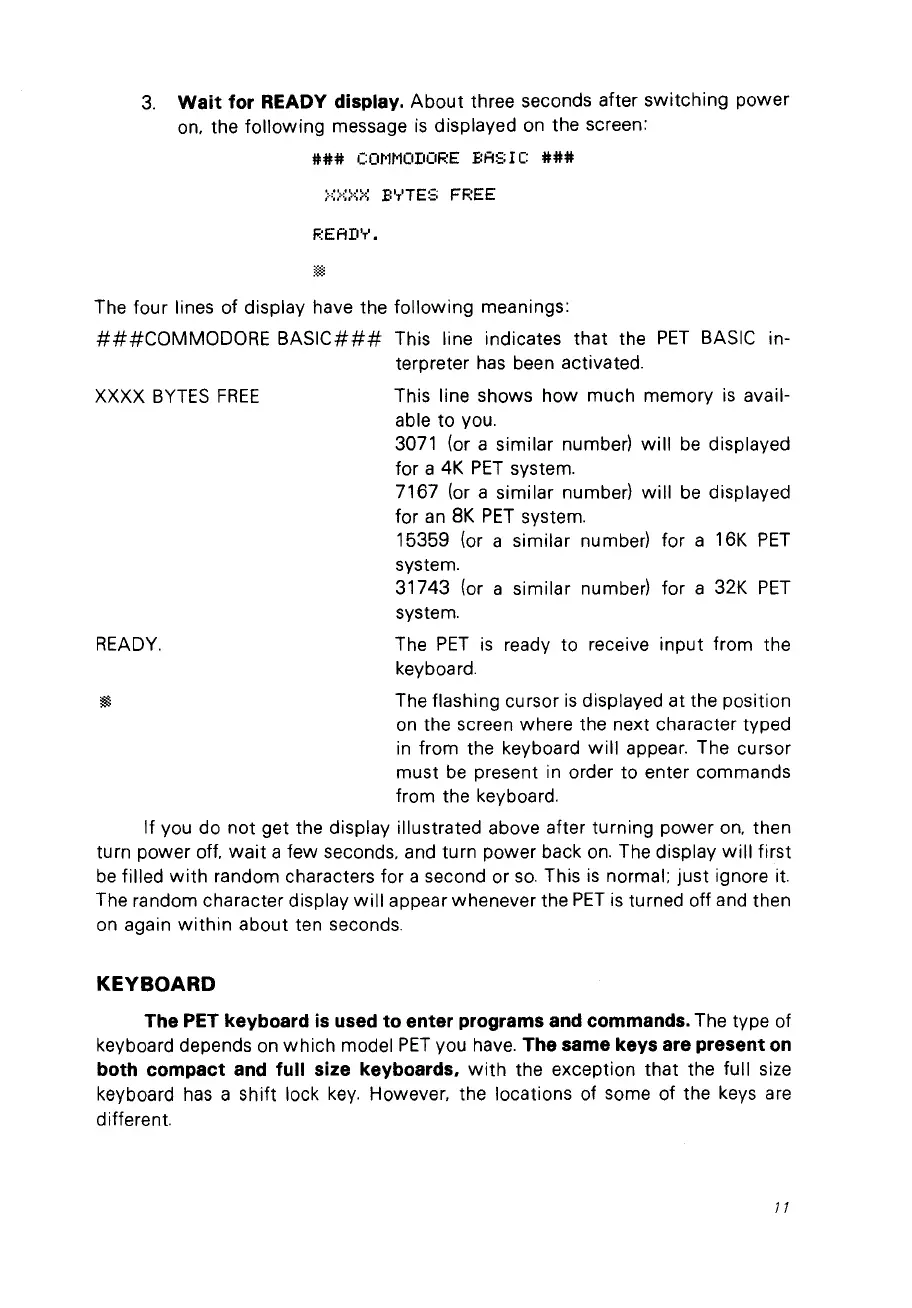
The four lines of display have the following meanings:
###COMMODORE
BASIC###
This line indicates that the
PET
BASIC in-
terpreter
has
been activated.
XXXX
BYTES
FREE
This line shows how much memory
is
avail-
able to vou.
3071 (or a similar numberl
will
be
displayed
for a 4K
PET
system.
7167
(or
a similar numberl
will
be
displayed
for
an
8K
PET
system.
15359 (or a similar numberl for a 16K
PET
system.
31743 (or a similar number) for a 32K
PET
system.
READY.
The
PET
is
ready to receive input from the
keyboard.
lill
The flashing cursor
is
displayed at the position
on
the screen where the next character typed
in
from the keyboard
will
appear. The cursor
must
be
present in order to enter commands
from the keyboard.
If
Vou
do not get the display illustrated above after turning power
on,
then
turn power off,
wait
a few seconds, and turn power back
on.
The display
will
first
be
filled
with
random characters for a second or
so.
This
is
normal; just ignore it.
The random character display
will
appear whenever the
PET
is
turned off and then
on again
within
about ten seconds.
KEY
BOARD
The PET keyboard
is
used to enter programs and commands. The type of
keyboard depends
on
which
model
PET
vou have. The same keys are present
on
both compact
and
full size keyboards.
with
the exception that the full size
keyboard
has
a shift lock
key.
However, the locations of some of the keys are
different.
JI



 To Next Page