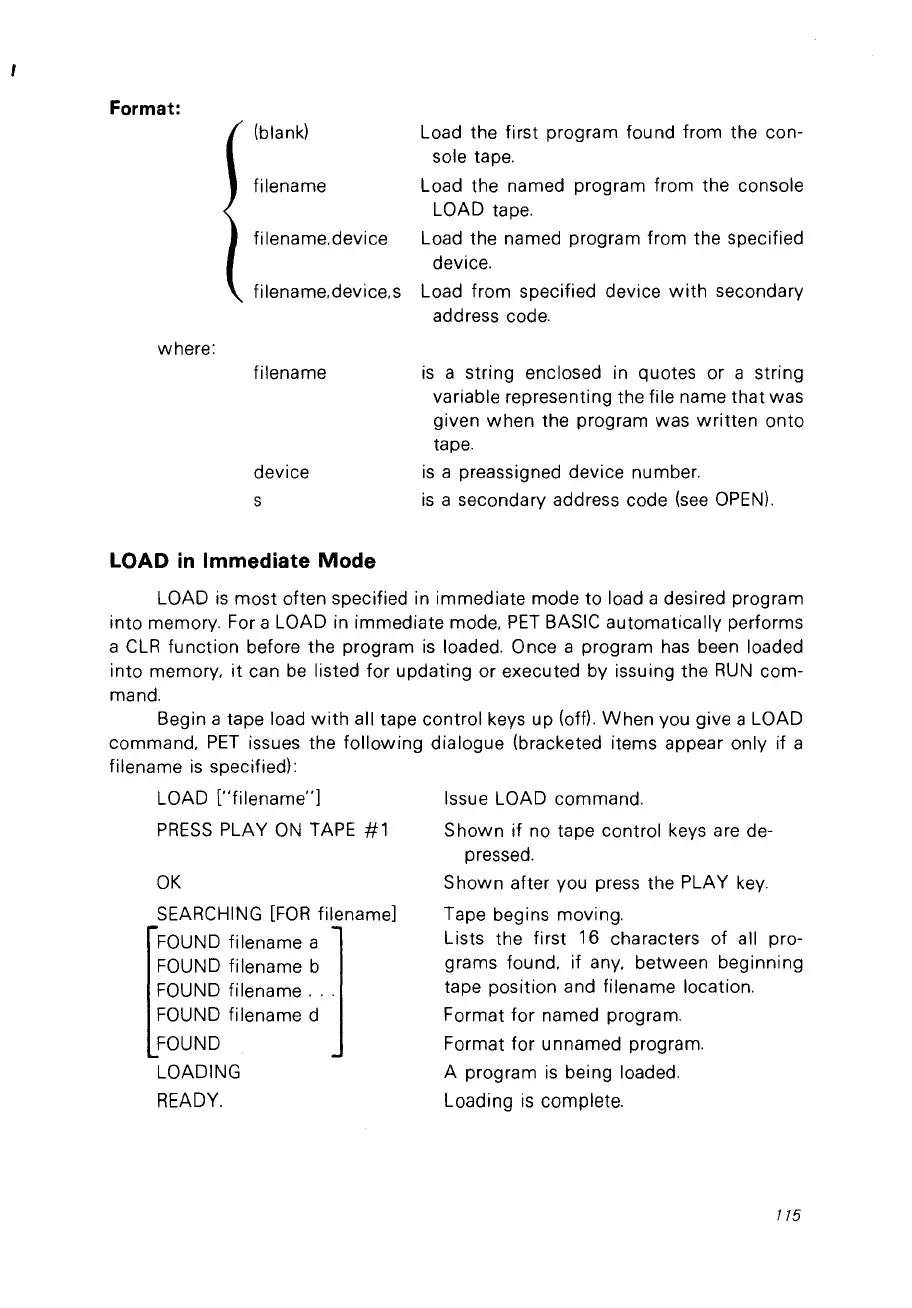
Format:
(blank) Load the first program found from the con-
sole tape.
filename Load the named program from the console
LOAD tape.
filename,device Load the named program from the specified
device.
filename.device.s Load from specified device
with
secondary
address code.
where:
filename
device
s
LOAD
in
Immediate
Mode
is
a string enclosed in quotes or a string
variable representing the file name
that
was
given
when
the program was
written
onto
tape.
is
a preassigned device number.
is
a secondary address code
(see
OPEN).
LOAD
is
most often specified in immediate mode
to
load a desired program
into memory. For a LOAD in immediate mode.
PET
BASIC automatically performs
a
CLR
function
before the program
is
loaded. Once a program
has
been loaded
into memory,
it
can
be
listed for updating or executed by issuing the
RUN
com-
mand.
Begin a tape load
with
ail tape control keys up (off).
When
vou give a LOAD
command,
PET
issues the
following
dialogue (bracketed items appear only if a
filename
is
specified):
LOAD ["filename"J
PRESS
PLAY
ON
TAPE
# 1
OK
SEARCHING
[FOR
filenameJ
FOUND filename a
FOUND filename b
FOUND filename
...
FOUND filename d
FOUND
LOADING
READY.
Issue LOAD commando
Shown
if no tape control keys are de-
pressed.
S
hown
after vou press the PLAY
key.
Tape begins moving.
Lists the first 16 characters of ail pro-
grams found. if any. between beginning
tape position and filename location.
Format for named program.
Format for unnamed program.
A program
is
being loaded.
Loading
is
complete.
175



 To Next Page