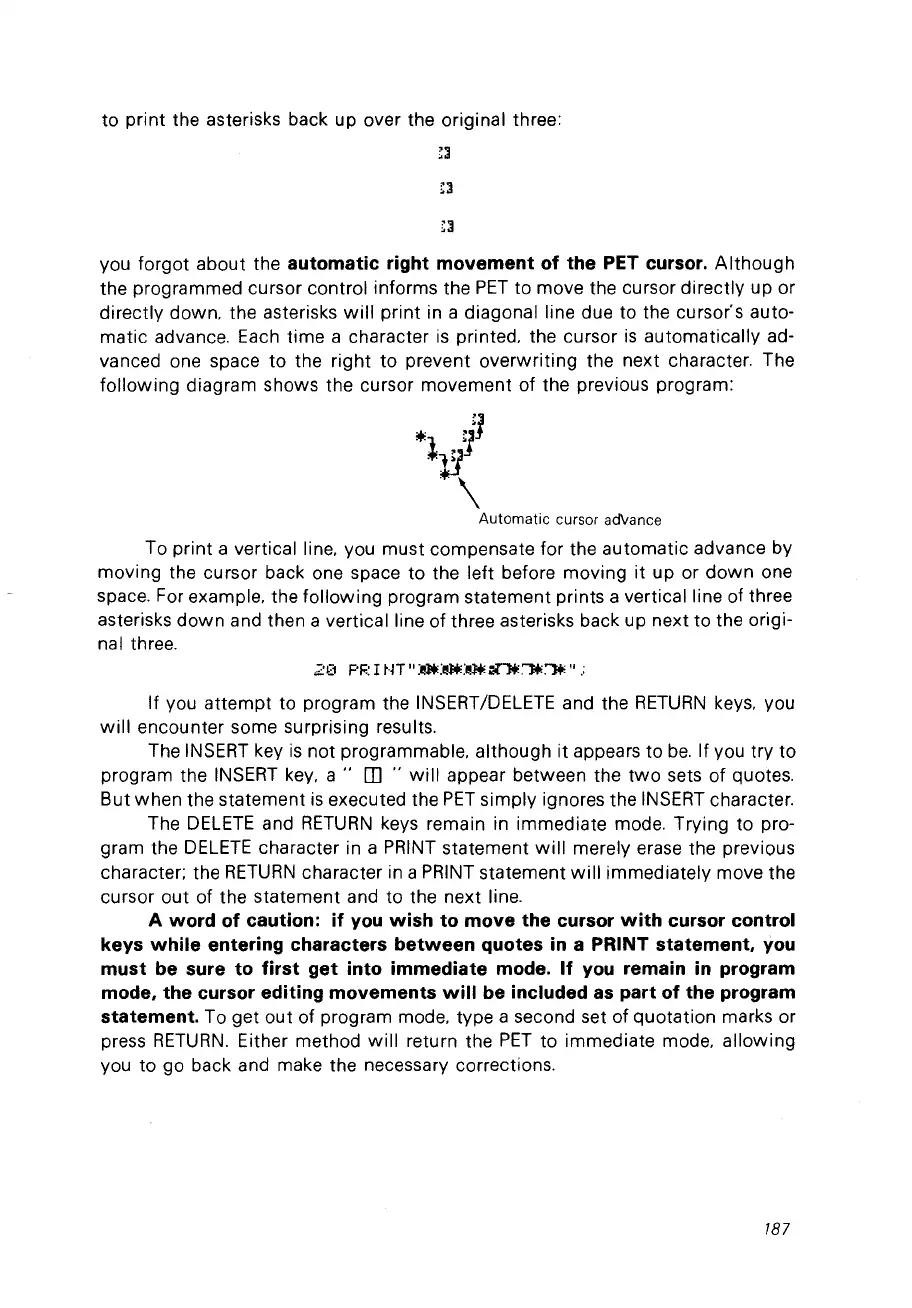
to print the asterisks back up over the original three:
vou forgot about the
automatic right movement of the PET cursor.
Although
the programmed cursor control informs the
PET
to move the cursor directly up or
directly down. the asterisks
will
print in a
diagonalline
due to the cursor's auto-
matic advance. Each time a character
is
printed. the cursor
is
automatically ad-
vanced one space to the right to prevent overwriting the next character. The
following
diagram shows the cursor movement of the previous program:
*
~j1
1
11
"\
Automatic
cursor ad\tance
To print a vertical line. vou must compensate for the automatic advance by
moving the cursor back one space to the left before moving it up or
down
one
space. For example. the following program statement prints a
verticalline
of three
asterisks
down
and then a vertical line of three asterisks back up next to the origi-
nal three.
2(1
PF.:
1
tH"
:~:~:I!.l+.
Nlt.,.,.
"
.;
If vou
attempt
to program the IN5ERT/DELETE and the
RETURN
keys. vou
will
encounter some surprising results.
The IN5ERT key
is
not
programmable. although
it
appears to
be.
If vou try to
program the IN5ERT key.
a"
rn
..
will
appear between the
two
sets
of
quotes.
But when the statement
is
executed the
PET
simply ignores the
INSERT
character.
The
DELETE
and
RETURN
keys remain in immediate mode. Trying to pro-
gram the
DELETE
character in a
PRINT
statement
will
merely erase the previous
character; the
RETURN
character in a PRINT statement
will
immediately move the
cursor out of the statement and to the next line.
A word of caution:
if
vou
wish to move the cursor
with
cursor control
kevs
while
entering characters
between
quotes
in
a PRINT statement,
vou
must be sure to first get into immediate mode.
If
vou
remain
in
program
mode, the cursor editing movements
will
be included
as
part of the program
statement.
To get
out
of program mode. type a second set of quotation marks or
press
RETURN.
Either method
will
return the
PET
to immediate mode. allowing
vou to go back and make the necessary corrections.
187



 To Next Page