Step 1: LOAD the program file
with
the LOAD command:
LOAO"PROGRAM"
When
vou execute the program. it may
write
data to a data tape. or read
data from a data tape. Therefore. once the program file
is
loaded.
mount
a tape. If
the program
will
write
a data tape.
mount
a blank tape. If the program
will
read a
data tape.
mount
the data tape specified in Step
2.
Then execute the program
using the
RUN
commando
Step 2:
OPE
N the data file.
The
data
file
is opened in program mode
within
the program
file
as
illustrated:
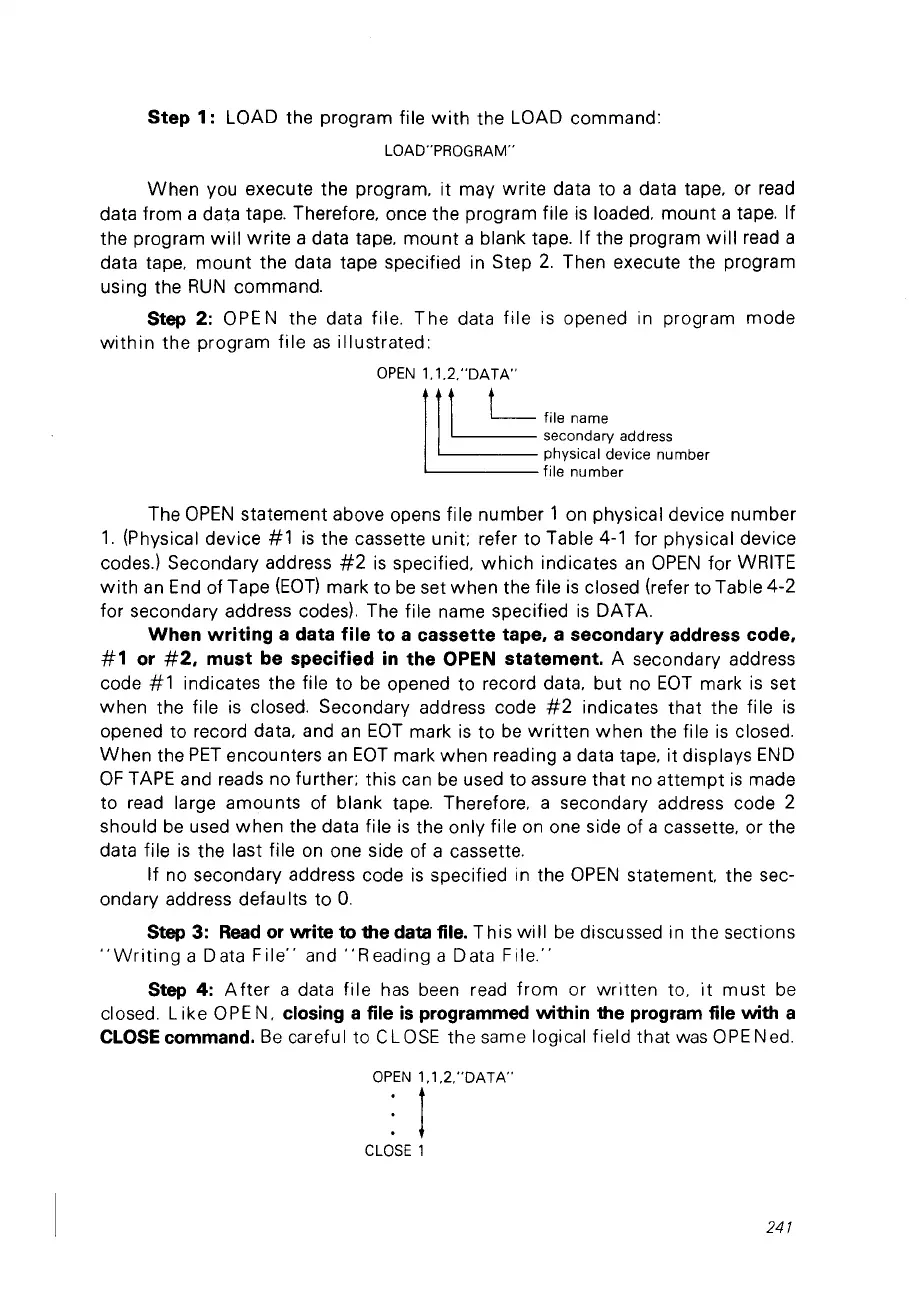
OPEN
1.1.2,"OATA"
~
t
L file
na
me
~
secondary address
physical device number
file number
The
OPEN
statement above opens file number 1
on
physical device number
1.
(Physical device
#1
is
the cassette unit; refer to Table
4-1
for physical device
codes.) Secondary address
#2
is
specified.
which
indicates
an
OPEN
for WRITE
with
an
End
of Tape
(EOT)
mark to
be
set when the file
is
closed (refer to Table
4-2
for secondary address codes). The file name specified
is
DATA.
When writing a data file to a cassette tape, a secondary address code,
#1
or
#2,
must be specified
in
the OPEN statement. A secondary address
code
#1
indicates the file to
be
opened to record data.
but
no
EOT
mark
is
set
when the file
is
closed. Secondary address code
#2
indicates that the file
is
opened to record data. and
an
EOT
mark
is
to
be
written
when the file
is
closed.
When
the
PET
encounters
an
EOT
mark when reading a data tape. it displays
END
OF
TAPE and reads no further; this can
be
used to assure that no
attempt
is
made
to read large amounts of blank tape. Therefore, a secondary address code 2
should
be
used when the data file
is
the only file
on
one side of a cassette. or the
data file
is
the last file
on
one side of a cassette,
If no secondary address code
is
specified in the
OPEN
statement. the sec-
onda
ry
add
ress
defau Its to
O.
Step 3:
Read
or
write ta the data file.
This
will
be
discussed in the sections
"Writing
a Data
File"
and
"Reading
a Data
File."
Step 4:
After
a data
file
has
been read
from
or
written
to,
it
must
be
c1osed.
Like
OPE
N,
closing
a file
is
programmed within the program file with a
CLOSE
commando
Be
careful to CL
OSE
the same logical field that
was
OPE
Ned.
OPEN
1,1,2,"OATA"
1
CLOSE
1
241



 To Next Page