To
write
from
a
program
to
a
data
tape
use
the
PRINT#
command:
PRINT#f.data
where:
is
the logical file number (1-255. must match the f in the
OPEN
and
CLOSE
commands).
data
is
the data to
be
written.
PRINT# cannot
be
typed
as
PRINT
# or
7#.
PRINT# must
be
completely spelled
out when referencing files.
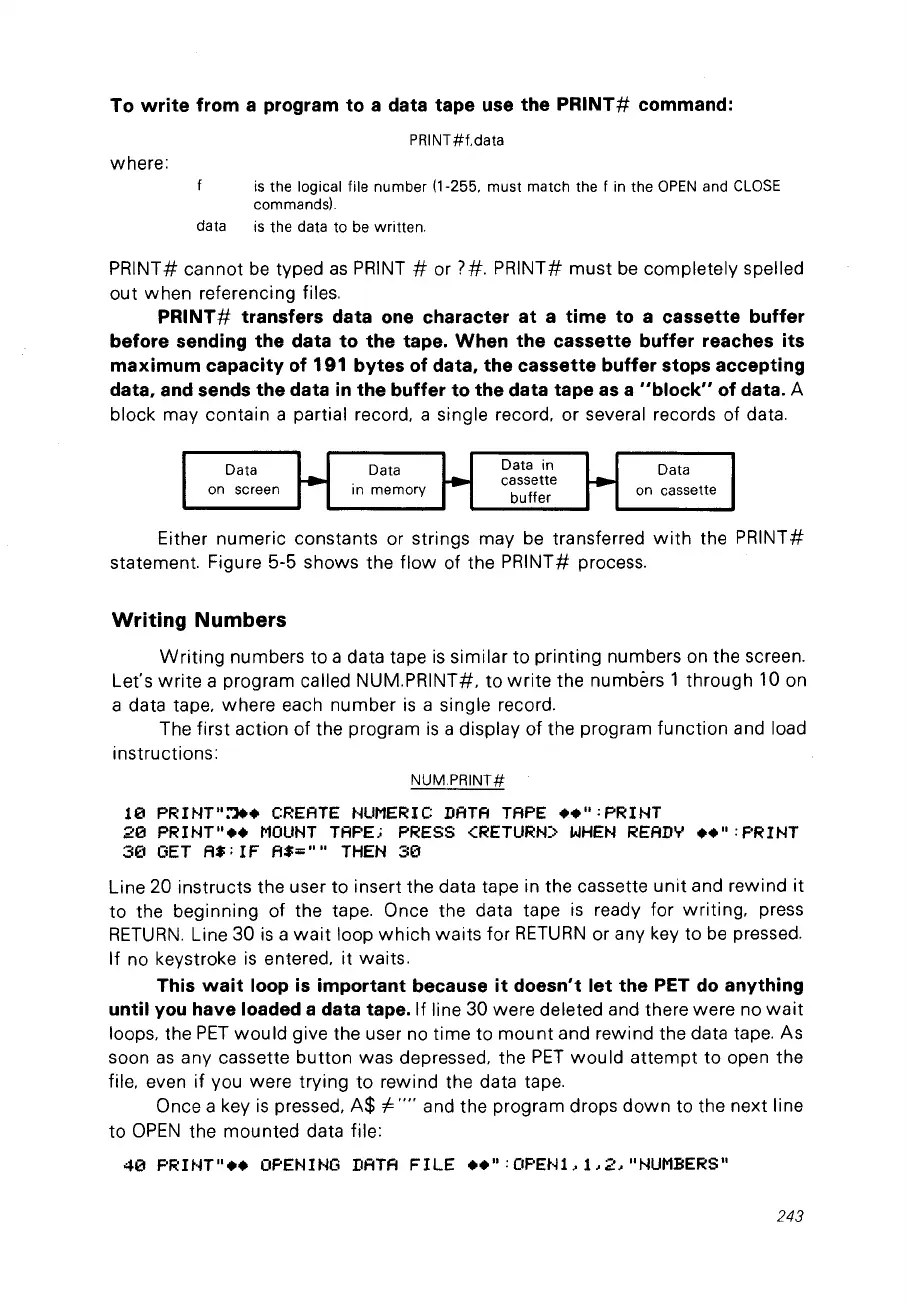
PRINT#
transfers
data
one
character
at
a
time
to
a
cassette
buffer
before
sending
the
data
to
the
tape.
When
the
cassette
buffer
reaches
its
maximum
capacity
of
191
bytes
of
data,
the
cassette
buffer
stops
accepting
data,
and sends
the
data
in
the
buffer
to
the
data
tape
as a
"block"
of
data. A
block may contain a partial record. a single record. or several records of data.
Data
on
screen
Data
in memory
Data in
cassette
buffer
Data
on
cassette
Either numeric constants or strings may
be
transferred
with
the PRINT#
statement. Figure 5-5 shows the
flow
of the PRINT# process.
Writing
Numbers
Writing
numbers to a data tape
is
similar to printing numbers on the screen.
Let's
write
a program called NUM.PRINT#. to
write
the numbèrs 1 through 10 on
a data tape. where each number
is
a single record.
The first action of the program
is
a display of the program function and load
instructions:
NUMPRINT#
10
PRINT"~.
CREA
TE
NUMERIC
DATA
TAPE
....
:PRINT
20
PR
1
NT....
MOUNT
TAPE;
PRESS
<RETURN>
WHEN
READY
••
":
F'R
1
NT
3(1
OET
A$;
1F
A$:::....
THEN
30
Line 20 instructs the user to insert the data tape in the cassette
unit
and rewind
it
to the beginning of the tape. Once the data tape
is
ready for writing. press
RETURN.
Line 30
is
a
wait
loop
which
waits
for
RETURN
or any key to
be
pressed.
If no keystroke
is
entered.
it
waits.
This
wait
loop
is
important
because
it
doesn't
let
the
PET
do
anything
until
vou
have
loaded a
data
tape. If line 30 were deleted and there were no
wait
loops. the
PET
would
give the user no time to
mount
and rewind the data tape. As
soon
as
any cassette button was depressed. the
PET
would
attempt
to open the
file. even if vou were trying to rewind the data tape.
Once a key
is
pressed.
A$
i=
....
and the program drops
down
to the next line
to
OPEN
the mounted data file:
40
PRINT
....
OPENINO
DATA
FILE
....
:OF'EN1,1,2,
Il
NUMBERS"
243



 To Next Page