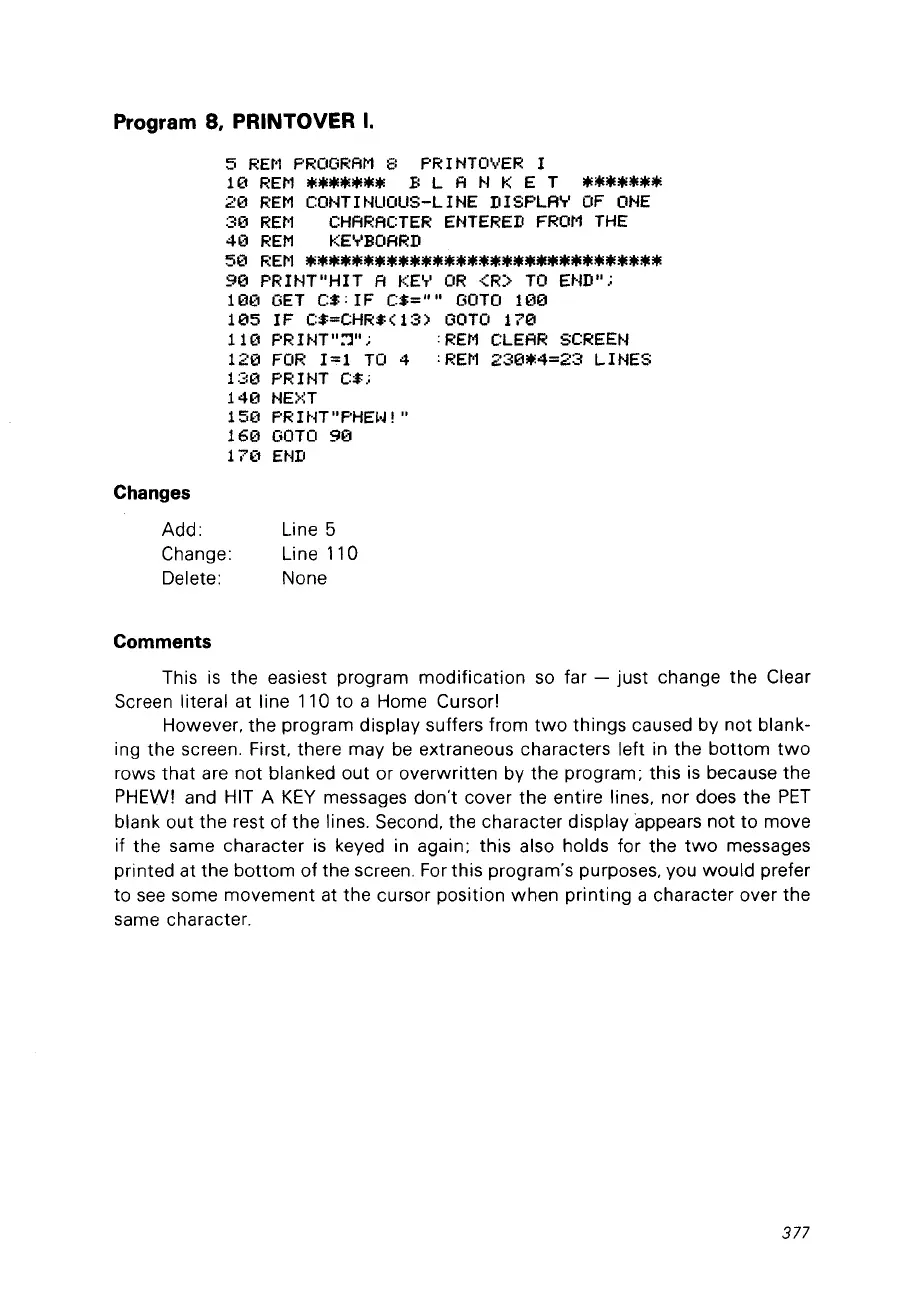
Program 8, PRINTOVER
1.
5
REM
PROGRAM
8
PRINTOVER
1
10
REM
~**~~*~
B
LAN
K E T
~**~***
20
REM
CONTINUOUS-LINE
DISPLAY
OF
ONE
30
REM
CHARACTER
ENTERED
FROM
THE
40
REM
KEYBOARD
50
REM
**~**.*.*****.*************.***
90
PRINT"HIT A
tŒ'T'
OR
-CR:>
TO
END".;
10(1
GET
C$; 1F C$=""
GOTO
100
105
IF
C$=CHR$(13)
GOTO
170
11
(1
PR
1
NT
":']" ; ;
REM
CLEAR
SCREEN
120
FOR
1=1
TO
4
;REM
230*4=23
LINES
130
PRINT C$;
140
NE>~T
150
PRIt-n"PHE~·J!"
160
GOTO
90
17(1
E~m
Changes
Add:
Change:
Delete:
Line 5
Line110
None
Comments
This
is
the easiest program modification so far -
just
change the Clear
Screen literai at line 110
to
a Home Cursor!
However,
the
pragram display suffers fram
two
things caused by not blank-
ing the screen. First. there may
be
extraneous characters left in the
bottom
two
rows
that
are
not
blanked out or overwritten by the program; this
is
because
the
PHEW! and HIT A
KEY
messages
don't
coyer the entire lines, nor does the
PET
blank out
the
rest of the lines. Second, the character display appears
not
to
move
if the same character
is
keyed in again; this also holds for the
two
messages
printed at the
bottom
of
the screen. For this pragram's purposes, vou
would
prefer
to
see
some movement at the cursor position when printing a character over
the
same character.
377



 To Next Page