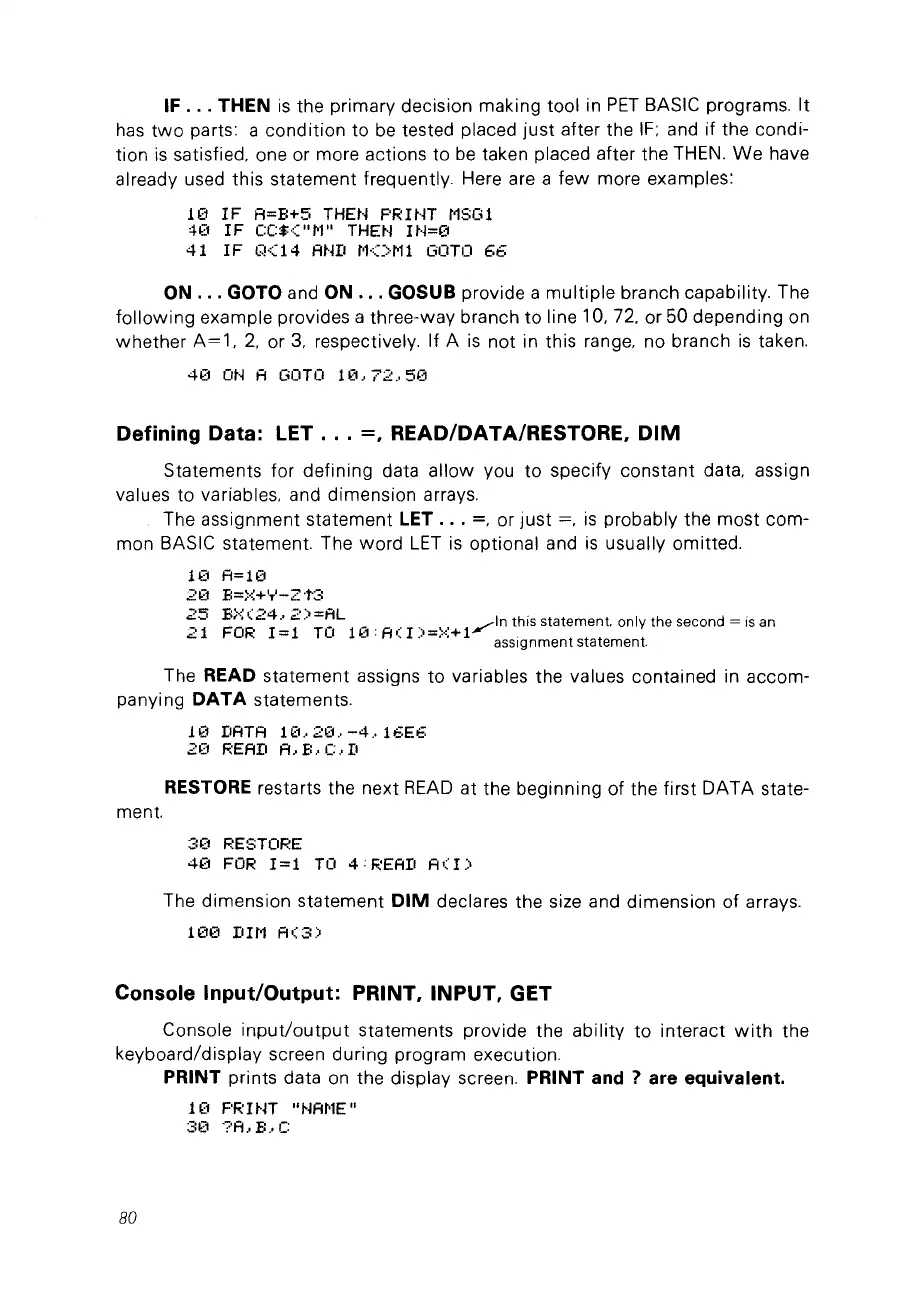
IF .
..
THEN
is
the primary decision making tool in
PET
BASIC programs.
It
has
two
parts: a condition
to
be
tested placed
just
after the
IF;
and if the condi-
tion
is
satisfied, one or more actions to
be
taken placed after the THEN.
We
have
already used this statement frequently. Here are a
few
more examples:
10
IF
A=B+5
THEN
PRINT
MSGI
40
1F CC${"
t'l"
THE~j
1
N=0
41
IF
Q<14
AND
M<>Ml
GOTO
66
ON .
..
GOTO and ON " . GOSUB provide a
multiple
branch capability. The
following
example provides a three-way branch
to
line 10, 72, or 50 depending on
whether
A=l,
2,
or
3,
respectively. If A
is
not in this range, no branch
is
ta
ken.
40
ON
A
GOTO
10,72,50
Defining Data: LET .
..
=,
READ/DATA/RESTORE,
DIM
Statements for defining data allow vou
to
specify constant data, assign
values to variables, and dimension arrays.
The assignment statement
LET .
..
=,
or
just
=,
is
probably the most com-
mon BASIC statement. The
word
LET
is
optional and
is
usually omitted.
10
A=10
2€1
B=}-:;+IT'-2"t3
25
B;~;(24
..
2)=AL
.....
In this statement. only the second = is an
21
FOR
1=1 Ta
10'A(I)-~+1~
. ,
.'
-,',
assignment
statement.
The READ statement assigns
to
variables the values contained in accom-
panying
DATA
statements.
10
DATA
10,20,-4,16E6
2(1
F:EAD
A,
E:
..
C.·
D
RESTORE restarts the next
READ
at the beginning of the first DATA state-
ment.
:::0
RESTORE
40
FOR
1=1
TO
4:READ
A<I)
The dimension statement
DIM
declares the size and dimension of arrays.
hX1
II1t1
A(3)
Console Input/Output: PRINT, INPUT, GET
Console
input/output
statements provide the ability
to
interact
with
the
keyboard/display screen during program execution.
PRINT prints data
on
the display screen. PRINT
and?
are equivalent.
1
(1
PR
UJT
"NAt'lE
"
3(1
?A,B
..
C
80



 To Next Page