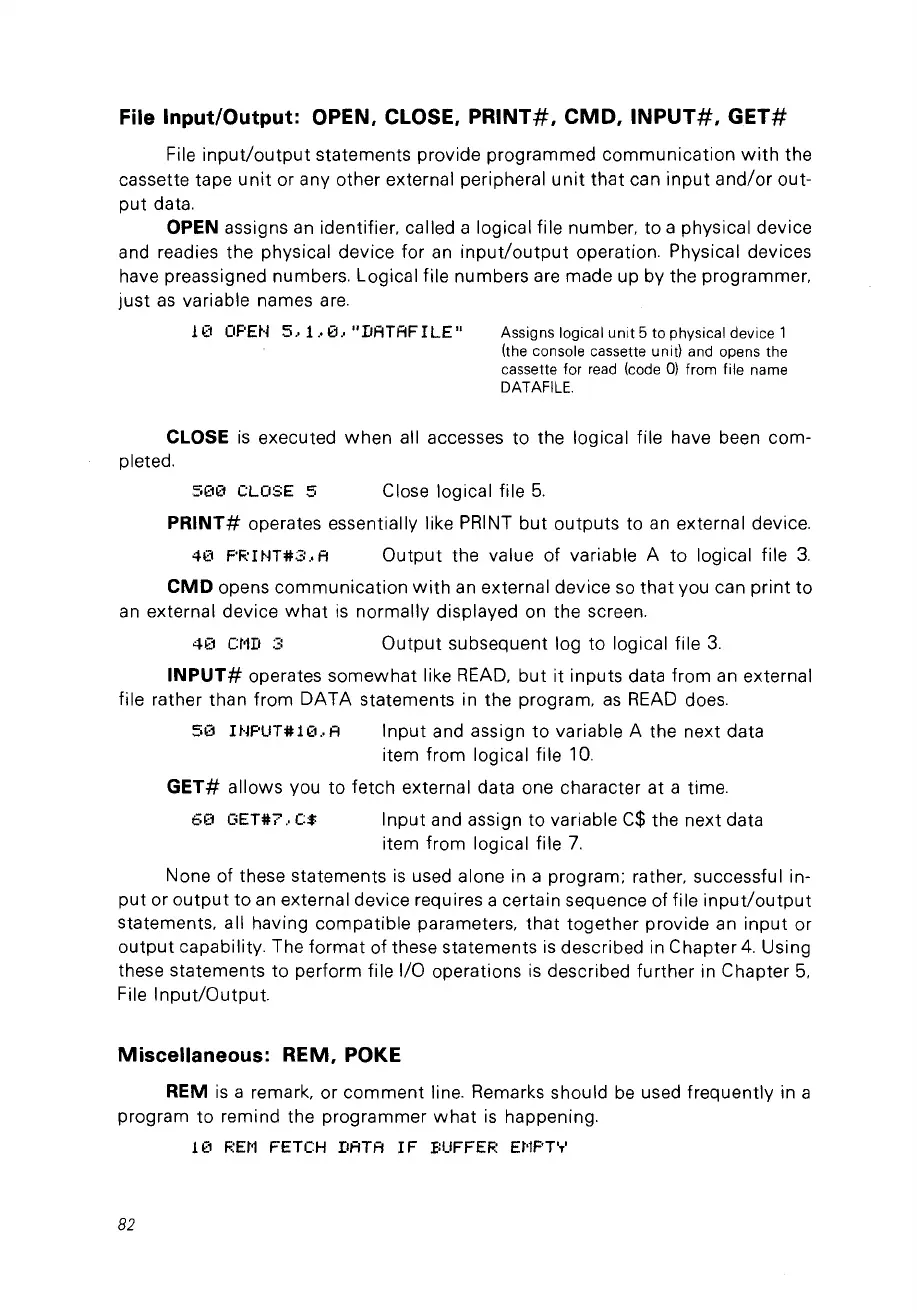
File Input/Output: OPEN, CLOSE,
PRINT#,
CMD,
INPUT#,
GET#
File
input/output
statements provide programmed communication
with
the
cassette tape
unit
or any other external peripheral
unit
that
can
input
and/or
out-
put
data.
OPEN assigns
an
identifier. called a logical file number, to a physical device
and readies the physical device for
an
input/output
operation. Physical devices
have preassigned numbers. Logical file numbers are made up by the programmer.
just
as
variable names
are.
11'::1
OPEH
5,1
.•
0,"DATAFILE"
Assignslogicalunit5tophysicaldevicel
(the console cassette unit) and opens the
cassette for
read
(code
0)
fram file name
DATAFILE.
CLOSE
is
executed
when
ail accesses to the logical file have been com-
pleted.
51'::10
CLOSE 5 Close logical file
5.
PRINT#
operates essentially like PRINT
but
outputs to
an
external device.
40
F'RINT#2:
.•
A
Output
the value of variable A
to
logical file
3.
CMD
opens communication
with
an
external device
so
that
vou can
print
to
an
external device
what
is
normally displayed on the screen.
41'::1
Ct1D
3
Output
subsequent log
to
logical file
3.
INPUT#
operates somewhat like
READ,
but
it inputs data from
an
external
file rather than from
DATA
statements in the program.
as
READ
does.
50
IHPUT#10
..
A
Input
and assign
to
variable A the next data
item from logical file
la.
GET#
allows vou to fetch external data one character at a time.
6(1
GET#?.
C$
Input and assign
to
variable
C$
the next data
item from logical file
7.
None of these statements
is
used alone in a program; rather. successful in-
put
or
output
to
an
external device requires a certain sequence of file
input/output
statements. ail having compatible parameters,
that
together provide
an
input
or
output
capability. The
format
of these statements
is
described in Chapter
4.
Using
these statements
to
perform file 1/0 operations
is
described further in Chapter
5.
File
Input/Output.
Miscellaneous: REM,
POKE
REM
is
a remark, or
comment
line. Remarks should
be
used frequently in a
program
to
remind the programmer
what
is
happening.
10
REM
FETCH DATA
IF
BUFFER EMPTY
82



 To Next Page