Section 8: Creating Machines
113
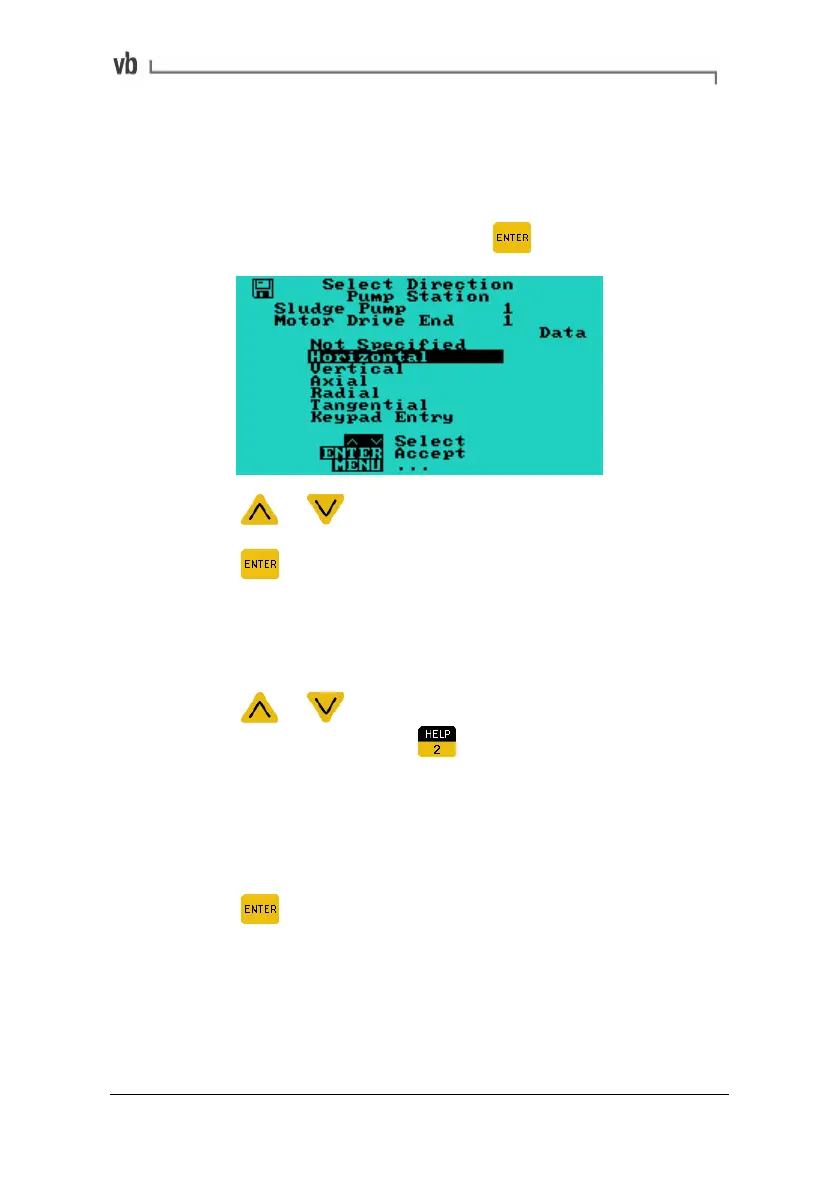
Creating a Direction/Axis
• Create a point as described in the previous topic: Creating a
Point (page
111).
• From the Select Point Menu press
• Press or to highlight a direction/axis.
• Press
to select the highlighted direction/axis.
All points share the same direction names. The first six default
direction names cannot be edited.
To create a new direction
• Press
or to highlight a question mark in the Select
Direction Menu and press
to display the Edit Name
Menu.
• Enter a name for the direction by choosing characters from
the keyboard (see Entering Text and Numbers on page
16,
for details of how to do this).
• Press
to save the name.
Artisan Technology Group - Quality Instrumentation ... Guaranteed | (888) 88-SOURCE | www.artisantg.com



 To Next Page