Section 3: Onsite Analysis - Measurement Menu
38
4. Tachometer Display
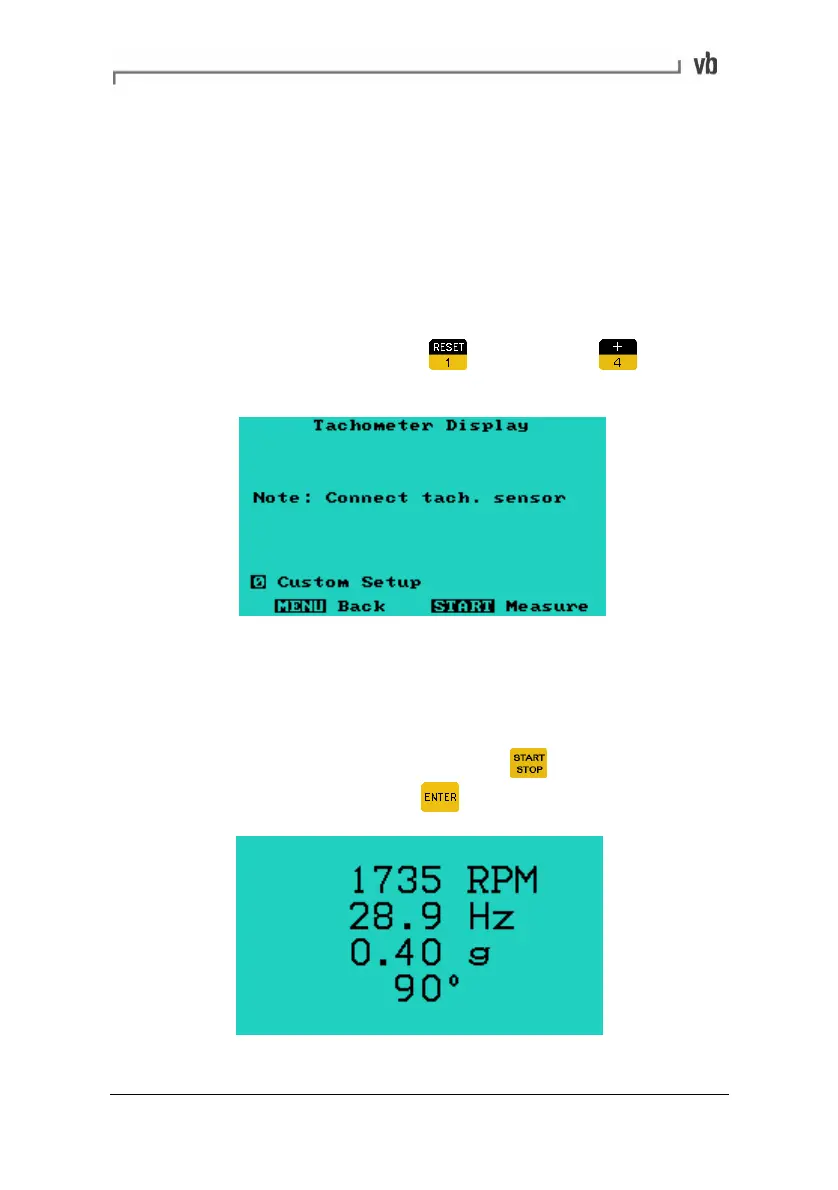
The Tachometer Display option displays a readout of the machine
speed and the amplitude and phase angle of the 1X vibration. This
can be used to:
• Verify the machine running speed
• View the phase angle of the vibration relative to the tach
signal
• Take a quick preview of the 'out of balance' level
• From the Main Menu press
Measure then to
access the Tachometer Display Menu.
• To display the RPM, connect the tachometer. To check the
vibration level, attach the sensor also. The vibration level will
be displayed in the units selected in the Display Options
Menu.
• With the sensor(s) connected, press
to begin
measuring. To stop, press
Artisan Technology Group - Quality Instrumentation ... Guaranteed | (888) 88-SOURCE | www.artisantg.com


 To Next Page