Section 8: Creating Machines
109
Working with Folders
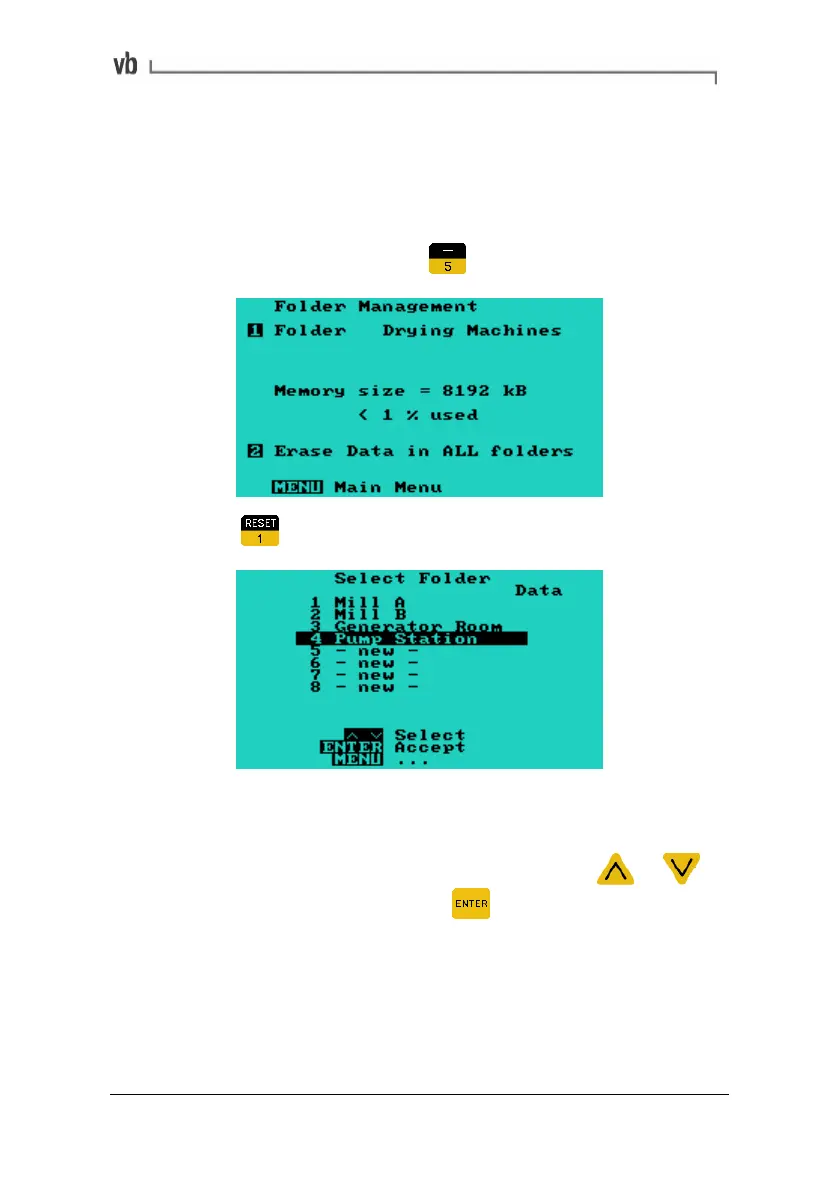
Selecting a folder from the list loads it into current memory. Any new
machines you create will automatically be stored in this folder until
you select another folder.
• From the Main Menu press
• Press to display the Select Folder Menu.
If you have not yet created any folders, the screen will contain the
default folder (Unnamed folder) and numbered slots labeled - new -.
• To select an existing folder from the list, press
or to
highlight the folder then press
to select it. This loads the
folder into current memory and returns you to the Folder
Management Menu.
Artisan Technology Group - Quality Instrumentation ... Guaranteed | (888) 88-SOURCE | www.artisantg.com



 To Next Page