Section 9: Balancing Rotors
141
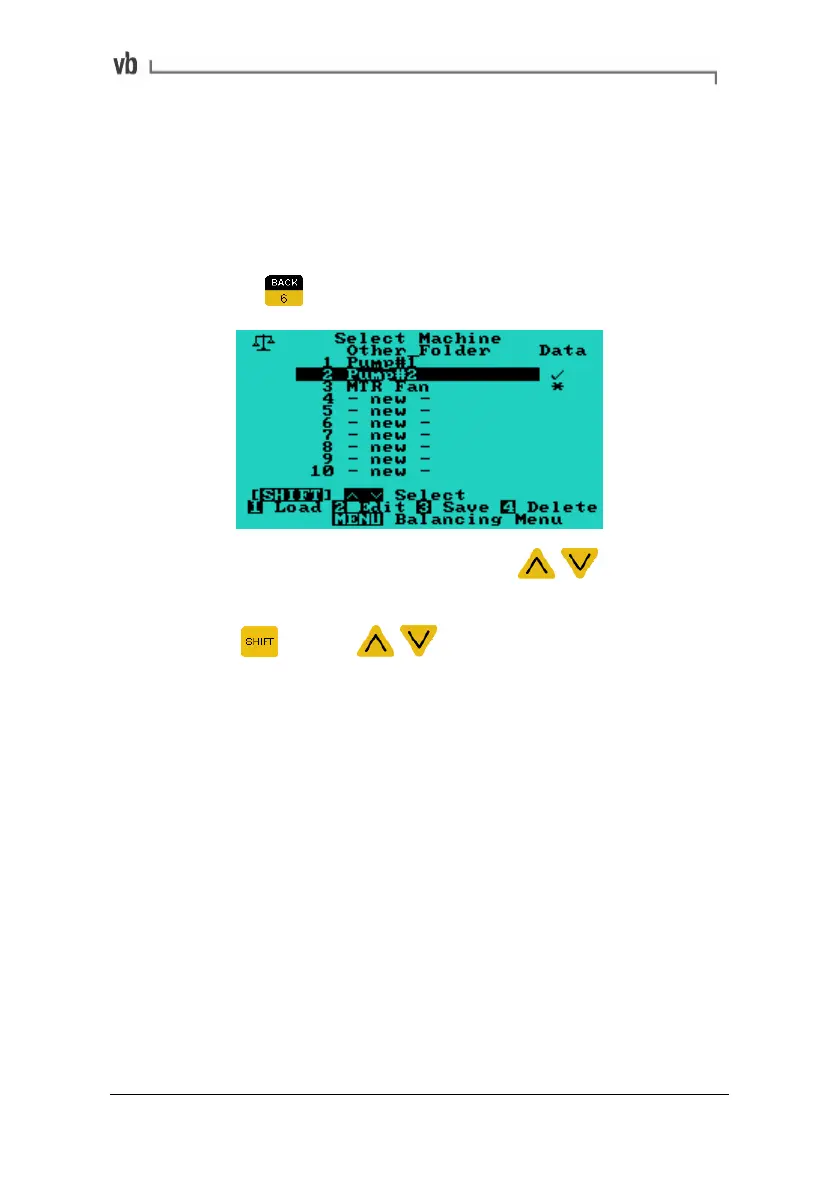
6. Load/Save Balancing Data
The instrument is capable of saving up to 10 balancing jobs to
machines in its memory. Initial readings, trial readings, trim readings
and completed balances can be stored.
• The Load/Save Balancing Data Menu is accessed by
pressing
from the Balancing Menu.
• Select the desired machine using the arrow keys to
scroll from one location to the next on the screen.
• Press
with the arrow keys to scroll by units of
10.
• Press and hold the arrow keys to accelerate the scroll speed.
Once a machine is selected (indicated by the black, highlighting bar),
the possible operations include:
Artisan Technology Group - Quality Instrumentation ... Guaranteed | (888) 88-SOURCE | www.artisantg.com



 To Next Page