Section 4: Manual Setup Measurement Parameters
70
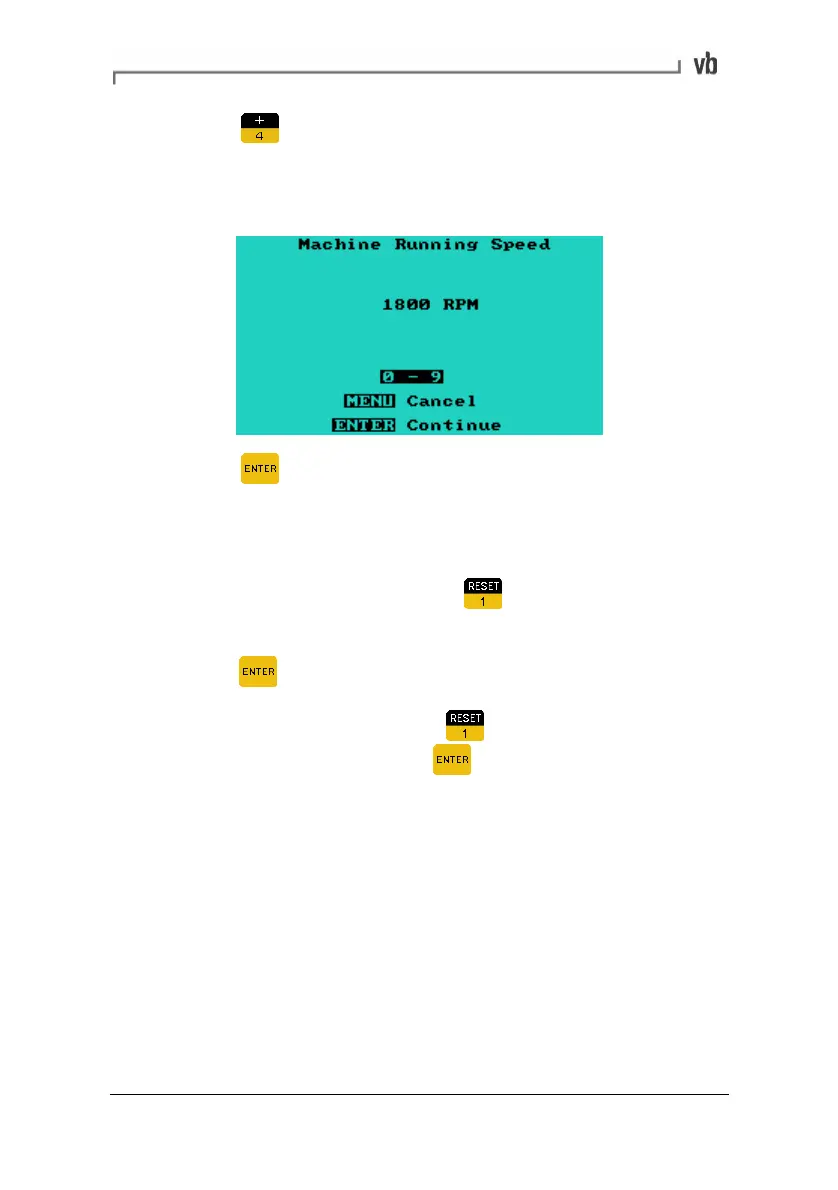
• Press to enter a default running speed (RPM) of the
machine. The instrument will automatically select the
appropriate Fmax value to display at least the specified
number of orders.
• Press to return to the Set Fmax Menu or press the key
twice to return to the Set Parameters Menu.
Displaying Hz/CPM instead of orders
• To display the Fmax value as Hz or CPM instead of orders,
from the Set Fmax Menu press
• The equivalent Hz value will be highlighted. To select this
press
• To display CPM/kCPM press
again to display the
equivalent value then press
to select the highlighted
value.
Artisan Technology Group - Quality Instrumentation ... Guaranteed | (888) 88-SOURCE | www.artisantg.com



 To Next Page