NBLB2 Service Manual
95
11. Removing the Camera Module
To remove the camera module, first remove the keyboard, LCD module, LCD
display. Then follow these steps:
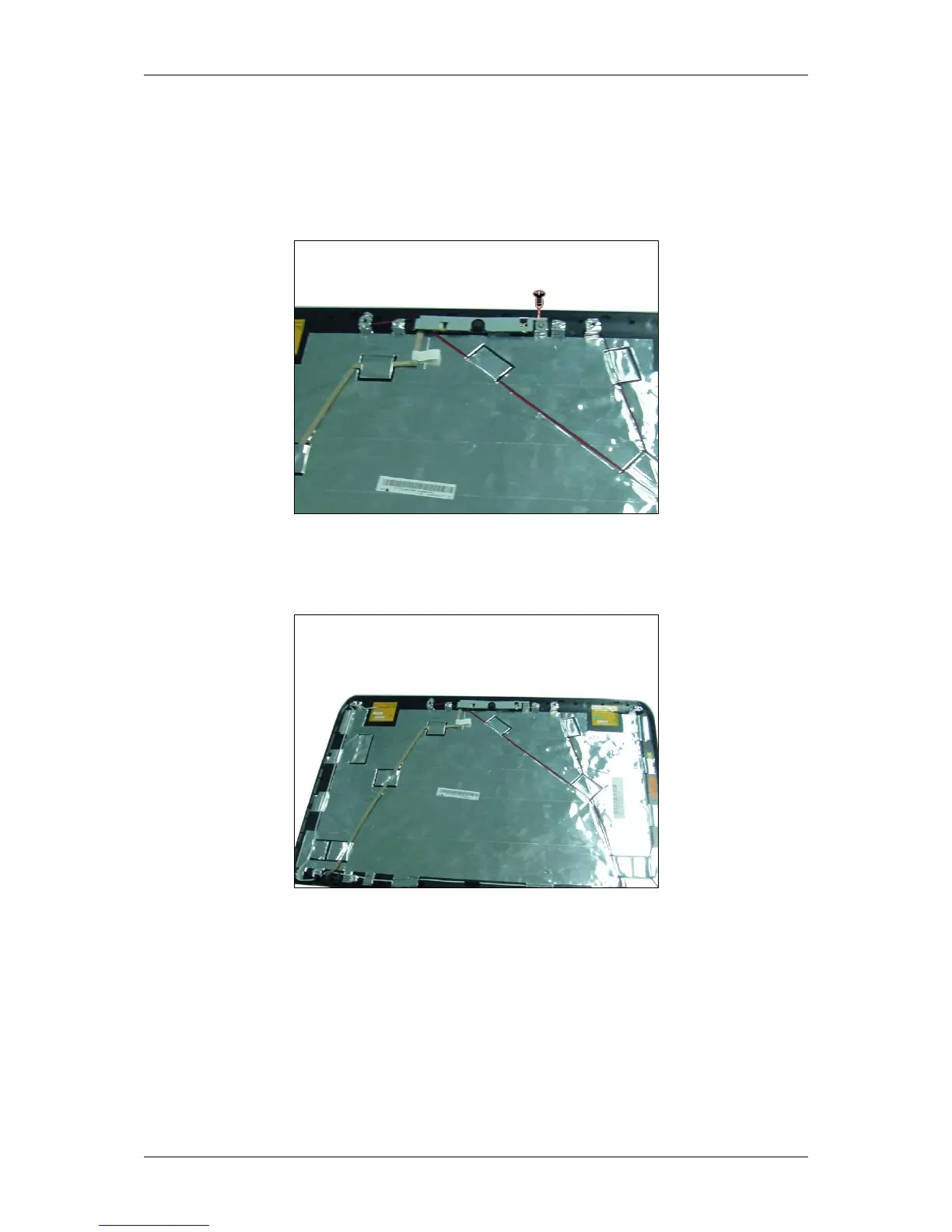
1. Remove one screw securing the camera module to the LCD cover.
Remove the camera module and the camera bracket.
2. Disconnect the CMOS cable from the camera module.



 To Next Page