EasyManua.ls Logo

Compal NBLB2 - Camera function Troubleshooting

Compal NBLB2
152 pages
Print Icon
To Next Page IconTo Next Page
To Previous Page IconTo Previous Page
Loading...
13. Camera function Troubleshooting
START
Perform camera
function (procedure1)
Does camera display
NG
no
Camera
module is not
faulty
Perform camera module
replacement check
(procudure 2)
yes
Replace system board
end
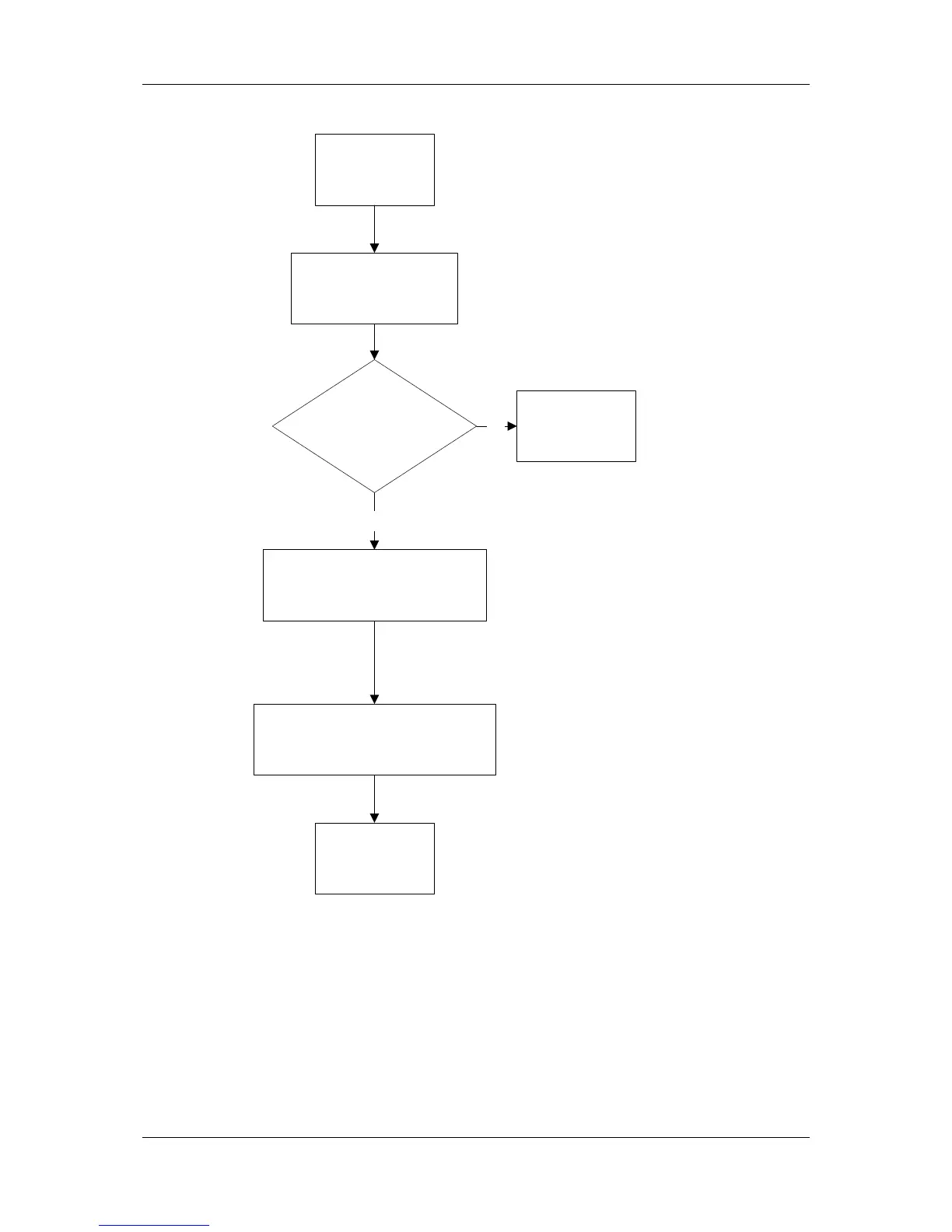
Figure 6-12 camera trouble shooting process
This section describes how to determine if the computer‟s camera is functioning
properly. Figure 6-12 outlines the process. Perform the steps below starting with
Procedure 1 and continue with the other procedures as required.
Procedure 1: Camera connection check
Procedure 2: blue tooth replacement check


Table of Contents

Related product manuals