NBLB2 Service Manual
37
12.6.6 General Button 2 (Not supported)
System off mode: Press this button, EC will turn on system to launch
Application. (This function needs “ToshibaControl” utility support).
System on mode: ToshibaControl driver is loaded, presses this
application will issue scan codes [0xE0, 0x14, 0xE0, 0x94] to driver.
12.6.7 USB Charge Button
USB Charge button supported in AC/AC+DC and DC mode with S3/S4
and S5 modes.
Charge function will be disabled 4 hours after the function is turned on
when battery only.
Charge function will be disabled after system is resumed from S3/S4
and S5.
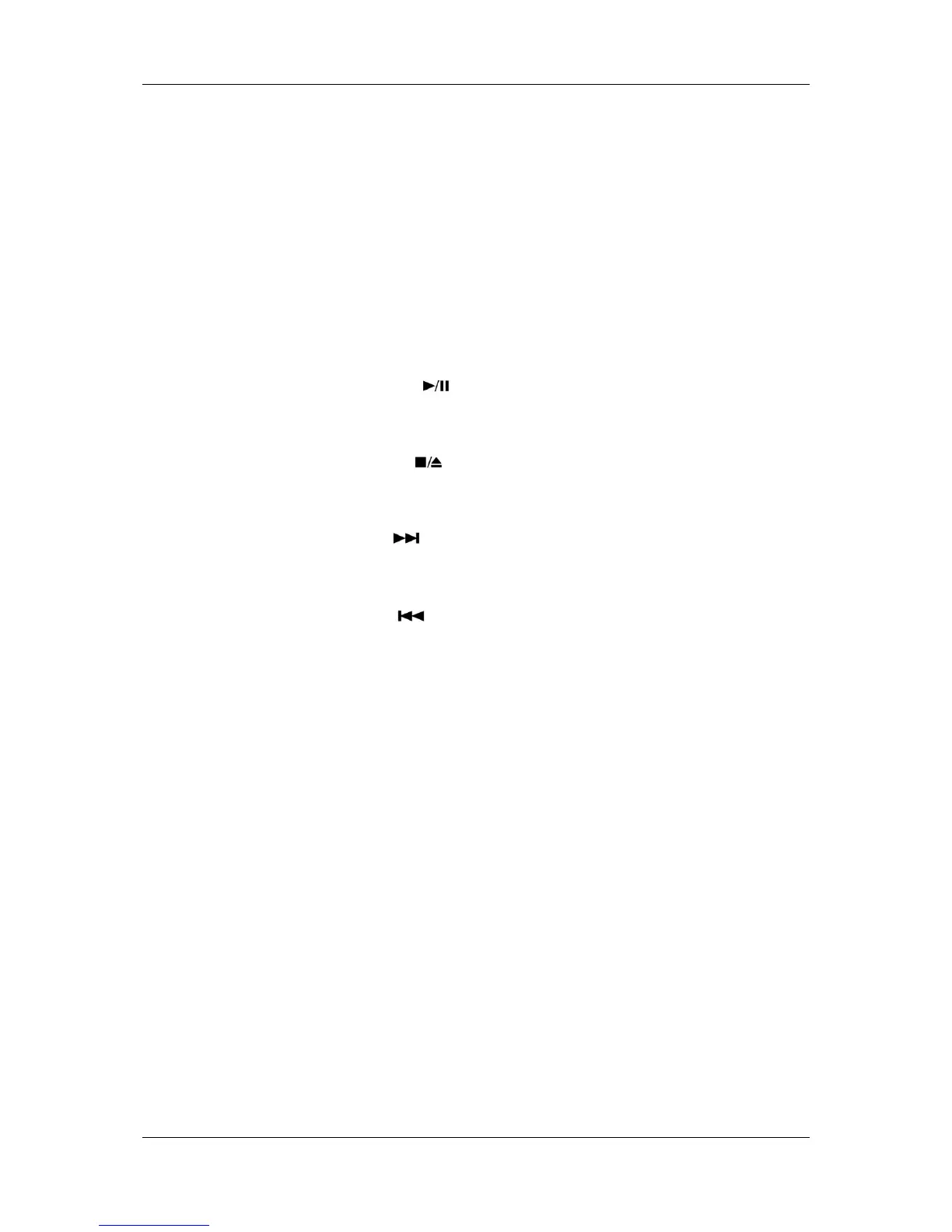
12.6.8 Play/Pause ( )(Not supported)
When system is turned on, press this button will issue scancode
[0xE0,0x22,0xE0,0xA2] to driver.
12.6.9 Stop/Eject ( )(Not supported)
When system is turned on, press this button will issue scancode
[0xE0,0x24,0xE0,0xA4] to driver.
12.6.10 Next/FF ( )(Not supported)
When system is turned on, press this button will issue scancode
[0xE0,0x19,0xE0,0x99] to driver.
12.6.11 Prev/RR ( )(Not supported)
When system is turned on, press this button will issue scancode
[0xE0,0x10,0xE0,0x90] to driver.
12.6.12 Mute Button (Not supported)
It will mute/un-mute audio.
Volume Mute scan codes [E0, 20, E0, A0]
12.6.13 Volume Up Button (Not supported)
It will increase volume value.
Volume Up scan codes [E0, 30, E0, B0]
12.6.14 Volume Down Button (Not supported)
It will decrease volume value.
Volume Down scan codes [E0, 2E, E0, AE]
12.6.15 WOW Video Button
It will call WOW Video AP
WOW Video button scan code [E0,75,E0,F5]
12.6.16 WOW Audio Button
It will call WOW Audio AP
WOW Audio button scan codes [E0,76,E0,F6]
12.6.17 Program DJ
It will call Program DJ AP
Program DJ button scan codes [E0,78,E0,F8]



 To Next Page