NBLB2 Service Manual
2. Removing the HDD Module
Follow the steps below to remove the HDD module:
1. Turn the notebook upside down.
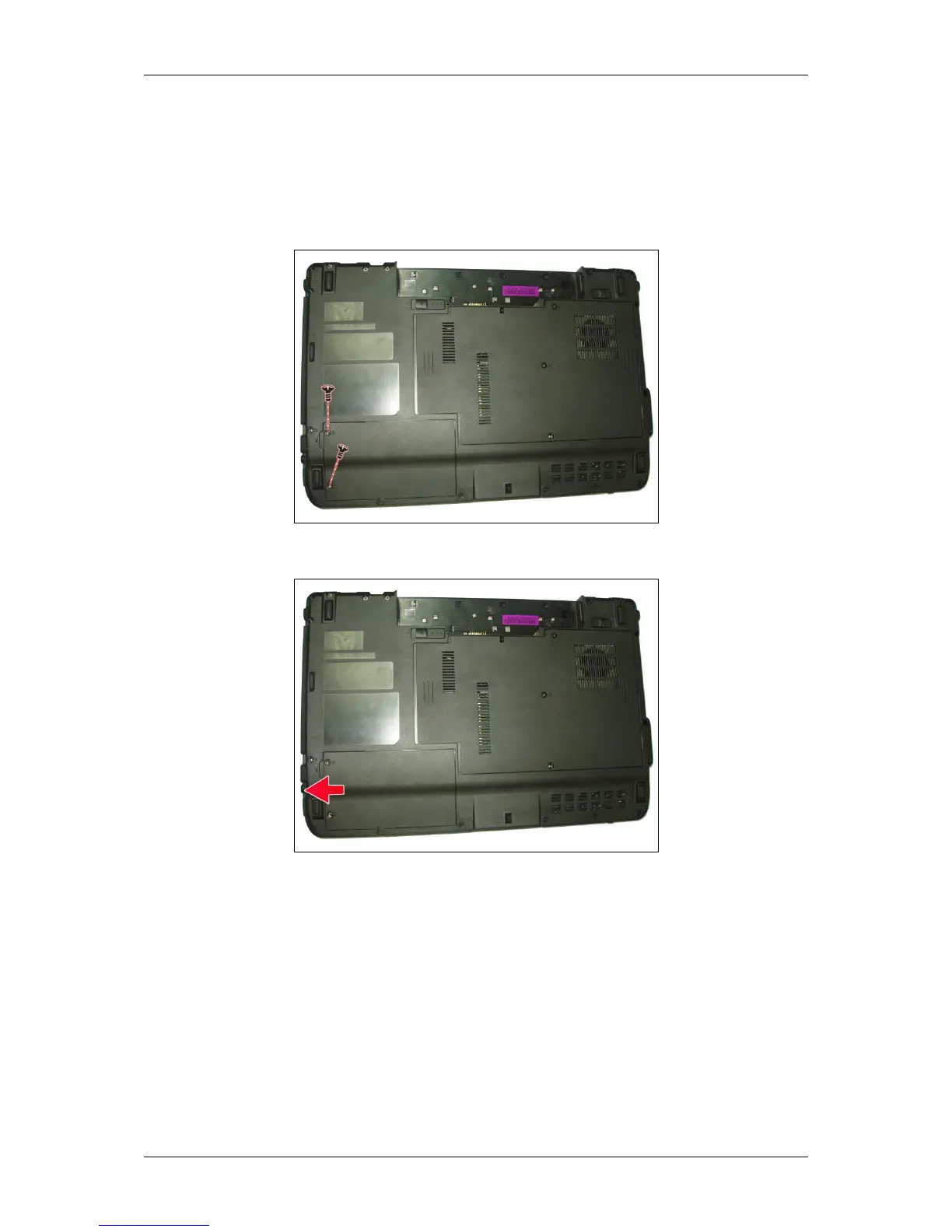
2. Remove the two screws securing the HDD compartment cover.
3. Pull up the HDD compartment cover in the direction of the arrow.
4. Remove the two screws securing the HDD module in place.



 To Next Page