NBLB2 Service Manual
39
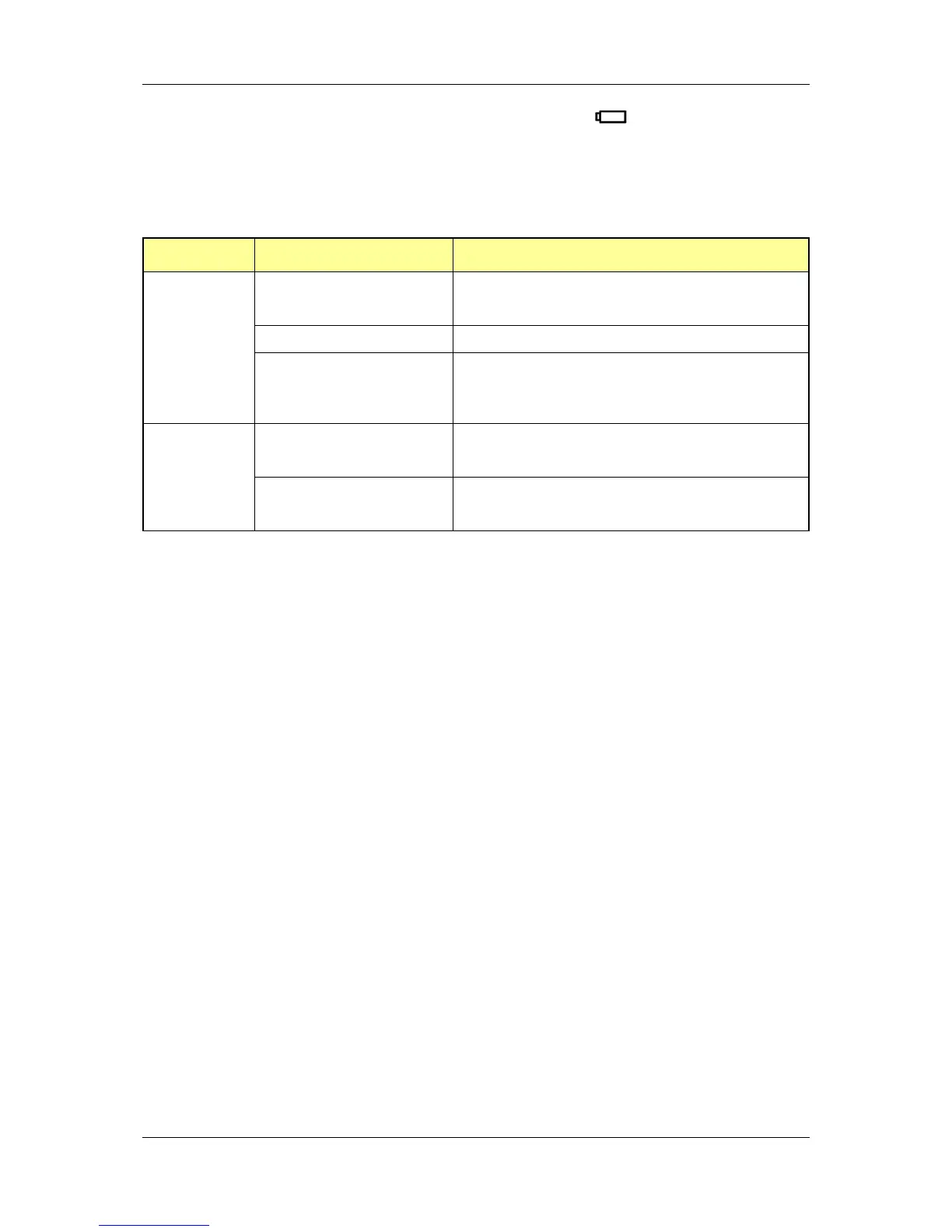
12.7.11 Definitions of Battery state LED ( )
There is one dual-color LED indicator both of Green and Amber color.
(green color for Cleveland 10C/10GC and blue color for Cleveland 10/10G)
LED colors and definition.
Green (Blue) color and amber color defined for battery charging and
discharging state. The definition as below:
Battery abnormal stop charging with AC.
Abnormal stop charging: BadCell, OverTemp,
communication fail and OVP.
When the battery is in critical low state, the system is protected and
can‟t be re-powered on without the AC power connected. In this situation,
the LED will be in amber color for a short time to indicate this condition.
Keep depressing the power button, and the LED will be blinking in amber
color
12.7.12 Definitions of RJ-45 LEDs
LEDs to display the internal NIC status are required on the port
replicator and recommended on the notebook. The RJ-45 (NIC)
connection will have 2 LEDs positioned on both sides of the jack. A Yellow
LED ON indicates there is 100mbit link. The Green LED ON indicates the
link is present, blinking indicates activity on the link. Controlled by
hardware only.
12.7.13 Definitions of Flash Media LEDs
Blinking or ON when the Flash media is being accessed. The user
should make sure this LED is “off” before removing the media. Controlled
by hardware only.
12.8 Battery status report and control
Define the battery type and battery protection function.
12.8.1 Battery status (TBD)
There are four battery states for each battery pack depend on the status
data getting from Smart battery pack through SMBus: full, normal, low,
critical low.
The battery gas-gauge and level of low power states should base on
„current‟ system configuration settings.
Battery turn on system condition : gas gauge > 5%



 To Next Page