EasyManua.ls Logo

Compal NBLB2 - Fan Control by PWM. (Not Supported); Software DJ (Not Supported); Function Selected by Push Switch; Software DJ

Compal NBLB2
152 pages
Print Icon
To Next Page IconTo Next Page
To Previous Page IconTo Previous Page
Loading...
NBLB2 Service Manual
45
Speed 2
N/A
N/A
N/A
Speed 3
N/A
N/A
N/A
Speed 4
N/A
N/A
N/A
Speed 5
N/A
N/A
N/A
Speed 6
(Throttling start)
N/A
N/A
N/A
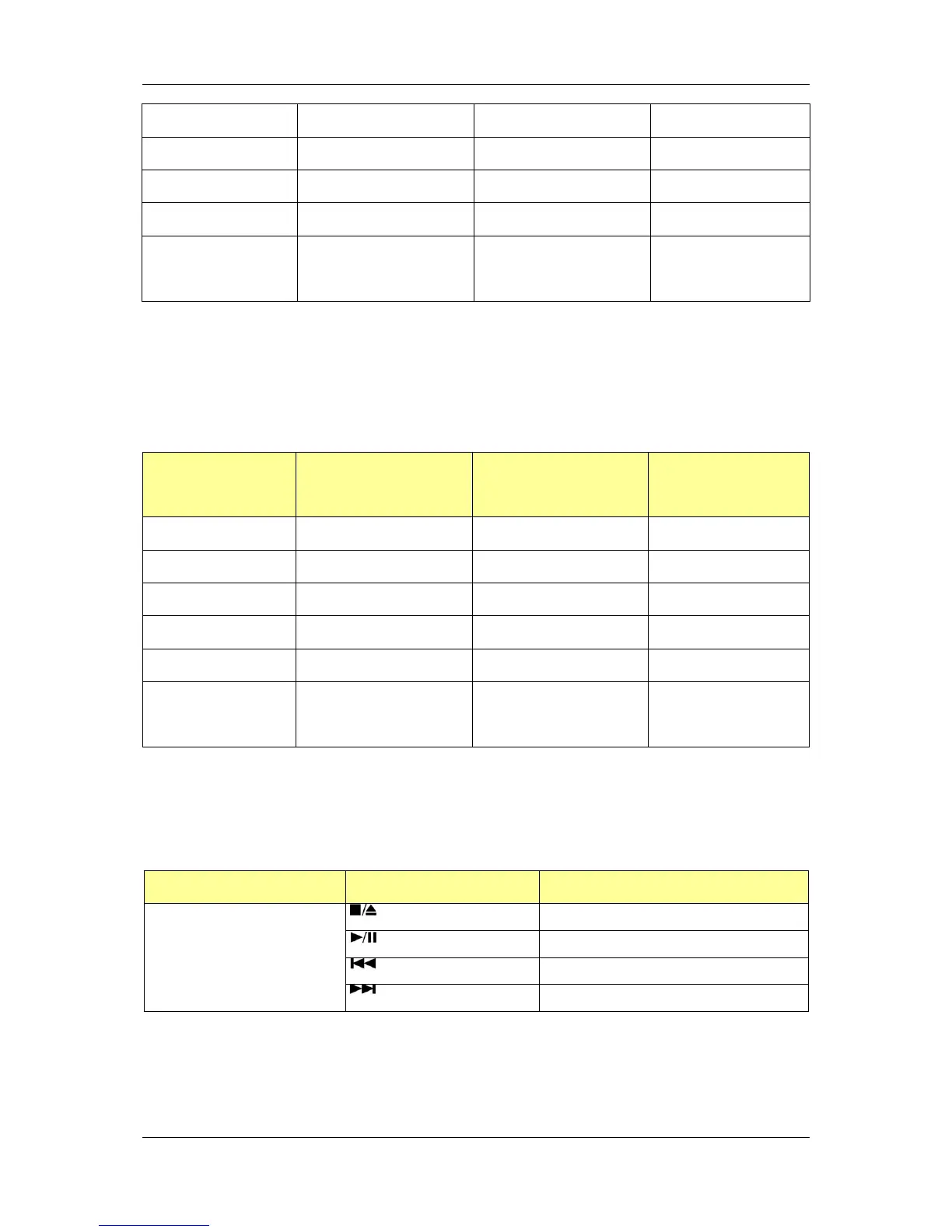
12.10.2 Fan control by PWM. (Not supported)
EC will output PWM duty cycle to control fan directly.
Speed stage
Speed down
temperature()
Speed up
temperature()
Fan 1
Duty Cycle
Speed 0
N/A
N/A
N/A
Speed 1
N/A
N/A
N/A
Speed 2
N/A
N/A
N/A
Speed 3
N/A
N/A
N/A
Speed 4
N/A
N/A
N/A
Speed 5
(Throttling start)
N/A
N/A
N/A
12.11 Software DJ (Not supported)
12.11.1 Function Selected by Push switch
User can use the Push Switch to turn on “Direct CD mode”.
The four function buttons are defined as below.
Function Mode
Four Buttons
Function Description
Direct CD mode
Stop/Eject
Play/ Pause
Previous
Next
12.11.2 Software DJ
Four function buttons of CD/DVD mode (System is off )

Table of Contents

Related product manuals