. . . . . . . . . . . . . . . . . . . . . . . . . . . . . . . . . . . . .
ArmadaStation Removal and Replacement Procedures
5-27
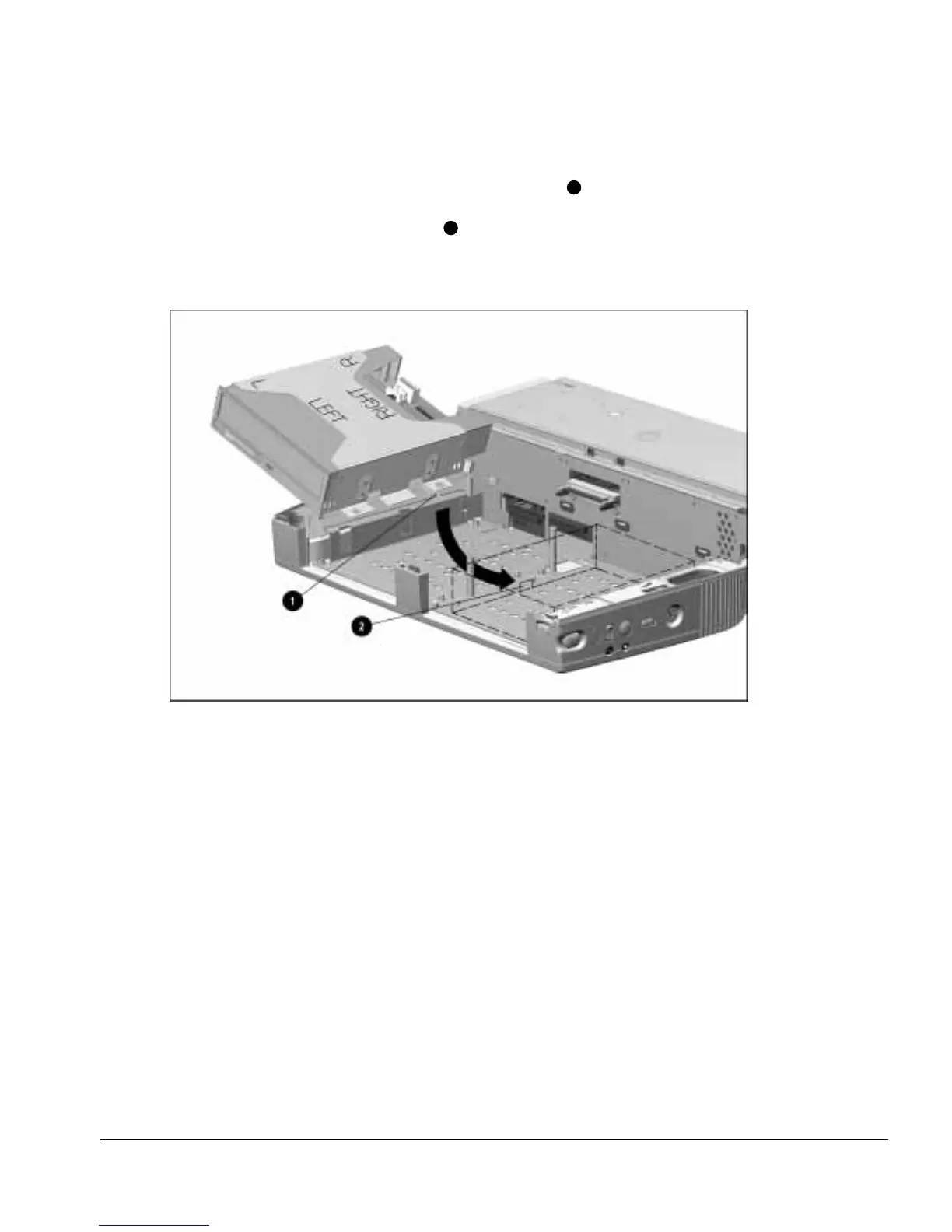
9. Swing the drive cage/half-height MultiBay adapter assembly into the base assembly
from left to right. Make sure the security extension bar
1
extends to the right. If an
Armada 7000 Half-Height MultiBay Adapter is being installed in the left half-height
bay, the bar must fit into the channel
2
on the MultiBay installed in the right
half-half bay. Align the holes on the drive cage with the alignment pins in the base
assembly (Figure 5-26).
Figure 5-26.
Installing the Half-Height MultiBay Adapter Assembly



 To Next Page