120 - Troubleshooting and Technical Support
DeviceMaster LT User Guide: 2000586 Rev. B
Loopback Test (RS-232)
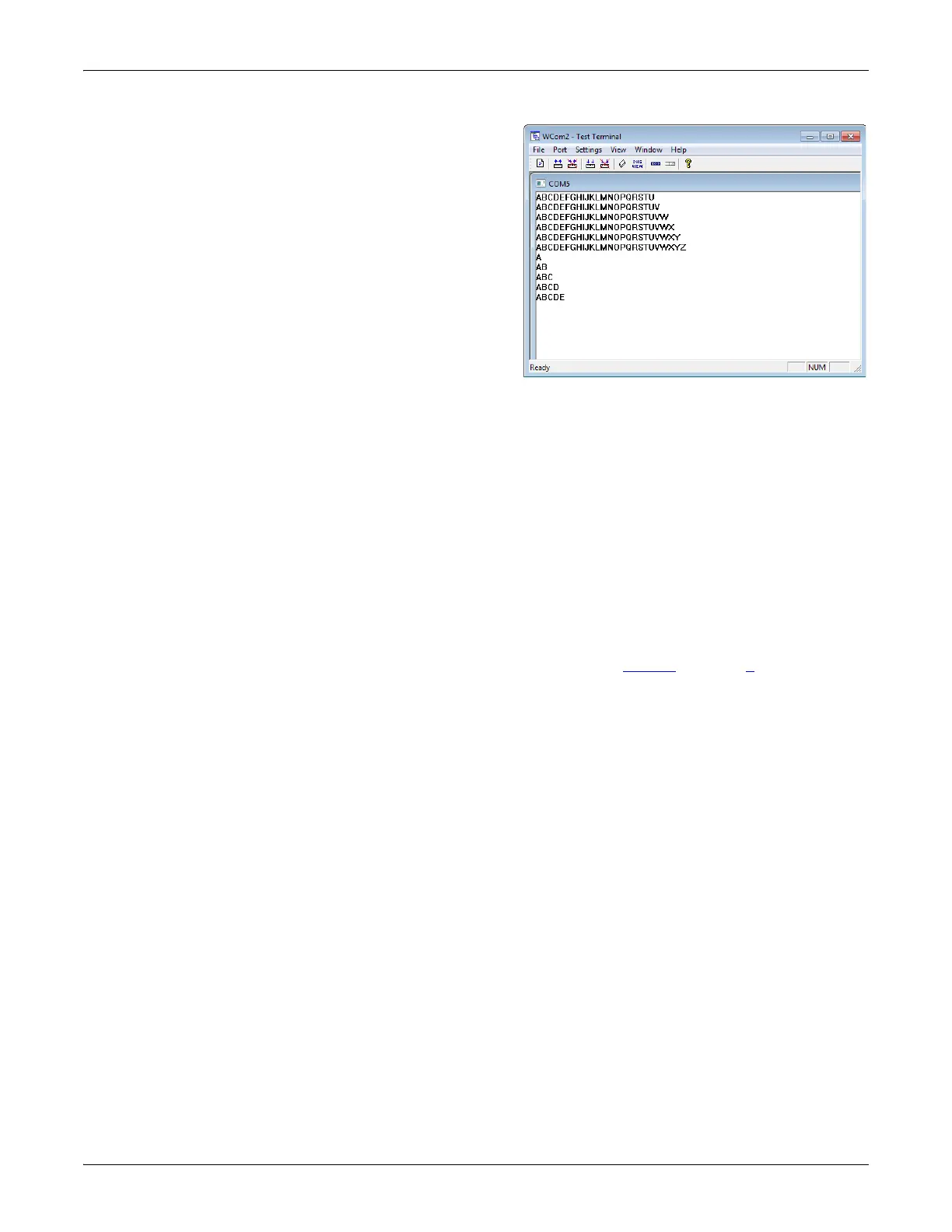
You should see the
alphabet scrolling across
the port. If so, then the port
installed properly and is
operational.
Note: If you left Port
Monitor running, it
should show data
sent and received
and show the
average data
throughput on the
port.
4. Select Port > Send and
Receive Test Data to stop the
scrolling data.
5. You can go to th
e next
p
rocedure to run the Loopback Test on Page 120 if this is an RS-232 port.
If this test successfully completed, then the port is operational as expected.
Note: Do NOT forget to restart the communications application.
Loopback Test (RS-
232)
The Loopback Test tests the modem control (hardware handshaking) signals. It
only has meaning in RS-232 mode on serial connector interfaces with full RS-232
signals. If performed under the following conditions, the test will always fail
because full modem control signals are not present:
•RS-422
•RS-485
• RJ11 connectors
Use the following steps to run the Loopback Test.
1. If necessary, start Test Terminal (Page 119, Steps 1
through 2).
2. Click Port > Loopback Test.
This is a pass fail test and will take a second or two to complete
. Repeat for
each port that
needs testing.
If the Loopback Test and the Send and Receive Test Data tests successfully
complete, then the port is operational as expected.



 To Next Page