DeviceMaster LT User Guide: 2000586 Rev. B
Device Driver (NS-Link) Installation - 31
Windows Installations
Windows Installations
This subsection provides an installation overview for the NS-Link device driver for
Windows. For detailed installation and configuration information, see the
DeviceMaster LT Device Driver (NS-Link) User Guide for Windows
, which is
available on the Software and Documentation CD or you can download
the latest.
Supported
Operating Systems
The NS-Link device driver for Windows supports:
• Windows 8
• Windows Server 2012
• Windows 7
• Windows Server 2008
• Windows Vista
• Windows Server 2003
• Window XP
If you are updating the driver or need to remove the NS-Link device driver, you
can refer to the DeviceMaster Device Driver (NS-Link) User Guide
or the help
system.
Note: Administrative privileges are required to install device drivers on Windows
systems (excluding Windows Server 2003 and Windows XP).
Installation
Overview for
W
indows
The following NS-Link device driver installation and configuration procedures are
discussed in this subsection:
• Install the NS-Link device driver and Comtrol Dri
vers Management Console
using the Installation Wizard.
• Configure the COM ports using the Comtrol Driver
s Management Console.
• Configure device properties using the Comtrol Driver
s Management Console.
NS-Link for
Windows
Installation
1. If necessary, locate the NS-Link device driver and make it available to the host
system
. The driver assembly is available on the Software and Documentation
CD if you do not have internet access, or download the latest driver from
:
ftp://ftp.comtrol.com/dev_mstr/LT/drivers/win7.
Note: Al
though the ftp link displays win7 in the path, the driver supports the
previously listed
Windows operating systems.
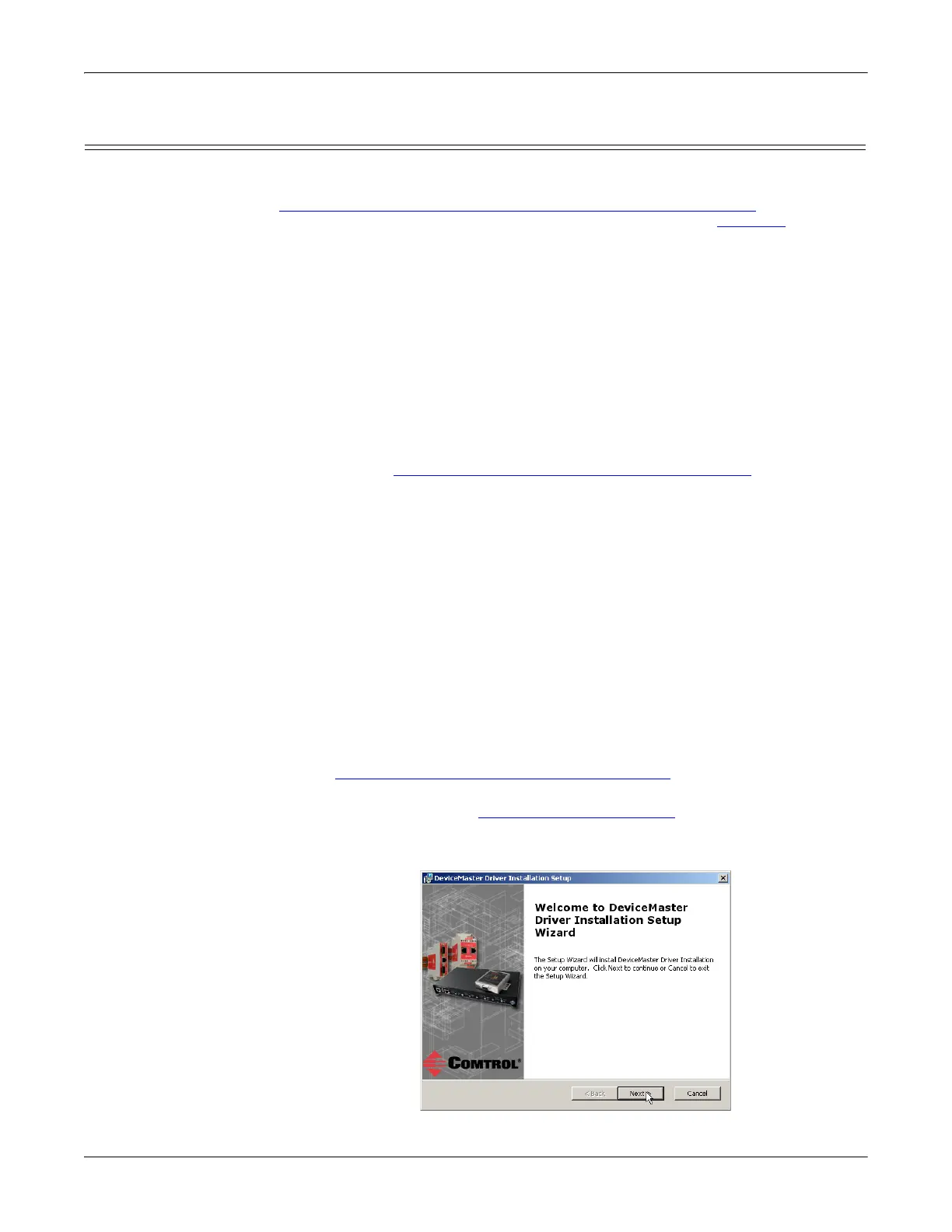
2. Execute the driver assembly De
viceMaster_Windows_x.xx.exe file and click
Ne
xt to start the installation.



 To Next Page