DeviceMaster LT User Guide: 2000586 Rev. B
Managing the DeviceMaster LT - 95
Accessing RedBoot Commands in Telnet/SSH Sessions (PortVision DX)
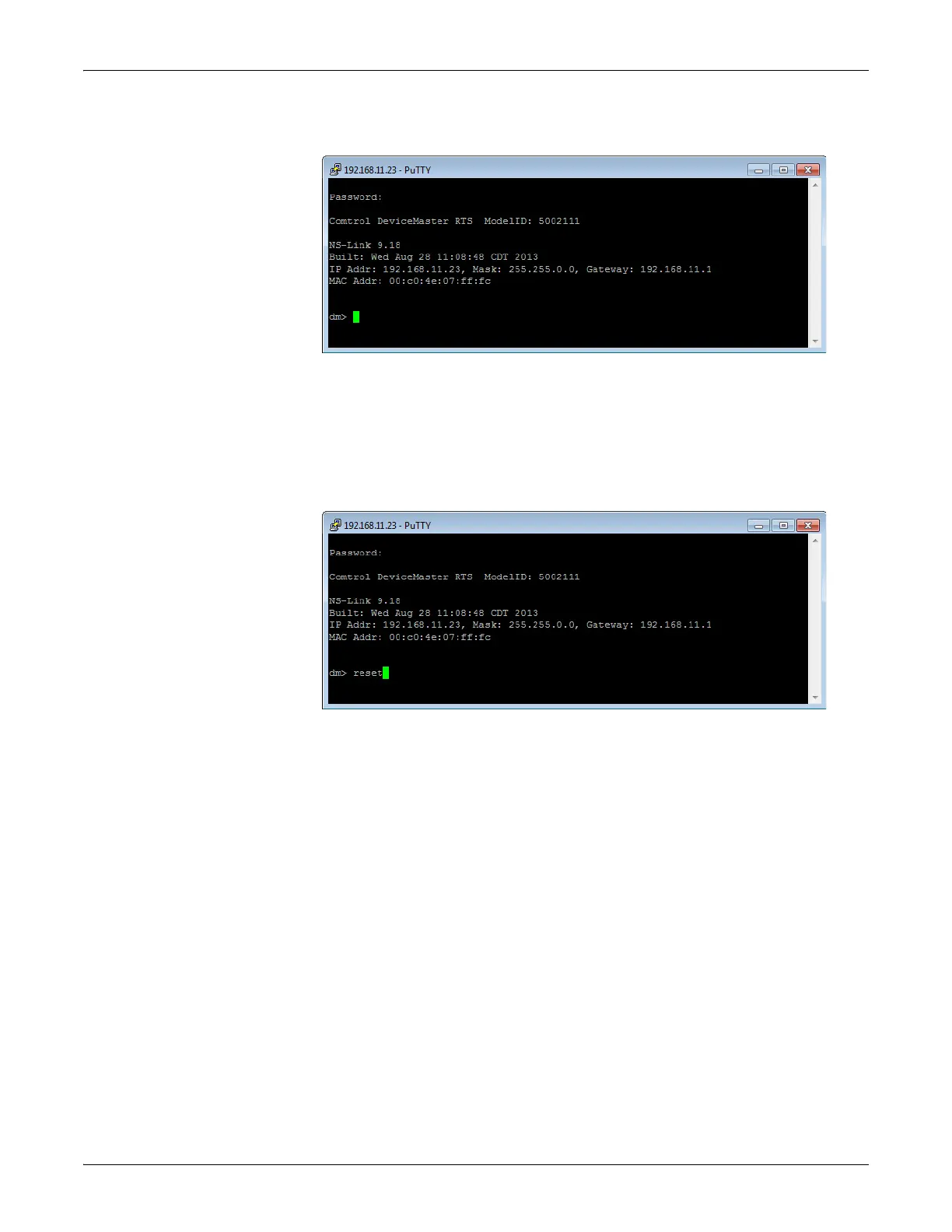
3. If necessary, enter the password and press Enter. If a password has not been
set, pres
s Enter. If using an SSH session, press Enter to the login as prompt.
Note: If the PuTTY
screen flashes in the background and does not appear
as shown above, make sure that Enable Telnet/ssh has not been
disabled in SocketServer. To check this, return to PortVision DX,
right-click the DeviceMaster LT in the Device List pane, and click
Webpage. Click the Security tab and if necessary, verify that the
Enable Telnet/ssh option is enabled, If it is not, click the option and
then click Save, and close SocketServer.
4. Type Re
set, press Enter, and close the telnet session.



 To Next Page