92 - Managing the DeviceMaster LT
DeviceMaster LT User Guide: 2000586 Rev. B
SSH Session
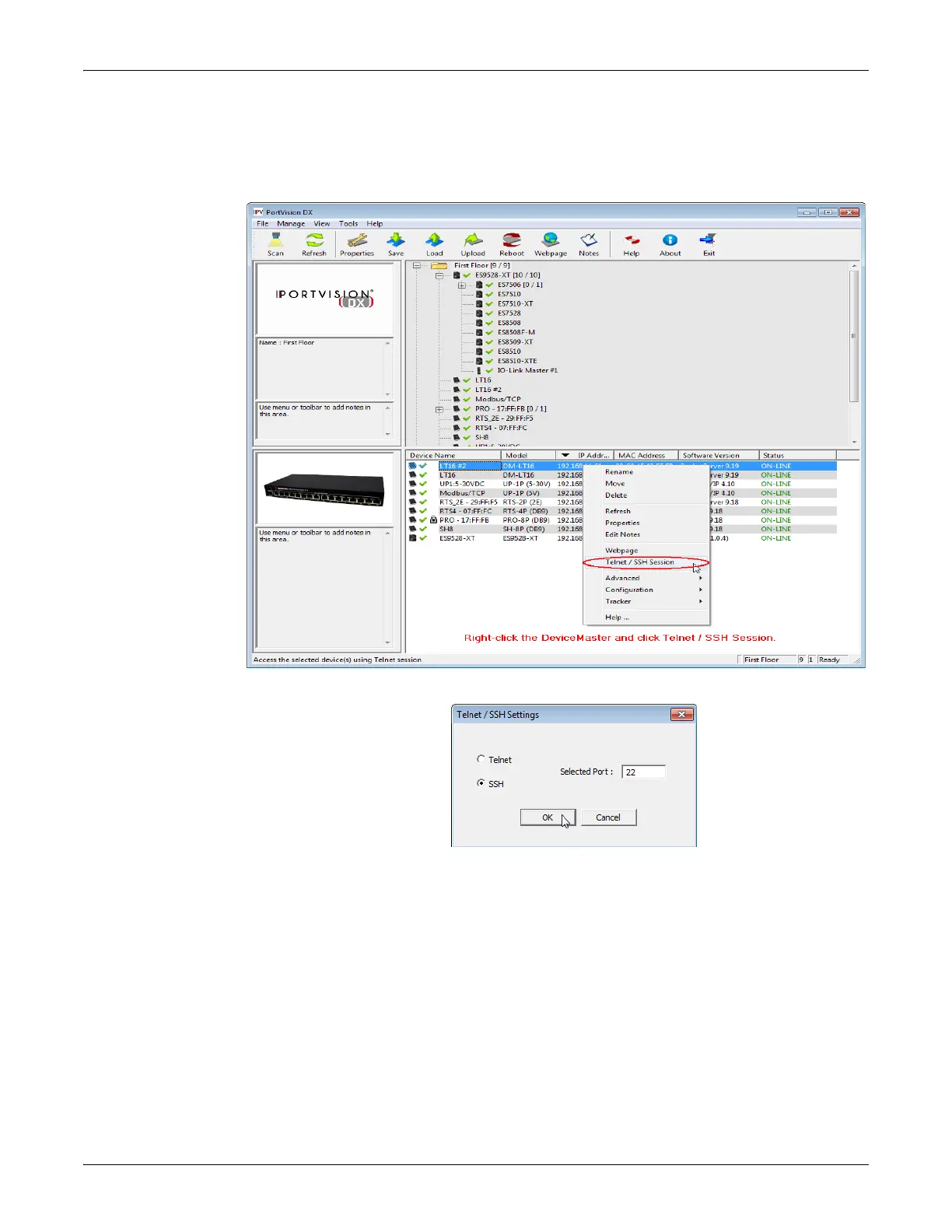
SSH Session Use the following procedure to access an SSH session with PortVision DX.
1. In PortVision DX, PortVision DX, rig
ht-click the DeviceMaster LT in the
Device List pane for which you want to open an SSH session, and click Telnet/
SSH Session.
2. Click SS
H and leave the port number at the default.



 To Next Page