28 - Initial Configuration
DeviceMaster LT User Guide: 2000586 Rev. B
How to Open Previously Downloaded Documents
How to Open
Previously
Downloaded
Documents
Use the following procedure to access previously downloaded documents in
PortVision DX.
Note: Optionally, you can browse to the Program Files (x86) > Comtrol > PortVision
DX > Docs subdirectory and open the document.
1. If necessary, open PortVision DX > Start/Programs > Comtrol > PortVision DX
>
Po
rtVision DX or use the desktop shortcut.
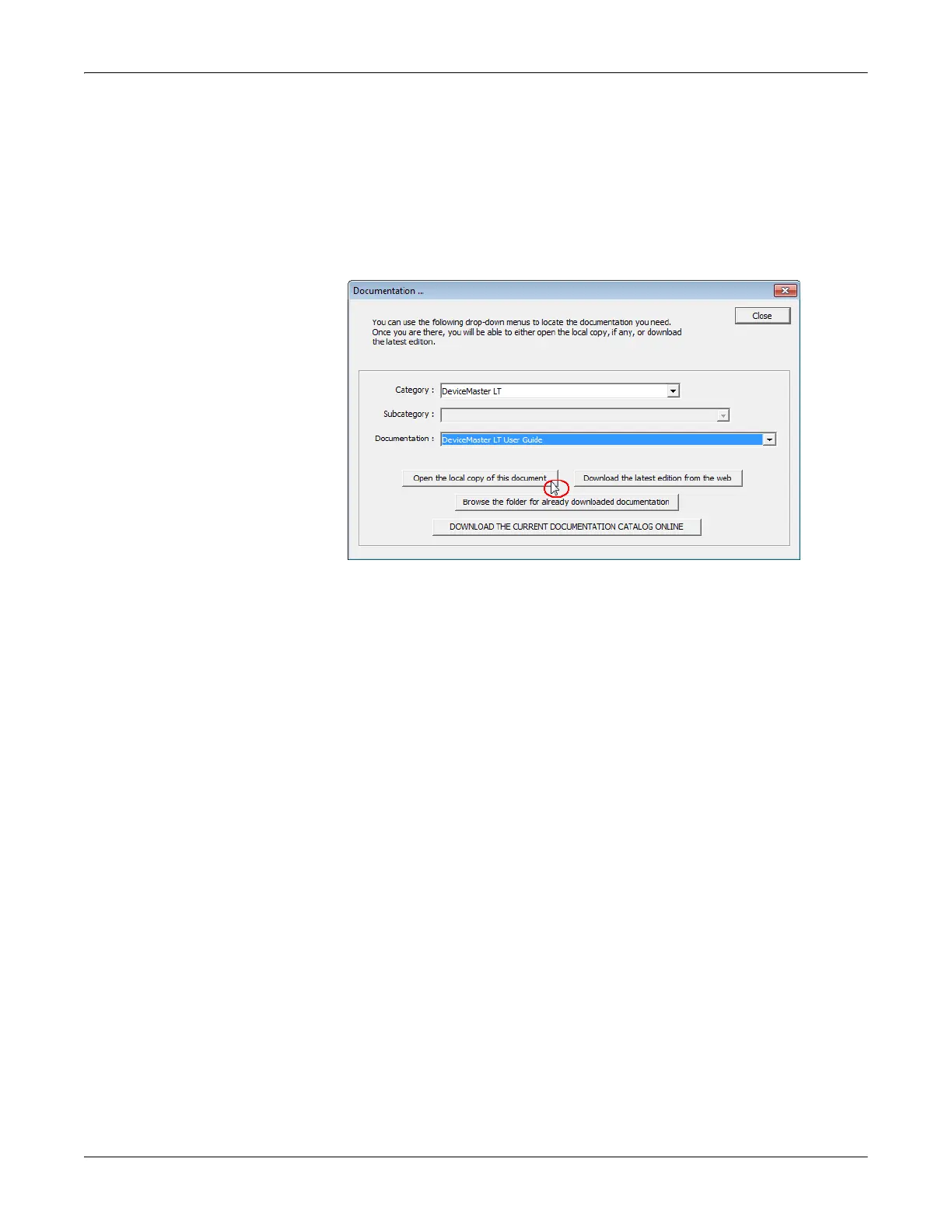
2. Click Help > Documentation.
3. Click the Open the local copy of the document button to view the document.
Note: If the document fails to open, it may be that your browser has been
disabled. You can still access the document by clicking the Browse the
folder for already downloaded documentation button and opening the
document with your custom browser.
4. Click Close in the Documentation... popup, unless you want to open or
download other documents.



 To Next Page