86 - Managing the DeviceMaster LT
DeviceMaster LT User Guide: 2000586 Rev. B
Uploading Bootloader
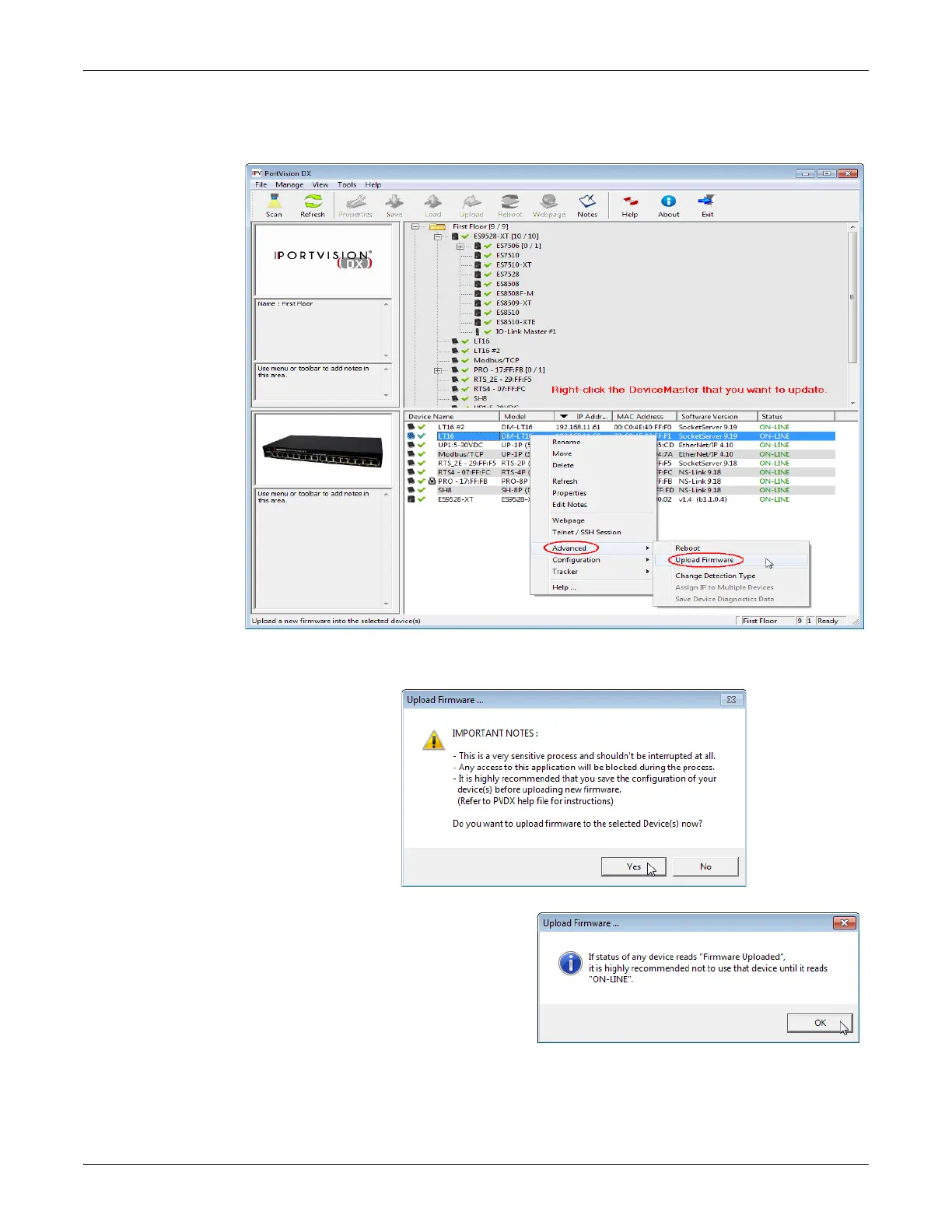
3. Right-click the DeviceMaster LT for which you want to update, click Advanced
> Upload Firmware, browse to the Bootloader .bin file, and then click Open.
4. Click Ye
s to the Upload Firmware message that warns you that this is a
sensitive process.
5. Click Ok
to the second
Up
load Firmware message.
6. Right-click the Device
Master
L
T and click Refresh until th
e
Bootload
er version display
s
in
the Device List pane an
d
veri
fy that the new versio
n
loaded.



 To Next Page