79
In order to read the pre-set value of F6, press the button marked LEARN and the display will
change from “F6” to a number between 1 and 96. The factory default is 50. The indicated
number is the value set for the F6 FUNCTION.
• To check the speed of the lift for the F6 “FULL SPEED DOWN” function, ensure that
the lift is high enough to be able to use the tachometer and read the current speed.
Situate yourself and your co-worker in a safe position to place the tachometer on the
lift. Press the DOWN and HIGH SPEED buttons at the same time, and the lift starts
and accelerates to full speed as per the current setting of F6. Read and note the full
speed with the tachometer. If the “FULL SPEED DOWN” is correct for the lift, e.g., a
nominal 36 fpm, then no adjustment is required.
• To increase the DOWN speed, the FUNCTION (F6) number must be raised; to reduce
the DOWN speed, the number must be lowered. To change the setting, press and
hold the LEARN button. Simultaneously, scroll the numbers on the display with the
ONES button.
One push on a button scrolls the number UP one digit. The ONES button scrolls the right side
numbers and the TENS button scrolls the left side numbers. Assume the value shown was 63,
and the number must be raised to speed up the lift. The number can be increased from 63 to
75. To scroll the left number to 7, press the TENS button one push at a time; to scroll the right
side numbers to 5, press the ONES button. Press the STORE button while holding in the
LEARN button. The number is now temporarily stored for use by the processor. When the
toggle switch is returned to NORMAL, permanent storage will occur. Check the DOWN speed
again and compare it to the last measurement. The speed should have increased noticeably.
If the speed still is not correct, adjust the settings up or down, as indicated to reach the desired
speed. Use the same procedures just described for moving the settings.
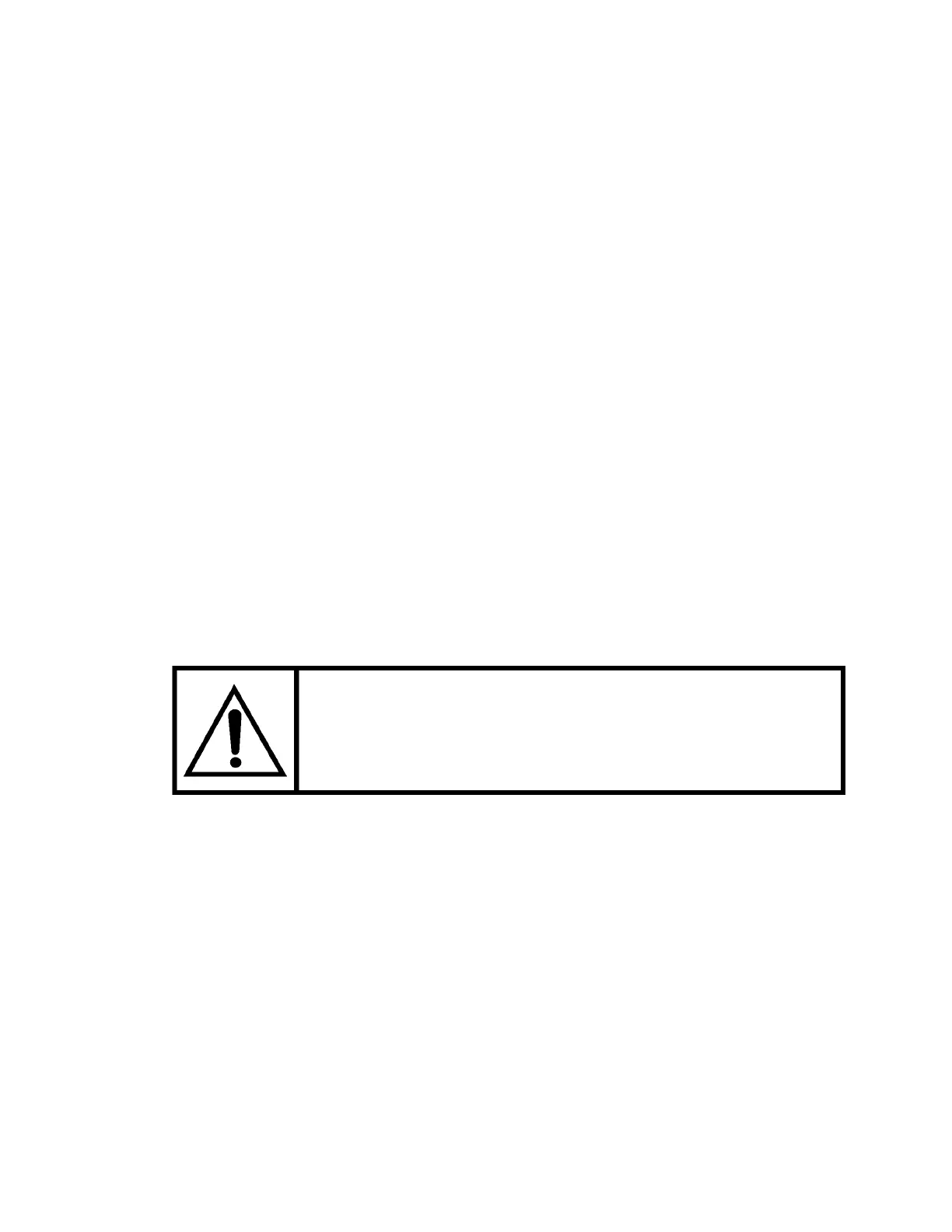
INITIAL SETTING FOR THE F6 FUNCTION MUST NOT
EXCEED 40. ADJUST HIGHER ONLY TO A MAXIMUM
OF 36 F.P.M.
• Once the DOWN speed has been set correctly, the next recommended setting is the
DOWN leveling speed. This is Function F5 on the display. Position the lift to use the
tachometer for measuring the DOWN leveling speed, as was done for the DOWN
fast speed. Press the DOWN direction control button (without pressing the high
speed button), and read the DOWN leveling speed. Five (5) f.p.m. to eight (8) f.p.m.
seems to be the optimum setting, but this may vary depending on job site conditions.
By pressing the LEARN button to review the current settings, adjust the settings as
instructed for the DOWN full speed, using the F5 function. To reduce or speed up
the lift, adjust the numbers either UP or DOWN.
With the full speed and the leveling speed set, the lift can now be tested with a car or hall call
to the bottom floor. It is preferable to be on the lift and watch it approach the floor. Take the
lift UP the runway a short distance using the temporary buttons, and then press a DOWN call.
Take note of the DOWN acceleration, whether rough, smooth, or taking too long to reach full
speed.


 To Next Page