Parameter
structure
Keypad and
display
Parameter x.00
Parameter
description format
Advanced parameter
descriptions
Serial comms
protocol
Electronic
nameplate
Performance
Menu 8
Digitax ST Advanced User Guide 115
Issue Number: 1 www.controltechniques.com
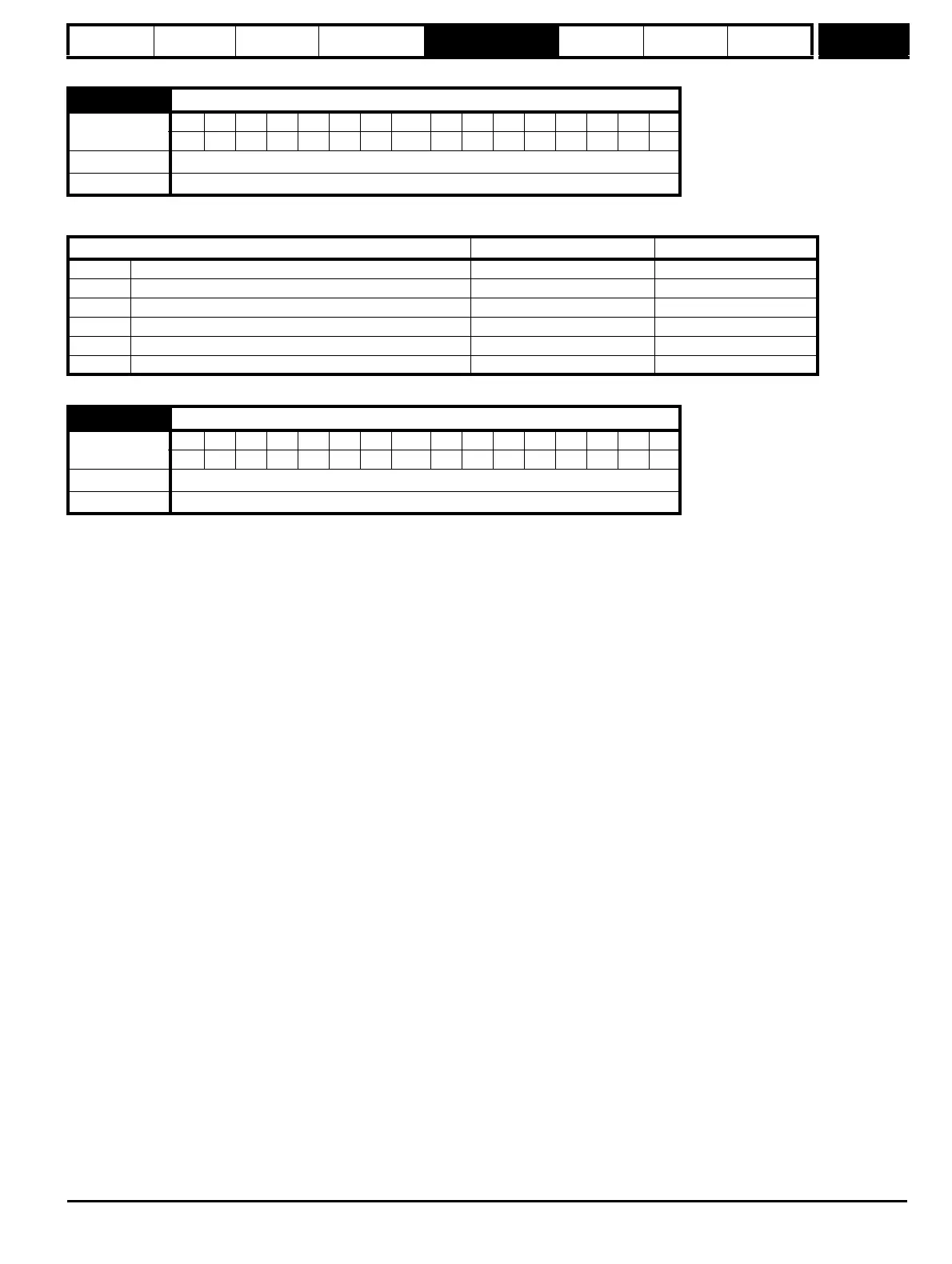
When this parameter is 0, Pr 8.25 and Pr 8.26 are set up automatically according to the setting of the reference select Pr 1.14. Setting this parameter
to 1 disables this function.
If the destination for digital input 4 is set to Pr 8.40 the drive freeze function is activated. Pr 8.40 is protected (PT), and so the input cannot write
directly to this parameter. However, if the drive freeze input is enabled in this way and the input changes from the inactive to active state the freeze
event is registered. The drive has a common internal freeze line which is connected to the freeze function within the drive, and each Solutions Module
which has a freeze function. When the freeze event is registered the common freeze line becomes active and the drive encoder position and the
position within any position feedback Solutions Modules that include a freeze function are latched. The drive does not allow the user to access its
stored freeze position directly, but this is accessed via menu 90 associated with an SM-Applications module. Pr 8.40 is simply an indication that a
freeze event has occurred, and when this parameter is set it does not prevent further freeze events from storing the drive encoder position. Pr 8.40
can be cleared by the user as required. It should be noted that Pr 8.40 is set to one when the drive freeze is enabled and any freeze event occurs on
the common freeze line.
If Pr 8.14 is set to zero a freeze event occurs when the input changes from low to high. If Pr 8.14 is set to one a freeze event occurs when the input
changes from high to low. The threshold used by the freeze function and the system to derive the value in the input state (Pr 8.04) are not identical
and it is possible that there may be a slight difference between the levels at which Pr 8.04 changes state and the freeze flag becomes active.
8.39 T28 & T29 digital input auto-selection disable
Coding
Bit SP FI DE Txt VM DP ND RA NC NV PT US RW BU PS
111
Default OFF (0)
Update rate Background read
Reference select Pr 1.14 Pr 8.25 set to: Pr 8.26 set to:
0, A1.A2 Reference selection by terminal input Pr 1.41 - Analog ref 2 select Pr 6.31 - Jog
1, A1.Pr Analog reference 1 or presets selected by terminal input Pr 1.45 - Preset select bit 0 Pr 1.46 - Preset select bit 1
2, A2.Pr Analog reference 2 or presets selected by terminal input Pr 1.45 - Preset select bit 0 Pr 1.46 - Preset select bit 1
3, Pr Preset reference selected by terminal input Pr 1.45 - Preset select bit 0 Pr 1.46 - Preset select bit 1
4, Pad Keypad reference selected Pr 1.41 - Analog ref 2 select Pr 6.31 - Jog
5, Prc Precision reference selected Pr 1.41 - Analog ref 2 select Pr 6.31 - Jog
8.40 Freeze flag
Coding
Bit SP FI DE Txt VM DP ND RA NC NV PT US RW BU PS
111
Default 0
Update rate 4ms write


 To Next Page