PC Comissioning SoftwarePC Comissioning Software
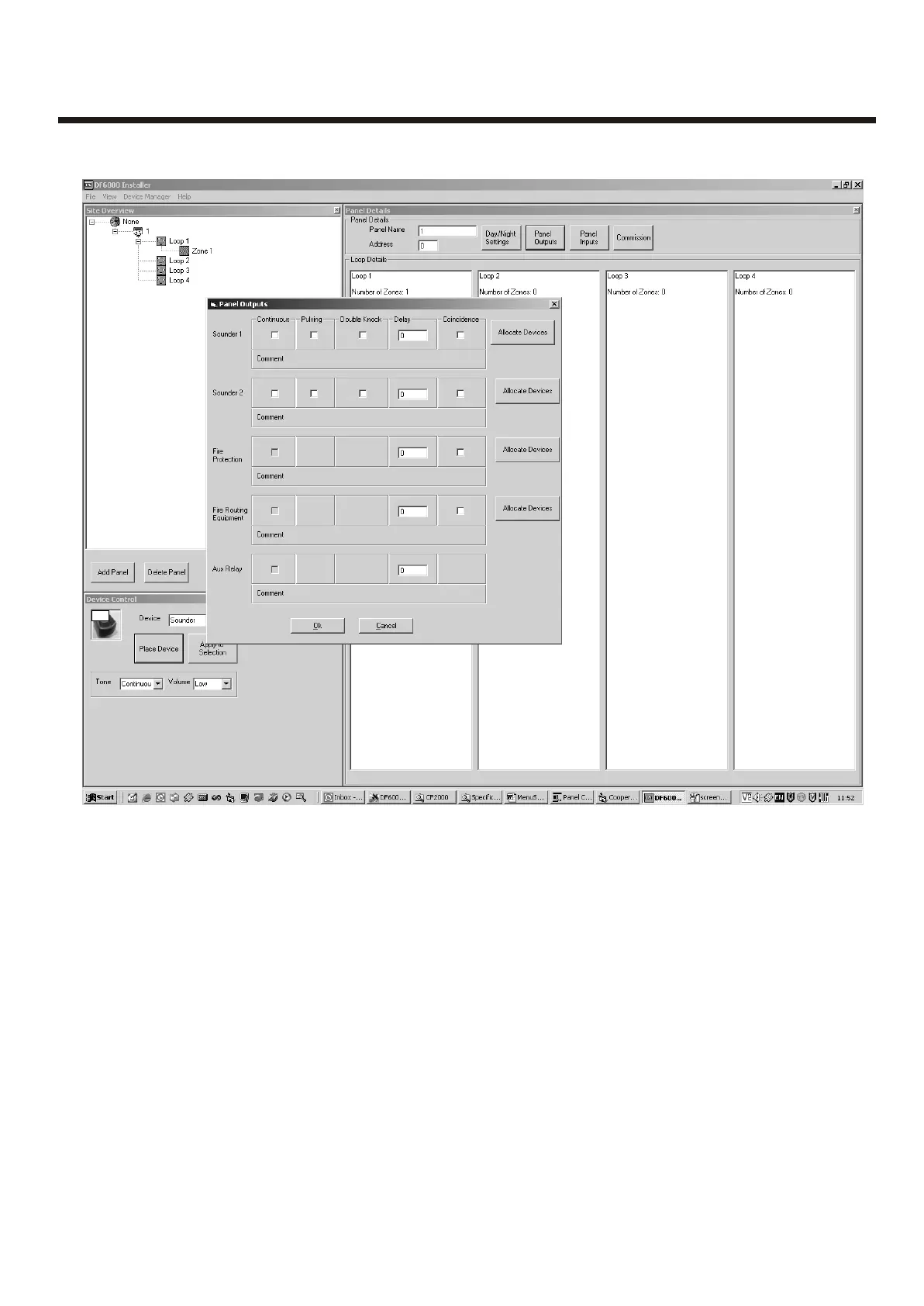
Panel Outputs
Coincidence detection
Each panel output can be assigned a unique list of zones derived from the zones available on the
loop, to activate this output, two unique zones from this list have to be be in fire or alternatively
any zone outside this list will trigger the output also. When the 'coincidence' box is checked - the
'Allocate device' button allows the user to populate this list.
34



 To Next Page