Change Date/TimeChange Date/Time
Service
FRE Off
Service
FRE Off
ResetReset
Change PasswordChange Password
ExitExit
Mute
Buzzer
Mute
Buzzer
Programming I/O and SoundersProgramming I/O and Sounders
Change Date/TimeChange Date/Time
Change TextChange Text
Configure ZonesConfigure Zones
Add ZoneAdd Zone
Add DeviceAdd Device
Delete ZoneDelete Zone
Delete DeviceDelete Device
Day/NightDay/Night
Service
FRE Off
Service
FRE Off
ResetReset
OkOk
CancelCancel
Current Time:Current Time:
Current Date:
Wednesday
dd-mmm-yyyy
Current Date:
Wednesday
dd-mmm-yyyy
BST OnBST On
+1
Hour
+1
Hour
+1
Day
+1
Day
-1
Hour
-1
Hour
-1
Day
-1
Day
-10
Mins
-10
Mins
-1
Month
-1
Month
-1
Mins
-1
Mins
-1
Year
-1
Year
+10
Mins
+10
Mins
+1
Month
+1
Month
+1
Mins
+1
Mins
+1
Year
+1
Year
10:16:1210:16:12
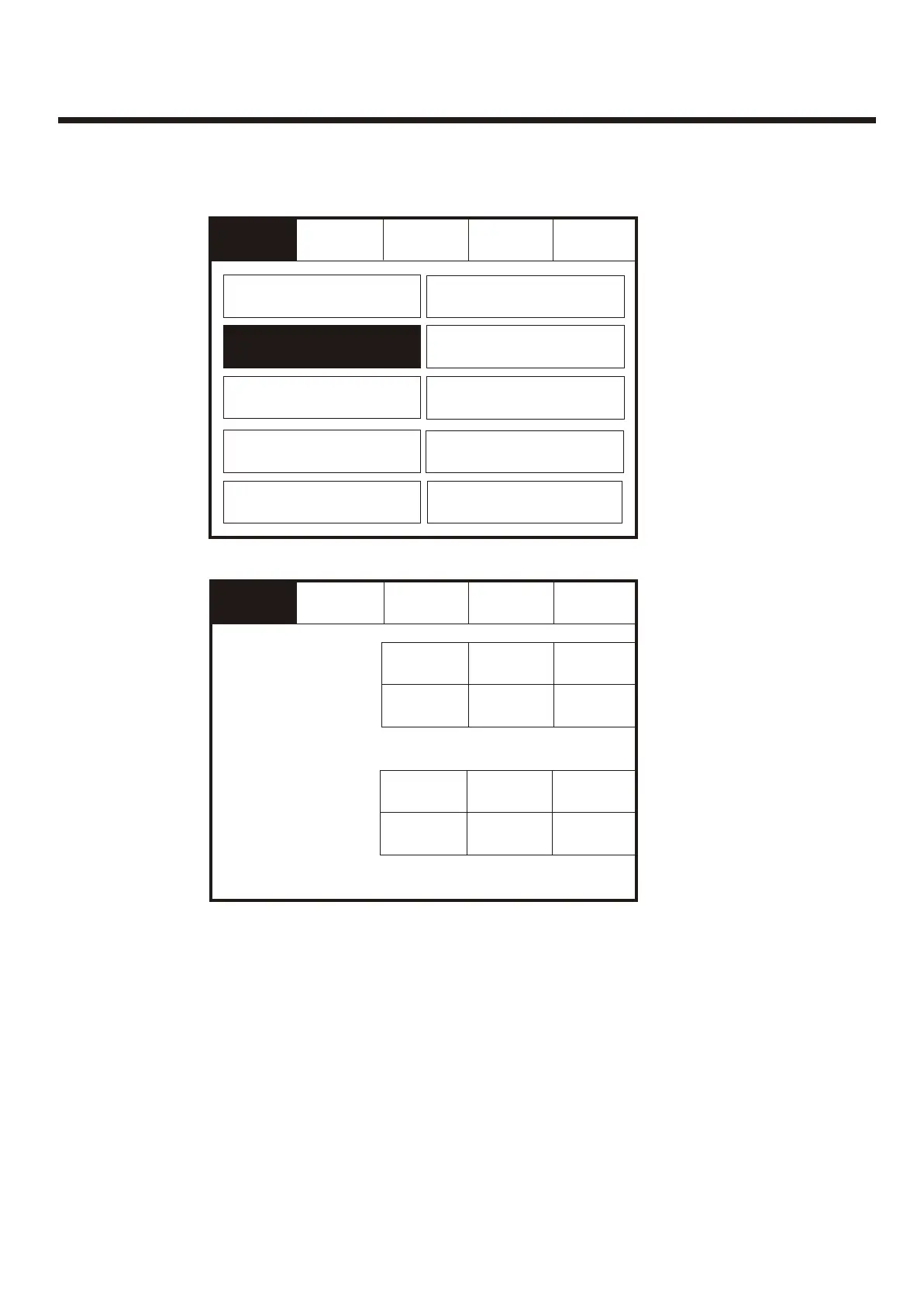
Enter the Service Mode and Select Configure. Select Change Date/Time.Enter the Service Mode and Select Configure. Select Change Date/Time.
Set the Time Using the Buttons Shown Below.Set the Time Using the Buttons Shown Below.
75



 To Next Page