Supervisor
FRE Off
Supervisor
FRE Off
Fires
0
Fires
0
Pre
Alarms 0
Pre
Alarms 0
Faults
0
Faults
0
Disabled
0
Disabled
0
System Healthy
XX Zones Active
System Healthy
XX Zones Active
Tuesday
dd-mm-yyyy
16:25.25
BST On
Tuesday
dd-mm-yyyy
16:25.25
BST On
Panel OperationPanel Operation
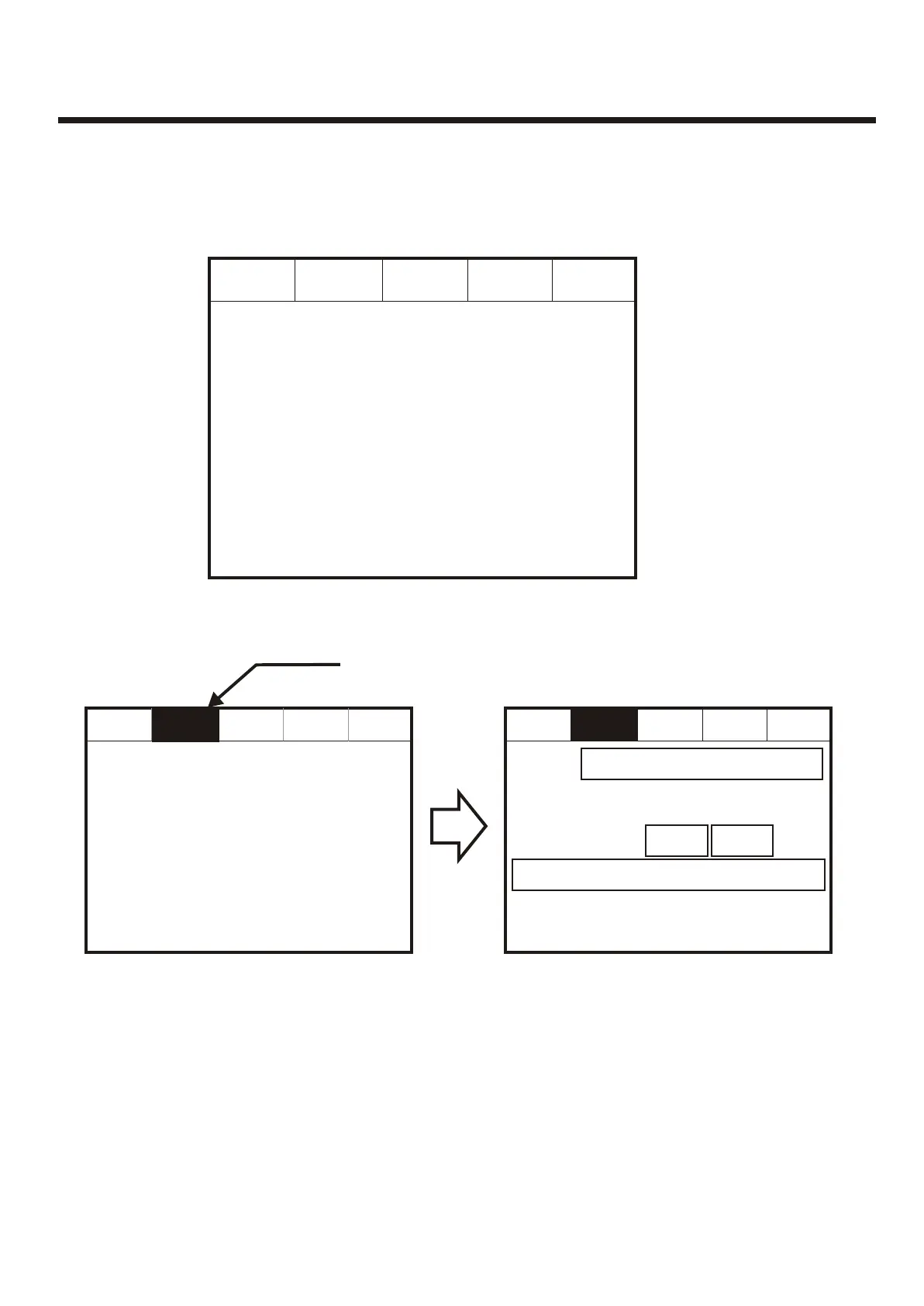
The Panel is operated via a backlit touch screen. The default fire screen is shown
below. From this screen all the panels functions can be operated. The first time you
touch the screen the backlight will illuminate the panel.
The Panel is operated via a backlit touch screen. The default fire screen is shown
below. From this screen all the panels functions can be operated. The first time you
touch the screen the backlight will illuminate the panel.
Pressing a field will highlight it and forward to the next screen as shown below.Pressing a field will highlight it and forward to the next screen as shown below.
Supervisor
FRE Off
Supervisor
FRE Off
Pre
Alarms 0
Pre
Alarms 0
Faults
0
Faults
0
Disabled
0
Disabled
0
System Healthy
10 Zones Active
System Healthy
10 Zones Active
Tuesday
dd-mm-yyyy
16:25.25
BST On
Tuesday
dd-mm-yyyy
16:25.25
BST On
Fires
1
Fires
1
Supervisor
FRE Off
Supervisor
FRE Off
Pre
Alarms 0
Pre
Alarms 0
Faults
0
Faults
0
Disabled
0
Disabled
0
Tuesday
Dd-mmm-yyy
16:25.25
BST On
Tuesday
Dd-mmm-yyy
16:25.25
BST On
First FireFirst Fire
Total Fires= 1Total Fires= 1
Meeting Room 1, Building 1, 1st floor
Loop: 1, Zone: 2, Type: Optical
Meeting Room 1, Building 1, 1st floor
Loop: 1, Zone: 2, Type: Optical
001 FIRE! Meeting Room 1, [Optical] (Ana = 169)
Building 1, 1st floor, Panel 1, Loop1, device 4
001 FIRE! Meeting Room 1, [Optical] (Ana = 169)
Building 1, 1st floor, Panel 1, Loop1, device 4
Fires
1
Fires
1
Print AllPrint All
HelpHelp
Touch the screen here to view detailsTouch the screen here to view details
38



 To Next Page