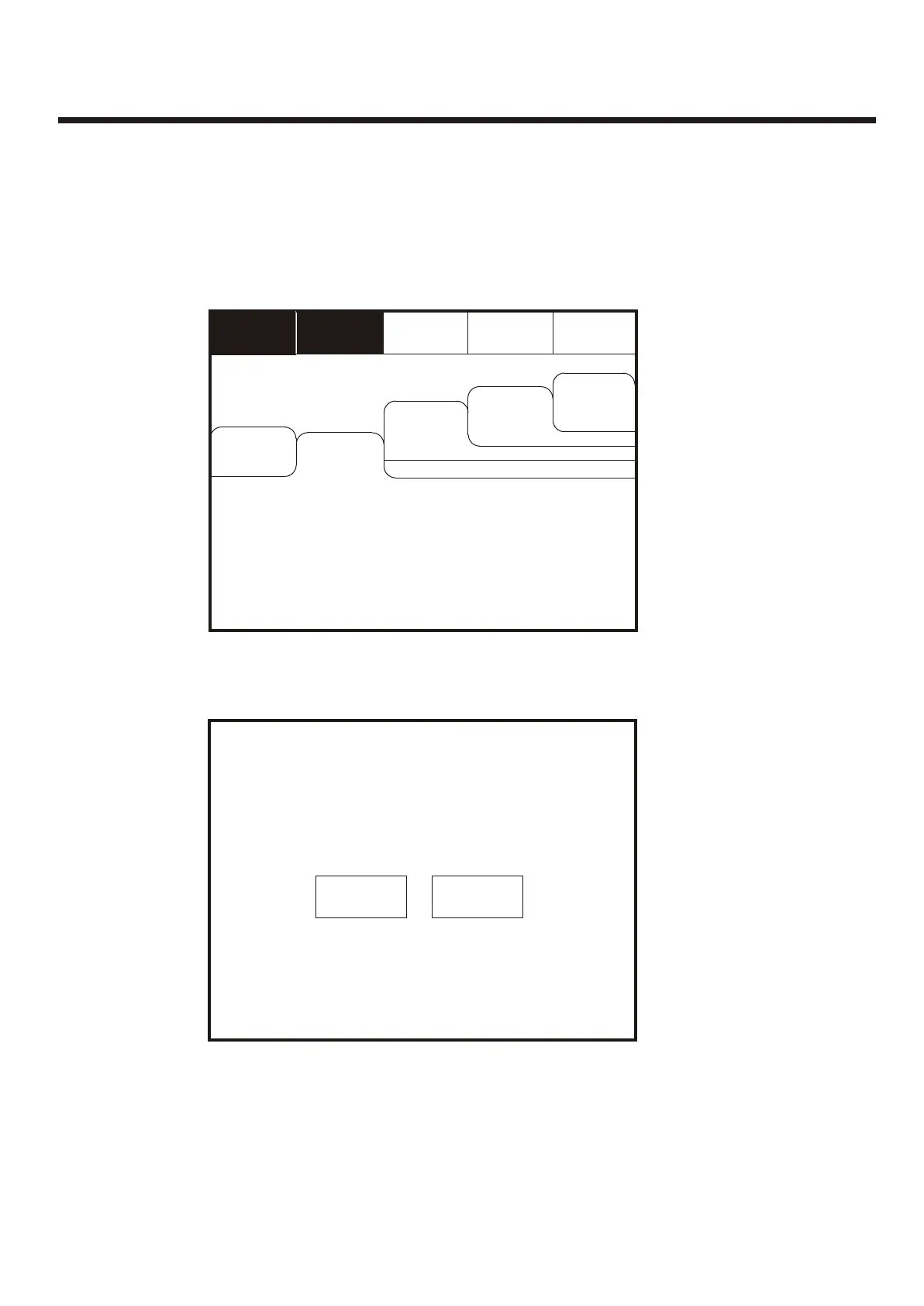
Evacuate (Access Level 2)Evacuate (Access Level 2)
Enter the Supervisor Mode Passcode and select “Evacuate” on the menu at the top of
the screen.
Enter the Supervisor Mode Passcode and select “Evacuate” on the menu at the top of
the screen.
Select “Yes” to evacuate the building.Select “Yes” to evacuate the building.
Silence
Alarms
Silence
Alarms
ResetReset
Supervisor
FRE off
Supervisor
FRE off
OthersOthers
View Fires
AC = 0
View Fires
AC = 0
View Pre
Alarms
View Pre
Alarms
Disabled
Disabled
Faults
Faults
Mute
Buzzer
Mute
Buzzer
EvacuateEvacuate
This will activate ALL sounders
and activate all panel relays
Do you wish to continue?
This will activate ALL sounders
and activate all panel relays
Do you wish to continue?
YesYes
NoNo
To activate the touch screen, touch the top left corner of the screen until the screen
illuminates. To enter the supervisor mode touch the supervisor button and enter the
passcode.
To activate the touch screen, touch the top left corner of the screen until the screen
illuminates. To enter the supervisor mode touch the supervisor button and enter the
passcode.
40



 To Next Page