Lamp TestLamp Test
EvacuateEvacuate
Silence
Alarms
Silence
Alarms
Mute
Buzzer
Mute
Buzzer
ResetReset
Supervisor
FRE off
Supervisor
FRE off
OthersOthers
PrintPrint
View Fires
AC = 19
View Fires
AC = 19
View Pre
Alarms
View Pre
Alarms
Disabled
Disabled
Faults
Faults
Weekly TestWeekly Test
Enable/DisableEnable/Disable
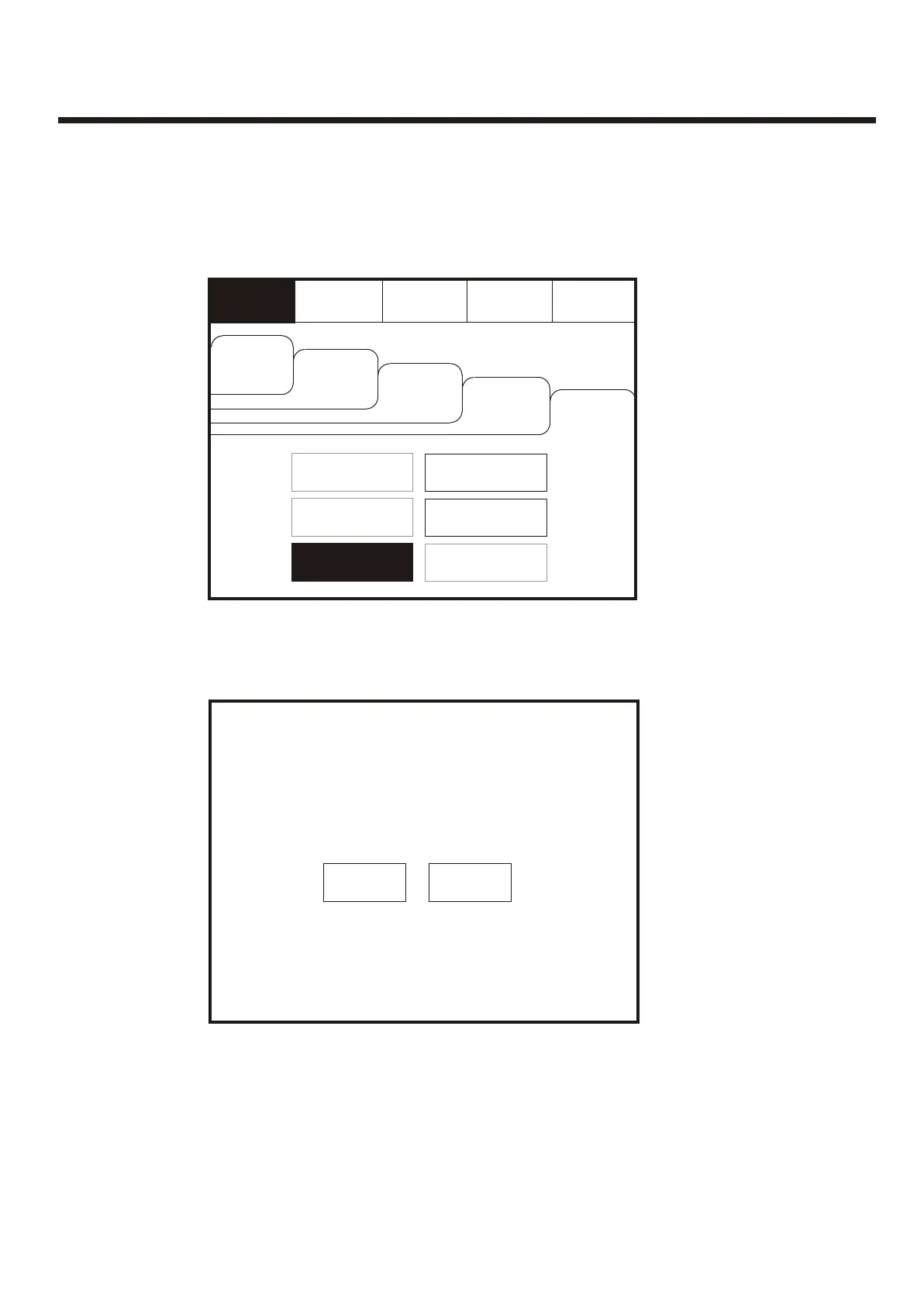
Enter the Supervisor Mode and Select the “Others” Tab. Press “Lamp Test”Enter the Supervisor Mode and Select the “Others” Tab. Press “Lamp Test”
View LogView Log
Check
Auto Config.
Check
Auto Config.
Lamp TestLamp Test
Lamp Test
LED’s will light in
numerical order
Lamp Test
LED’s will light in
numerical order
OkOk
CancelCancel
To activate the touch screen, touch the top left corner of the screen until the screen
illuminates. To enter the supervisor mode touch the supervisor button and enter the
passcode.
To activate the touch screen, touch the top left corner of the screen until the screen
illuminates. To enter the supervisor mode touch the supervisor button and enter the
passcode.
47



 To Next Page