Test ZoneTest Zone
Zone 001 Building 1, GroundZone 001 Building 1, Ground
Zone 002 Building 1, 1st floorZone 002 Building 1, 1st floor
Zone 003 Building 1, 2nd floorZone 003 Building 1, 2nd floor
Zone 004 Packing & StoresZone 004 Packing & Stores
Zone 005 Building 2, basementZone 005 Building 2, basement
Touch "-" Button to place a zone into test mode
Touch "-" Button to remove a zone from test mode
Touch "-" Button to place a zone into test mode
Touch "-" Button to remove a zone from test mode
ExitExit
ResetReset
Service
FRE Off
Service
FRE Off
Testing Zone: ScanningTesting Zone: Scanning
StopStop
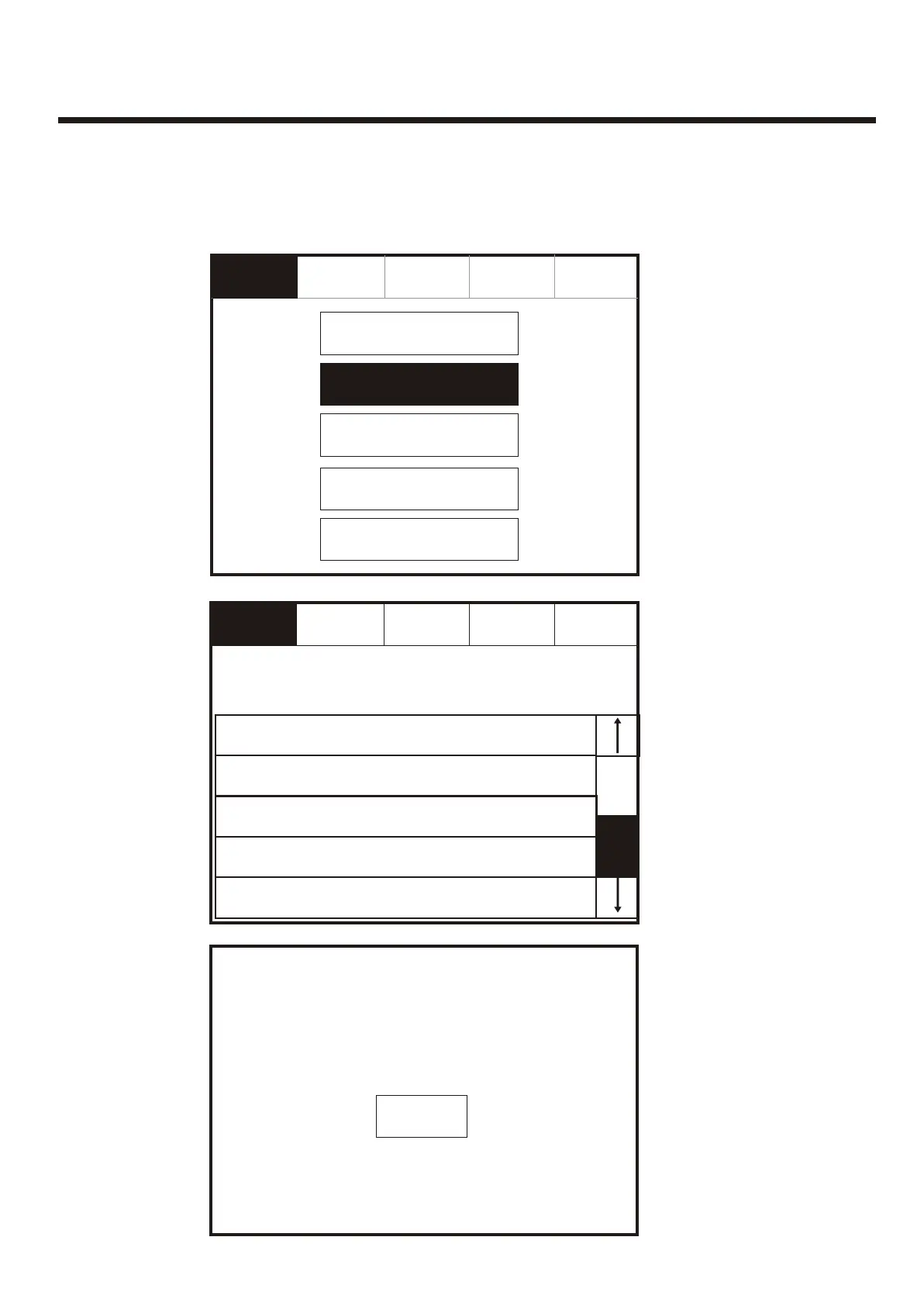
Enter the Service Mode, Select “Test” and on the Screen Shown Below Press “Test
Zone”
Enter the Service Mode, Select “Test” and on the Screen Shown Below Press “Test
Zone”
To activate the touch screen, touch the top left corner of the screen until the screen
illuminates. To enter the supervisor mode touch the supervisor button and enter the
service passcode.
To activate the touch screen, touch the top left corner of the screen until the screen
illuminates. To enter the supervisor mode touch the supervisor button and enter the
service passcode.
ExitExit
Mute
Buzzer
Mute
Buzzer
ResetReset
Service
FRE Off
Service
FRE Off
Global Flashing LED on/offGlobal Flashing LED on/off
Test ZoneTest Zone
Sounder Level Test ModeSounder Level Test Mode
One Man Walk TestOne Man Walk Test
Test DeviceTest Device
53



 To Next Page