Check Auto ConfigCheck Auto Config
EvacuateEvacuate
Silence
Alarms
Silence
Alarms
Mute
Buzzer
Mute
Buzzer
ResetReset
Supervisor
FRE off
Supervisor
FRE off
OthersOthers
PrintPrint
Lamp testLamp test
Fires
AC = 0
Fires
AC = 0
View Pre
Alarms
View Pre
Alarms
Disabled
Disabled
Faults
Faults
Weekly TestWeekly Test
Enable/DisableEnable/Disable
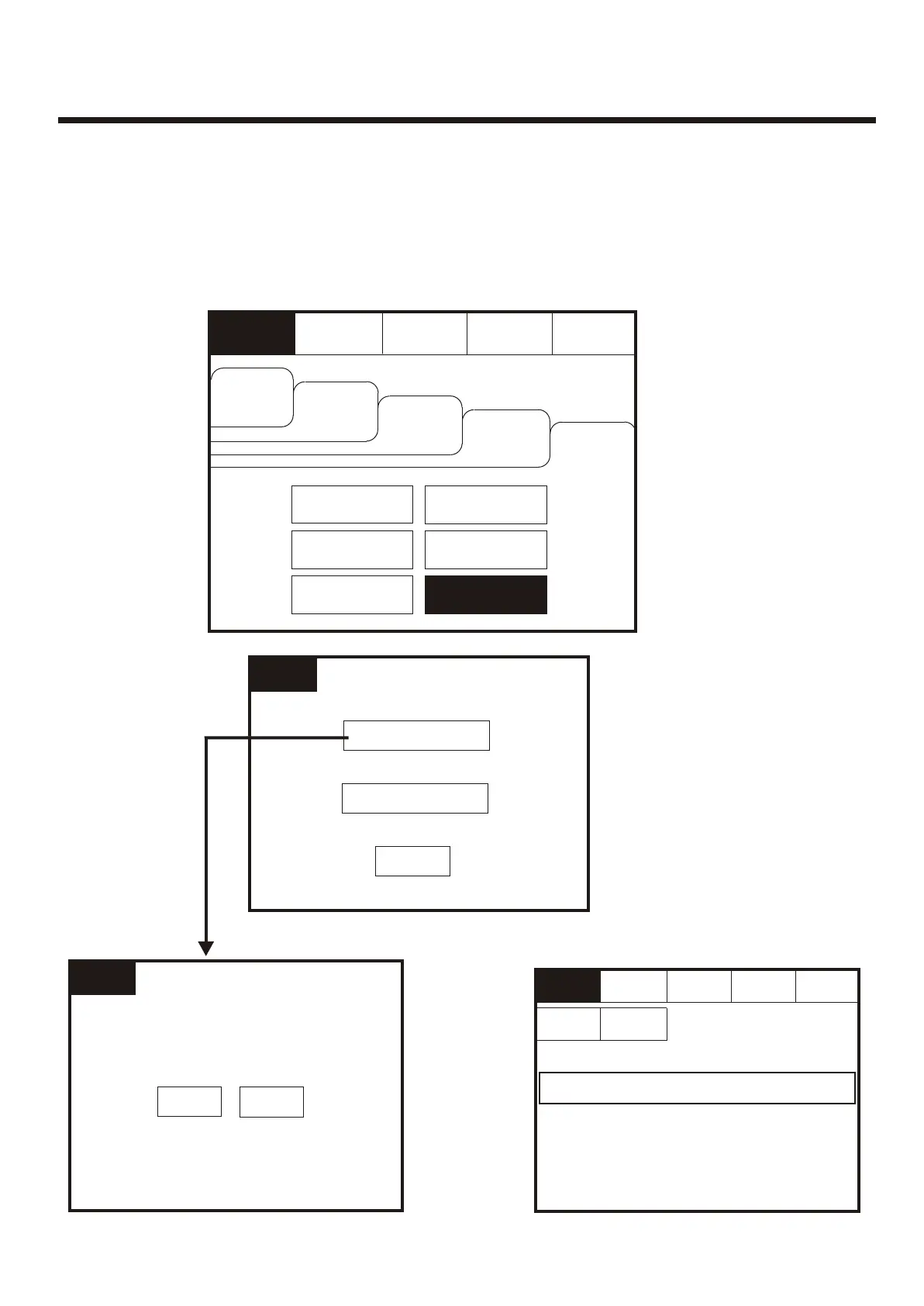
Enter the Supervisor Mode and Select the “Others” Tab. Press Check Auto Config.
This feature will scan the loop and pinpoint the exact location of any break in the loop
wiring and will also identify any changes in the loop configuration (e.g. New devices
added or changed device types).
Enter the Supervisor Mode and Select the “Others” Tab. Press Check Auto Config.
This feature will scan the loop and pinpoint the exact location of any break in the loop
wiring and will also identify any changes in the loop configuration (e.g. New devices
added or changed device types).
View LogView Log
Check
Auto Config.
Check
Auto Config.
ExitExit
Check Auto ConfigCheck Auto Config
Replace DeviceReplace Device
Supervisor
FRE Off
Supervisor
FRE Off
To activate the touch screen, touch the top left corner of the screen until the screen
illuminates. To enter the supervisor mode touch the supervisor button and enter the
passcode.
To activate the touch screen, touch the top left corner of the screen until the screen
illuminates. To enter the supervisor mode touch the supervisor button and enter the
passcode.
Supervisor
FRE Off
Supervisor
FRE Off
Check
Auto Config
Check
Auto Config
Yes Yes
NoNo
Press the
Supervisor
Mode
button at
the top left
of the
screen.
Press the
Supervisor
Mode
button at
the top left
of the
screen.
None FoundNone Found
ExitExit
Print Print
Supervisor
FRE Off
Supervisor
FRE Off
EvacuateEvacuate
Silence
Alarms
Silence
Alarms
Mute
Buzzer
Mute
Buzzer
ResetReset
Any device listed above is not correctly configuredAny device listed above is not correctly configured
50



 To Next Page