Configure ZonesConfigure Zones
Service
FRE Off
Service
FRE Off
ResetReset
Zone 002 Zone 2Zone 002 Zone 2
Zone 003 Zone 3Zone 003 Zone 3
Zone 004 Zone 4Zone 004 Zone 4
Touch row to configureTouch row to configure
ExitExit
ResetReset
Service
FRE Off
Service
FRE Off
001 Device 1, Zone 1
Loop: 1, Zone: 1, Type : Opto/thermal
001 Device 1, Zone 1
Loop: 1, Zone: 1, Type : Opto/thermal
002 Device 2, Zone 1
Loop: 1, Zone: 1, Type : Opto/thermal
002 Device 2, Zone 1
Loop: 1, Zone: 1, Type : Opto/thermal
003 Device 3, Zone 1
Loop: 1, Zone: 1, Type : Opto/thermal
003 Device 3, Zone 1
Loop: 1, Zone: 1, Type : Opto/thermal
004 Device 4, Zone 2
Loop: 1, Zone: 2, Type : Opto/thermal
004 Device 4, Zone 2
Loop: 1, Zone: 2, Type : Opto/thermal
005 Device 5, Zone2
Loop: 1, Zone: 2, Type : Opto/thermal
005 Device 5, Zone2
Loop: 1, Zone: 2, Type : Opto/thermal
ExitExit
GotoGoto
ResetReset
Service
FRE Off
Service
FRE Off
Show
Detectors
Show
Detectors
Show
Alarms
Show
Alarms
Show
I/O Units
Show
I/O Units
Show
Selected
Show
Selected
Show
All
Show
All
In ZoneIn Zone
In ZoneIn Zone
In ZoneIn Zone
--
--
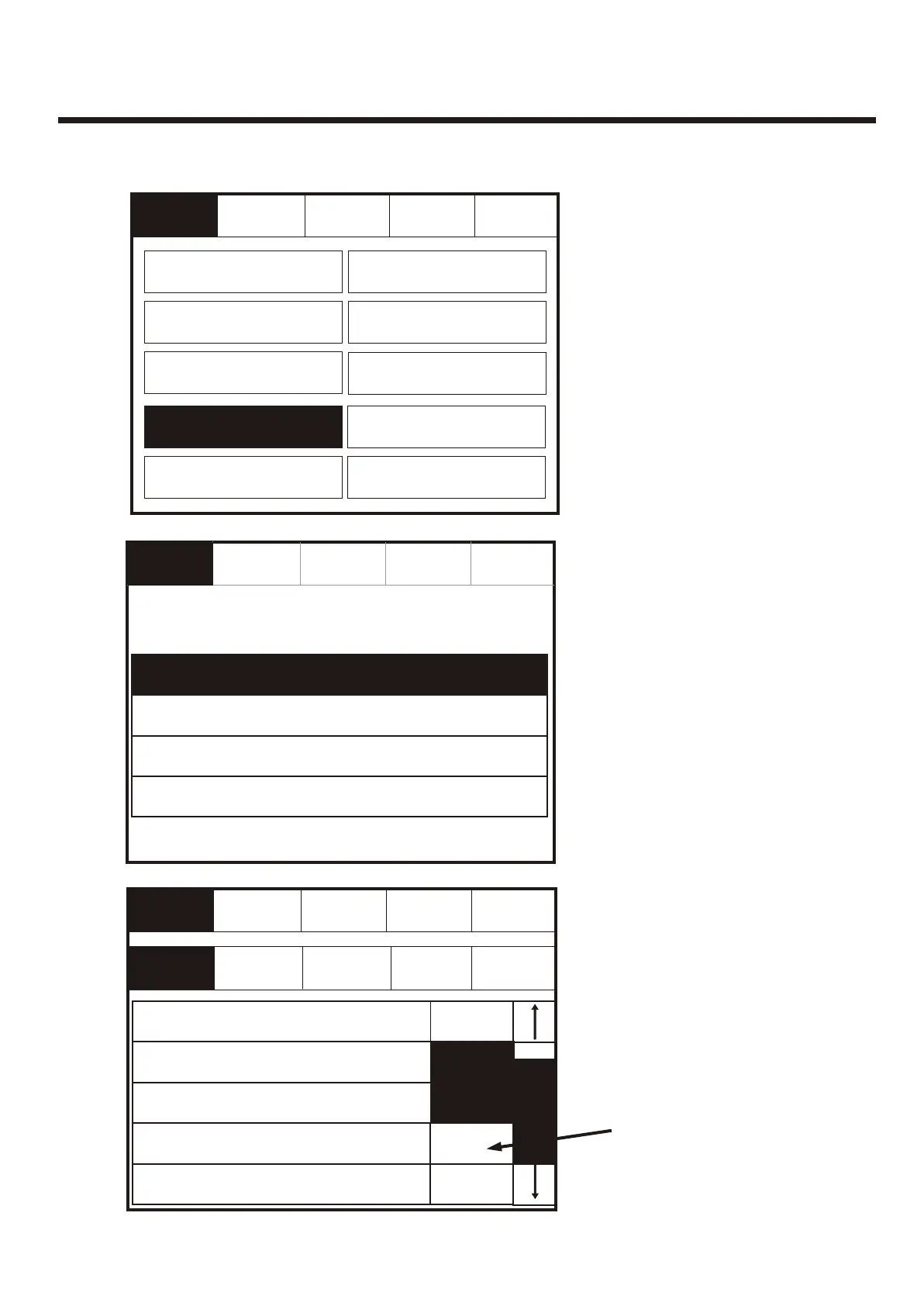
Enter the Service Mode and Select Configure. Select “Configure Zones”Enter the Service Mode and Select Configure. Select “Configure Zones”
Select Zone into which
device will be added
Select Zone into which
device will be added
Touch the dash to
move the device into
the selected zone.
Touch the dash to
move the device into
the selected zone.
Programming I/O and SoundersProgramming I/O and Sounders
Change Date/TimeChange Date/Time
Change TextChange Text
Configure ZonesConfigure Zones
Add ZoneAdd Zone
Add DeviceAdd Device
Delete ZoneDelete Zone
Delete DeviceDelete Device
ExitExit
Zone 001 Zone 1Zone 001 Zone 1
Mute
Buzzer
Mute
Buzzer
Change PasswordChange Password
Day/NightDay/Night
79



 To Next Page