LanguageLanguage
Service
FRE off
Service
FRE off
CommissionCommission
TestTest
ConfigureConfigure
ResetReset
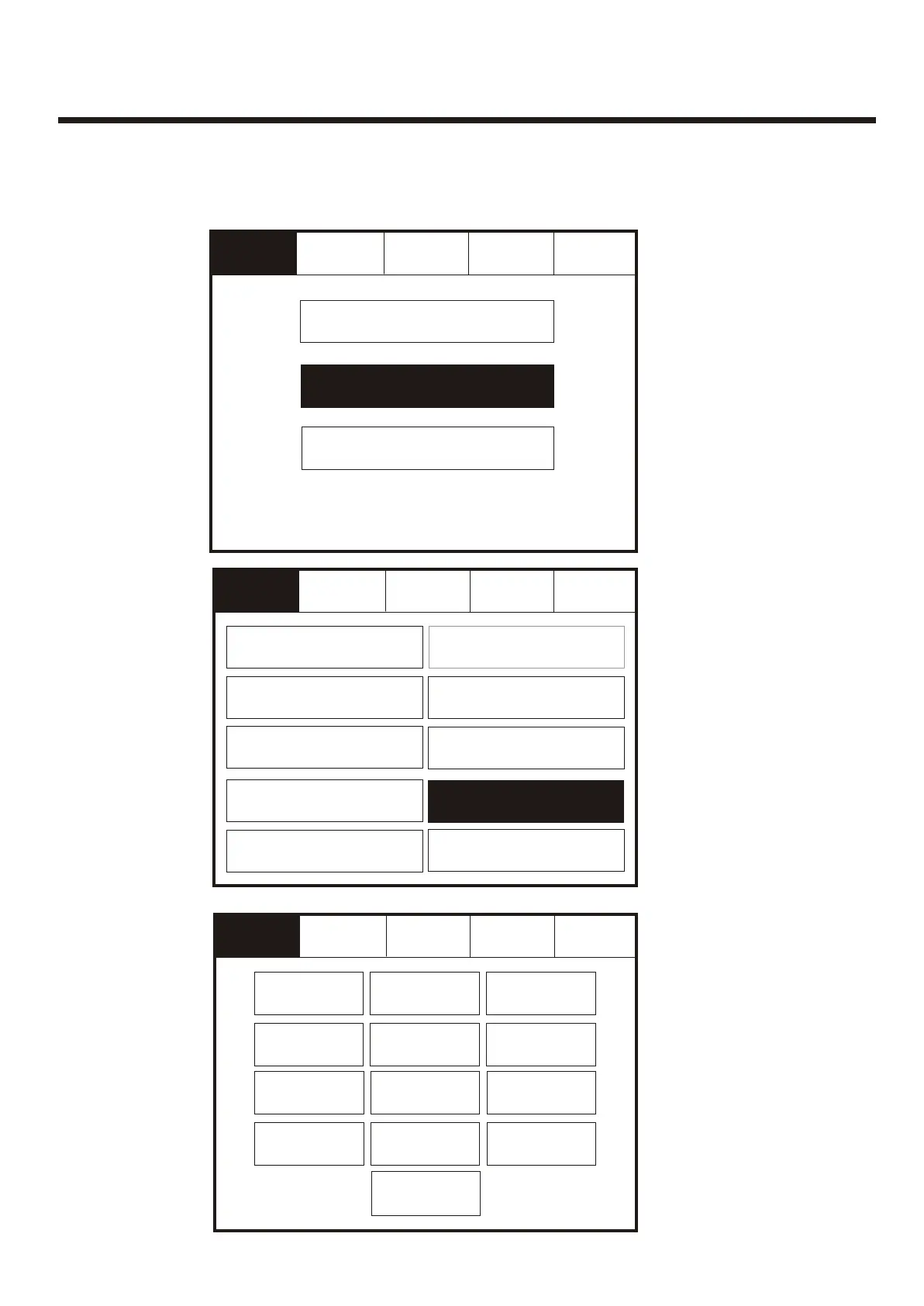
Enter the Service Mode and Select Configure. Enter the Service Mode and Select Configure.
Service
FRE off
Service
FRE off
ResetReset
ExitExit
Select required
Language
Select required
Language
To activate the touch screen, touch the top left corner of the screen until the screen
illuminates. To enter the supervisor mode touch the supervisor button and enter the
service passcode.
To activate the touch screen, touch the top left corner of the screen until the screen
illuminates. To enter the supervisor mode touch the supervisor button and enter the
service passcode.
ExitExit
Mute
Buzzer
Mute
Buzzer
Mute
Buzzer
Mute
Buzzer
SlovenianSlovenian
HungarianHungarian
CzechCzech
SlovakianSlovakian
ChineseChinese
DanishDanish
FlemishFlemish
Service
FRE off
Service
FRE off
ResetReset
ExitExit
Day/NightDay/Night
Programming I/O
and Sounders
Programming I/O
and Sounders
Change Date/TimeChange Date/Time
Change TextChange Text
Configure ZonesConfigure Zones
Add/DeleteAdd/Delete
NetworkNetwork
Configure Heat DetectorsConfigure Heat Detectors
LanguageLanguage
Mute
Buzzer
Mute
Buzzer
Change PascodeChange Pascode
PortuguesePortuguese
GermanGerman
ItalianItalian
FrenchFrench
DutchDutch
EnglishEnglish
Select “Programming
I/O and Sounders”
from the Configure
Menu Screen.Then
press Language
Select “Programming
I/O and Sounders”
from the Configure
Menu Screen.Then
press Language
87



 To Next Page