Xenus Plus User Guide 16-01344 Rev 06
Copley Controls 38
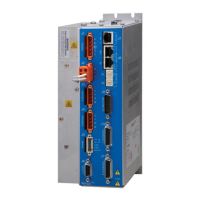
2.5: Status Indicators
2.5.1: XEL J6 STAT & NET: Drive and EtherCAT State Machine Indicators
XEL J6 STAT Indicator: Drive Status
XEL Drive status indicator color/blink codes are described below.
No +24 Vdc power to drive.
Drive is enabled and operational.
Drive is disabled. No faults or warnings are active.
A limit switch is active. The drive is enabled.
Green flash twice
followed by a pause
MTO is active, One or both MTO inputs are de-energized. The drive is hardware &
software enabled but the PWM outputs cannot produce current in the motor when MTO
is active.
A non-latched fault has occurred.
A latched fault has occurred.
XEL J6 NET Indicator: EtherCAT State Machine
Invalid configuration. A change of state commanded by the master is not possible
or is illegal.
Local error. The slave has initiated a change of state by itself in response to an error.
Watchdog timeout. The EtherCAT sync manager watchdog timer has timed out.


 To Next Page
 Loading...