Xenus Plus User Guide 16-01344 Rev 06
Copley Controls 107
4.10: Network Ports
4.10.1: EtherCAT (XEL (J7), XE2/800-1818/800-1819/800-1887 (J8))
Mating Connector
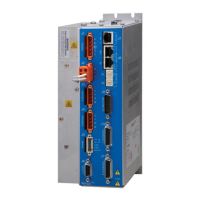
Dual RJ-45 sockets accept standard Ethernet cables. The IN port connects to a master, or to the
OUT port of a device that is ‘upstream’ between the Xenus Plus and the master. The OUT port
connects to ‘downstream’ nodes. If Xenus Plus is the last node on a network, only the IN port is
used. No terminator is required on the OUT port.
Pin Description*
*Table applies to both EtherCAT connectors
EtherCAT Bus Wiring Diagram
The XEL drive uses connector J7. The XE2/800-1818/800-1819/800-1887 drives use connector
J8.


 To Next Page
 Loading...