ABS 2.0 Operator’s Manual
© 2019, Cornelius Inc. - 11 - Publication Number: 621058590OPR
OPERATIONAL MODES
The “ABS 2.0” has three modes of operation:
• Ma
nual.
• Autom
atic (Normal Operation).
• Semi-Autom
atic (while in Auto).
INITIALIZING AND SELF TEST
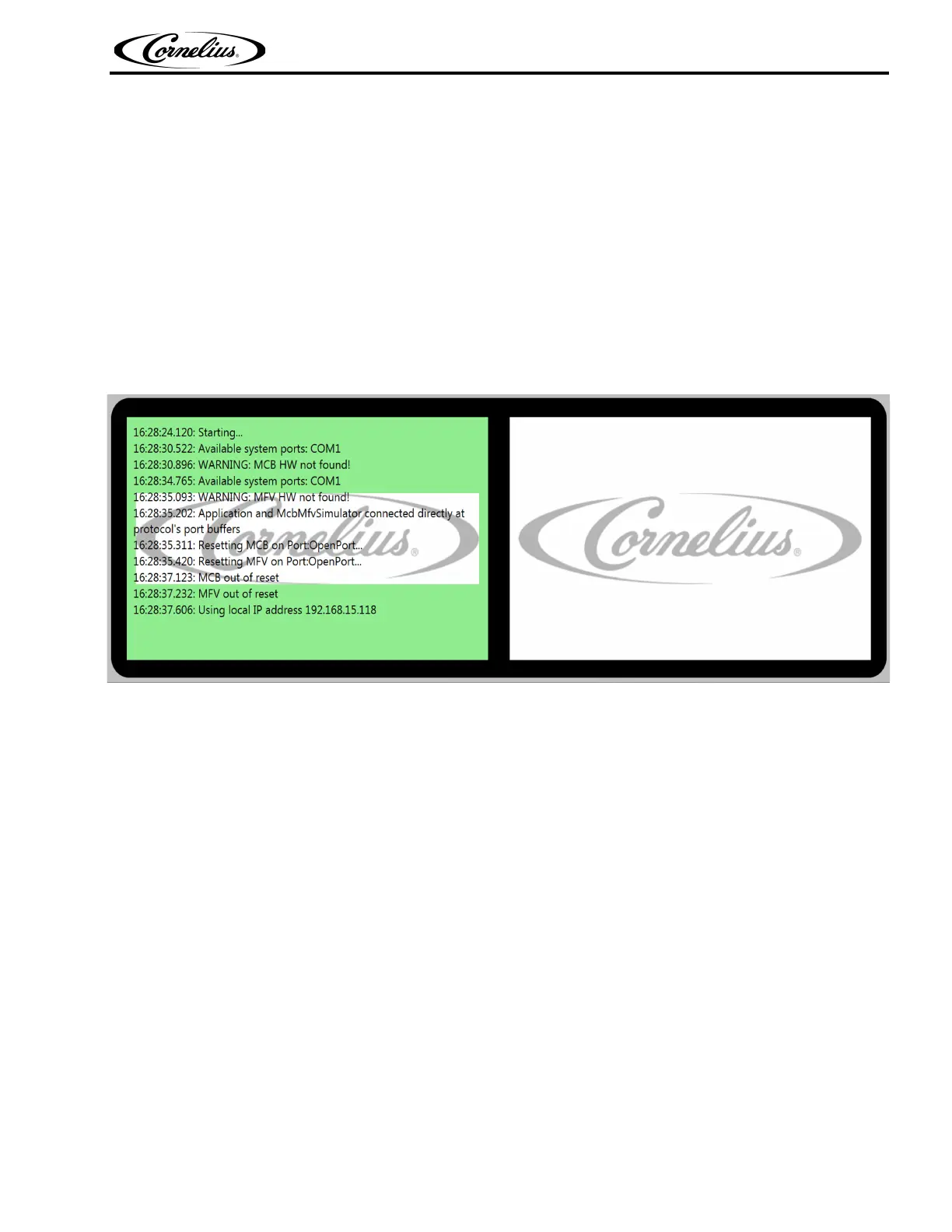
Turn ON the ABS 2.0 unit at the ABS 2.0 ON/OFF switch located on the left top corner of the stand. During
the power-up sequence the Self Test and Initializing messages will be displayed as each test is being made.
When the tests are complete the final message will be displayed and will remain for 5 seconds before the unit is
placed in the manual mode.
Figure 9.
If the initializing process doesn’t detect an Ethernet connection it will generate an error, plug in (POS) cable.
NOTE: Closes by operator or in 30 sec so unit can be ran in semi auto or manual.
NOTE: Once plugged (POS) in the unit/ application has to be restarted.





 To Next Page