Viper Low overrun Service Manual
© 2016, Cornelius Inc - 19 - Publication Number: 621360241LOEWSE
Setting Daylight Savings Time
Once the date and time are set properly, daylight savings time settings can be done. The Daylight Savings Time
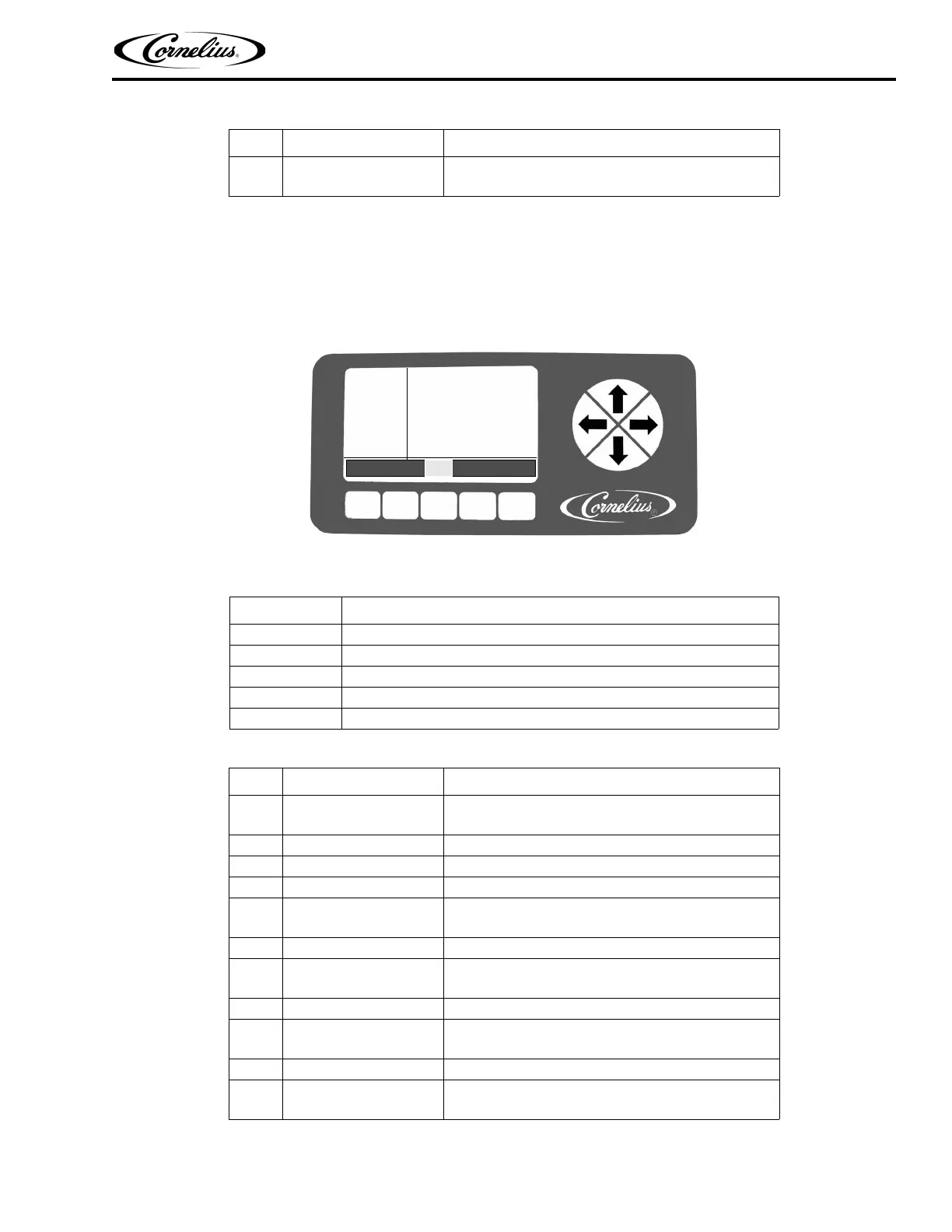
menu is shown in Figure 15. If daylight savings time is off, press the + button to activate it. The button functions are
described in Table 13. To set daylight savings time, perform the procedure in Table 14.
NOTE: Default daylight savings settings are for the U.S.
Figure 15. Daylight Savings Setup Screen
When the daylight savings settings are complete, press the BACK button to save the settings and return to the
Select menu, shown in Figure 13.
7 Set correct year
Use the + or - buttons at the bottom of the display to
set the correct year.
Table 13.
Button Description
BACK Returns the display to the Select menu
CLOCK Opens the Clock menu
DST Highlighted to indicate DST menu
- Decrements the highlighted field by one increment
+ Increments the highlighted field by one increment
Table 14.
Step Action Procedure
1 Set daylight savings time
Press DST button at the bottom of display to open day-
light savings time display, shown in Figure 15.
2 Select DST Use the up and down arrows to select DST.
3 Set DST on Use the + button to turn on daylight savings time.
4 Select SPRING MONTH Use up and down arrows to select SPRING MONTH.
5 Set SPRING MONTH
Use the + or - buttons at the bottom of the display to
set the correct month.
6 Select SPRING WEEK Use up and down arrows to select SPRING WEEK.
7 Set SPRING WEEK
Use the + or - buttons at the bottom of the display to
set the correct week. The choices are 1, 2, 3 or L.
8 Select FALL MONTH Use the up and down arrows to select FALL MONTH.
9 Set FALL MONTH
Use the + or - buttons at the bottom of the display to
set the correct month.
10 Select FALL WEEK Use up and down arrows to select FALL WEEK.
11 Set FALL WEEK
Use the + or - buttons at the bottom of the display to
set the correct week. The choices are 1, 2, 3 or L.
Table 12.
Step Action Procedure
CLOCK
SETUP
12:51P
MAR 04
DST: ON
SPRING MONTH: MAR
SPRING WEEK: 1
FALL MONTH: OCT
FALL WEEK: L
BACK CLOCK DST - +



 To Next Page