Viper Low overrun Service Manual
© 2016, Cornelius Inc - 25 - Publication Number: 621360241LOEWSE
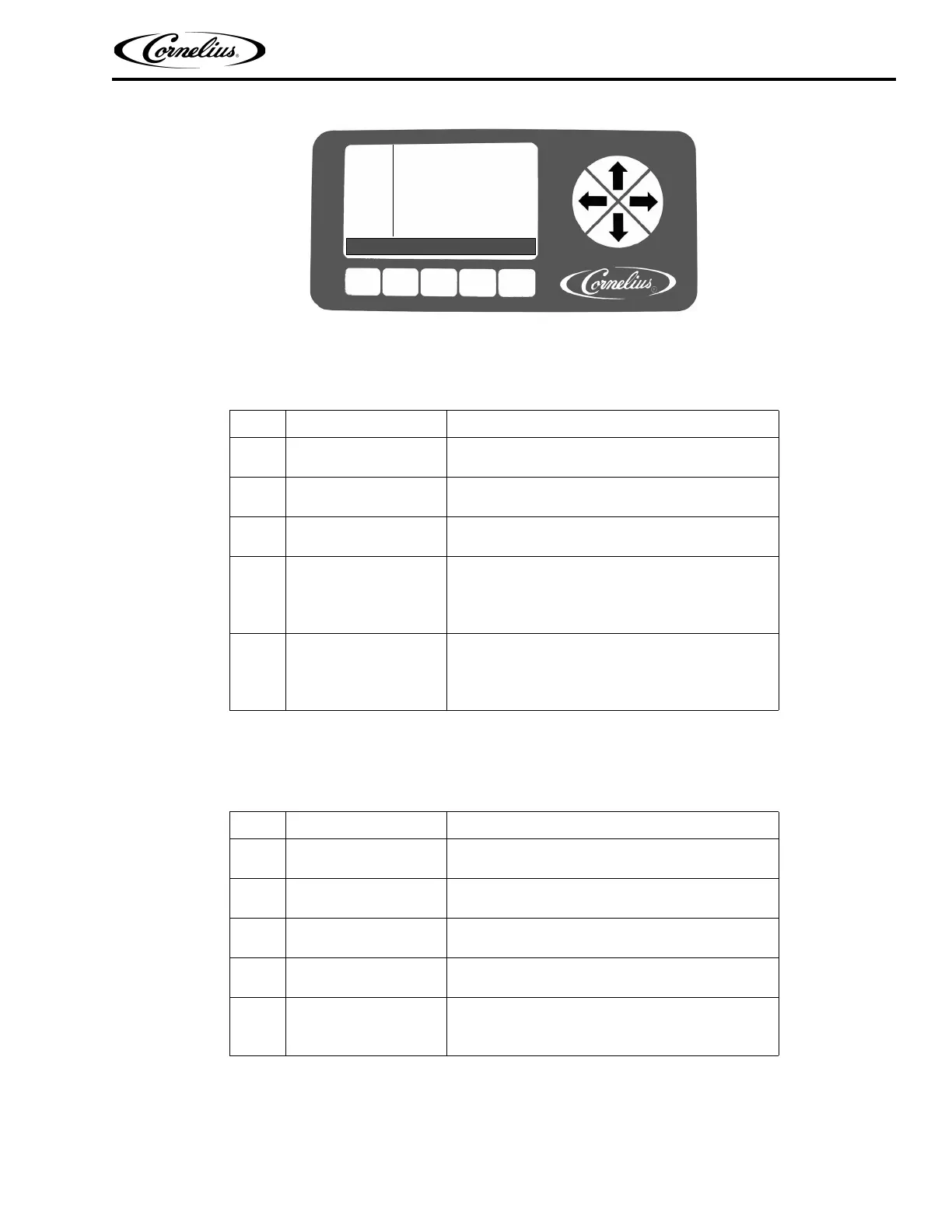
Figure 21. Barrel Maintenance Screen
Purging a Barrel
NOTE: When the PURGE button is pressed, it changes to a STOP button.
Filling a Barrel
NOTE: When FILL button is pressed, it changes to a STOP button.
Table 21.
Step Action Procedure
1 Purge a barrel
From the Select menu (Figure 20), open the Barrel
Maintenance menu, shown in Figure 21.
2 Select the barrel
Use the Up and Down arrows to highlight the desired
barrel
3 Select Purge function
Press the PURGE button at the bottom of the display
to select purge for the highlighted barrel
4 Empty the barrel
Place a container under the barrel dispensing valve,
open the dispensing valve and dispense all the prod-
uct from the barrel. As the product level lowers in the
barrel, partially close the valve to avoid spurting.
5 Complete the procedure
When the barrel is completely empty, close the dis-
pensing valve and press the STOP button at the bot-
tom of the display to turn off the purge. Press the
BACK button to return to the Select menu.
Table 22.
Step Action Procedure
1 Fill a barrel
From the Select menu (Figure 20), open the Barrel
Maintenance menu, shown in Figure 21.
2 Select the barrel
Use the Up and Down arrows to highlight the desired
barrel
3 Select Fill function
Press the FILL button at the bottom of the display to fill
the highlighted barrel
4 Finish filling the barrel
When the fill completes, intermittently open and close
the relief valve to bleed CO
2 from the barrel.
5 Complete the procedure
Press the STOP button at the bottom of the display to
stop the fill. Press the BACK button to return to the
Select menu.
BARREL
MAINT
12:51P
MAR 04
#1 PURGE
#2 OFF
BACK PURGE FILL SPIN



 To Next Page