Kangaroo™ Console | 23
Logging In and Automatic Log-Out
The console can only be used by approved individuals. A login name and password
isrequired.
New users:
Only an administrator can set up a new user account.
Note: The original administrator login name is “ADMINISTRATOR”, but other
administrator accounts may be added.
Return users:
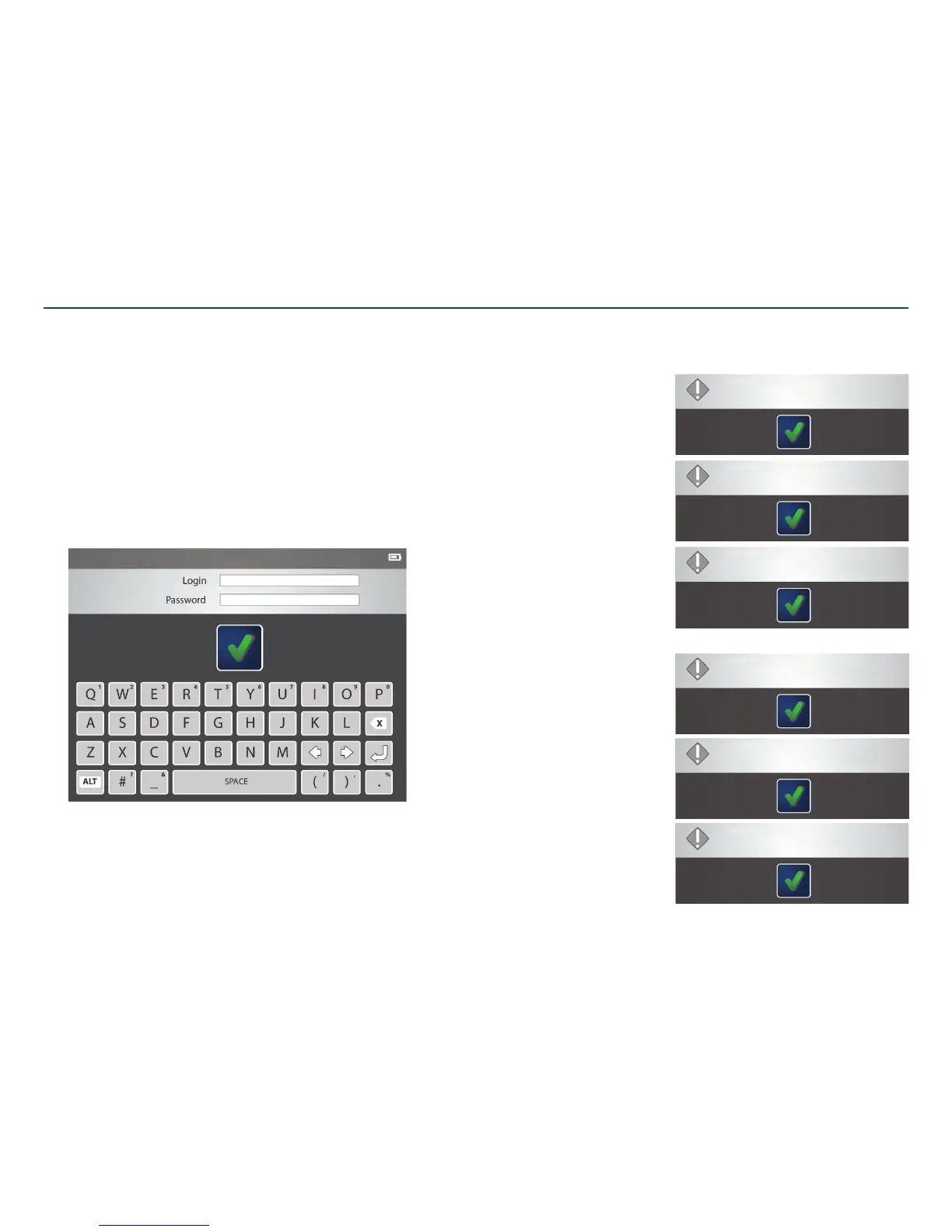
Using the on screen keyboard, enter the login name and password. Tap the check
mark to confirm.
Automatic log-out:
After a certain period of inactivity (where there is no user input to the console), the
console will automatically log the user out. This inactivity time period is 5 minutes for
operators and reviewers, and 10 minutes for administrators.
The automatic log-out will not occur during the procedure.
Section V: User Interface Features
Wrong password for administrator account:
If a password for an administrator account is entered
incorrectly, the system will allow up to five attempts.
After the fifth try, the console is reset to factory
settings. All patient and user information will belost.
Wrong password for reviewer or
operatoraccount:
If a password is entered incorrectly, the system allows a
user to attempt to login up to five times.
After the fifth attempt, the user’s account is locked.
To unlock the account, an administrator must reset the
password from the settings menu.
The system could not validate username or password.
Make sure your username is correct and type your password again.
Invalid credentials.
You have X more attempts before this account will be locked out.
The User is locked out.
The system could not validate username or password.
Make sure your username is correct and type your password again.
Invalid credentials.
You have X more attempts before the console will be reset.
The Console is going to be reset to factory defaults.



 To Next Page