Kangaroo™ Console | 36
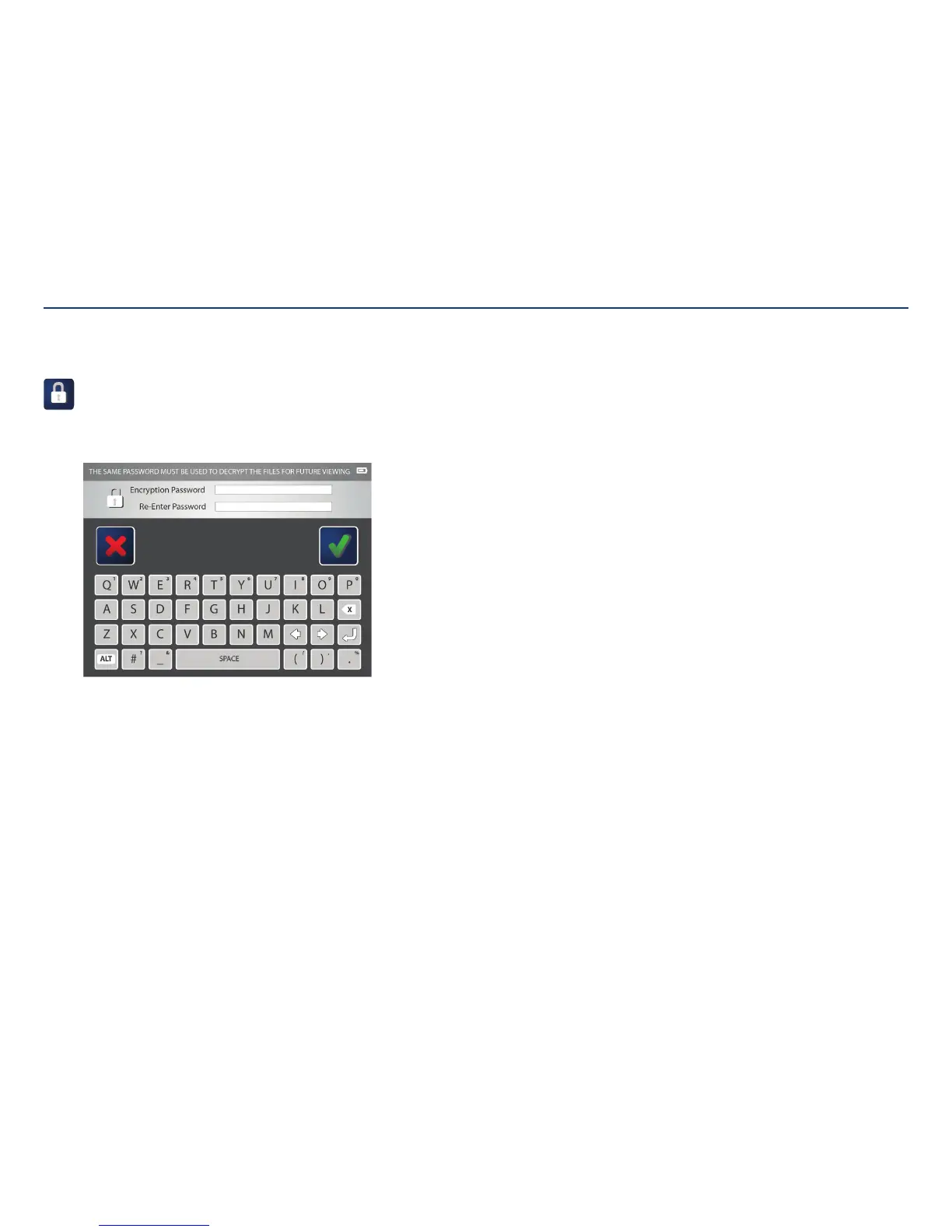
Encryption password:
Select the encryption password icon to edit the password used to open
patient images on a computer. The password created will be needed to open
any files exported from this console. The same password will be used for
any files exported.
Tap on the first text field to enter the desired password. Then, re-enter the
password in the text field below. When satisfied, touch the check mark to
save the changes.
Note: The password is case-sensitive and will be in all upper-case.
Creating and Editing Encryption Password
Section V: User Interface Features



 To Next Page