Kangaroo™ Console | 17
Reconnecting
Reconnecting the console and interface cable to the Kangaroo Feeding Tube
with IRIS Technology:
A console used to place a feeding tube will retain the memory of which patient is
associated to that tube. By re-connecting to the same feeding tube, the console will
recognize it and ask for confirmation that the patient data iscorrect.
Note: Only the console used during the placement procedure will recognize the
feeding tube and associated patient information. If a different console is connected to
a pre-placed tube, entering the patient’s information is required.
Power on and reconnect:
Power console on and enter login name and password.
Connect console to interface cable.
Connect interface cable to pre-placed Kangaroo feeding tube with IRIS technology.
You have just connected a feeding tube placed on the
following patient: PATIENTNAME - DOB - PATIENTID.
Is this your patient?
Confirm patient information:
A screen will pop up with the recognized patient information. Tap the check mark to
confirm the information is correct.
If the information is incorrect, tap the “x” to go back to the main menuscreen.
Section III: Setting Up and Using the Kangaroo Feeding Tube with IRIS Technology for Placement
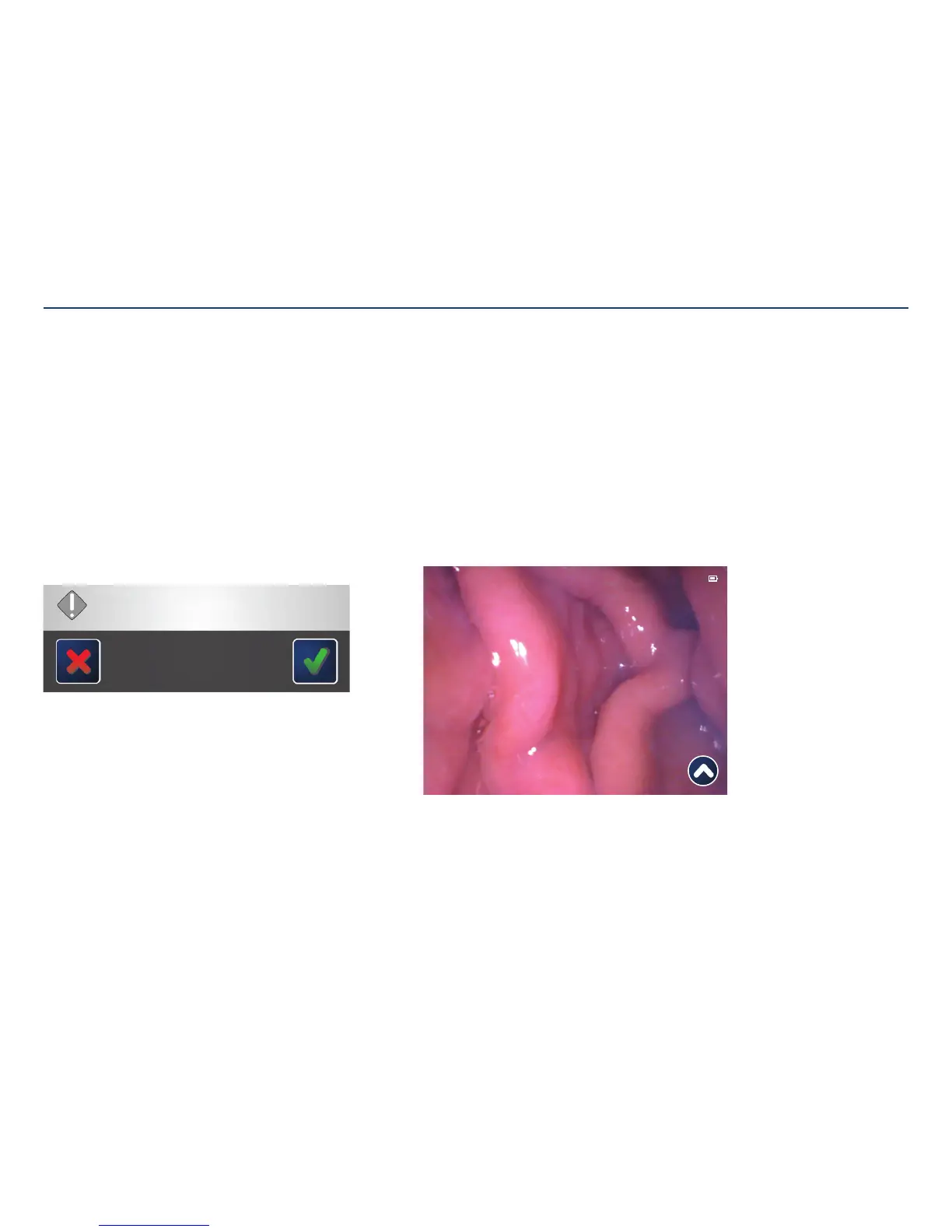
Focus on procedure screen:
The console will display the procedure screen with a live-feed from the camera on the
end of the enteral feeding tube.
11:11:11 PATIENT-NAME-UP-TO-THIRTY-CHARACTERS 11-11-2011 PATIENT-ID -XXXX



 To Next Page