Kangaroo™ Console | 26
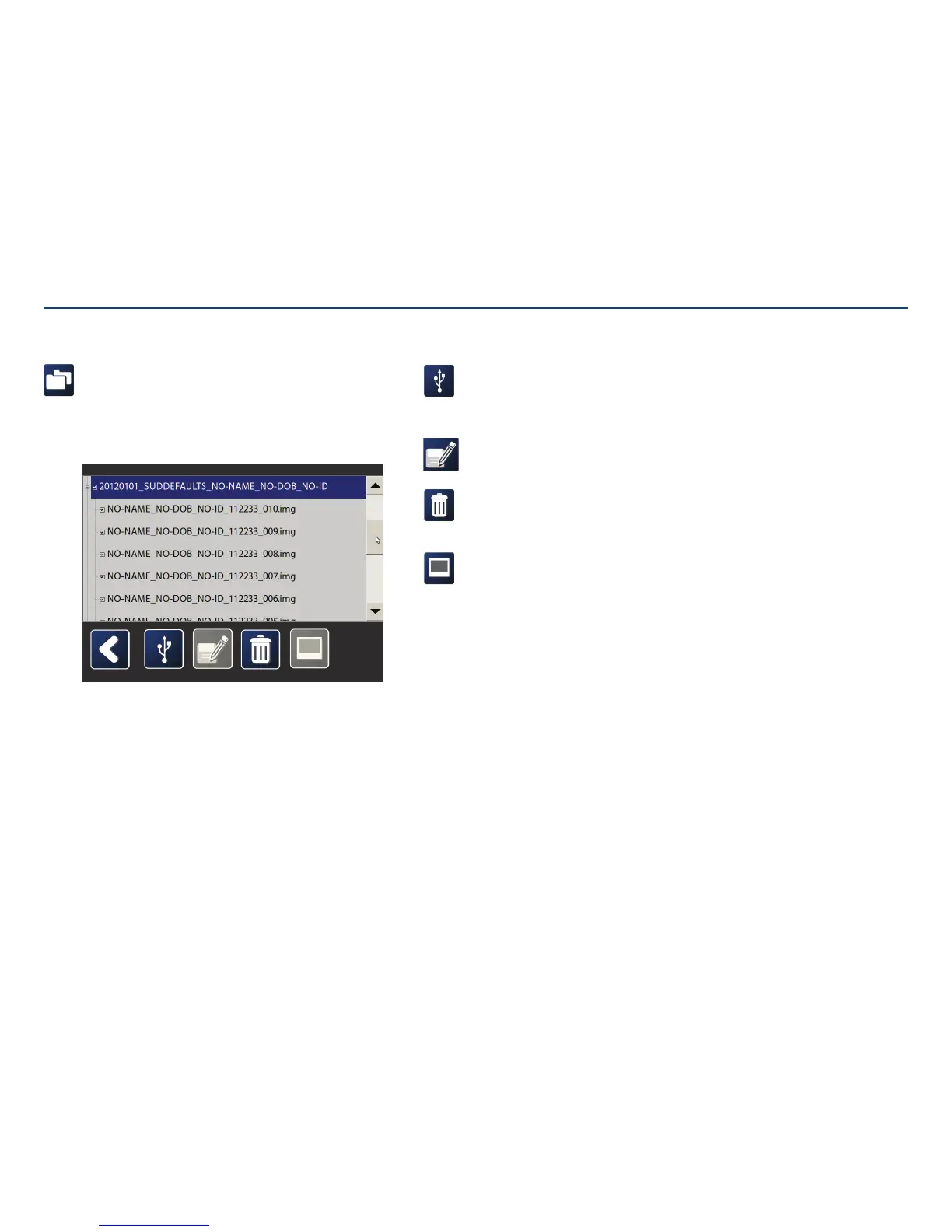
Patient folders and files:
Patient folders are auto-titled with the procedure date, feeding tube number,
patient name, date of birth and patient identification. Select a patient folder
to view by tapping twice on it. All images are listed below the patient folder.
Images can be viewed, exported, annotated, or deleted.
Note: Screens shown below show sample data as an example.
Options for Viewing Patient Folders and Files
Save to USB:
Export image(s) to USB flash drive. Exported
images are password protected to ensure
patient privacy.
Rename image:
Rename a portion of the image.
Delete image(s):
Delete one or more images from the
patientfolder.
View image:
View image in full screen.
Section V: User Interface Features



 To Next Page